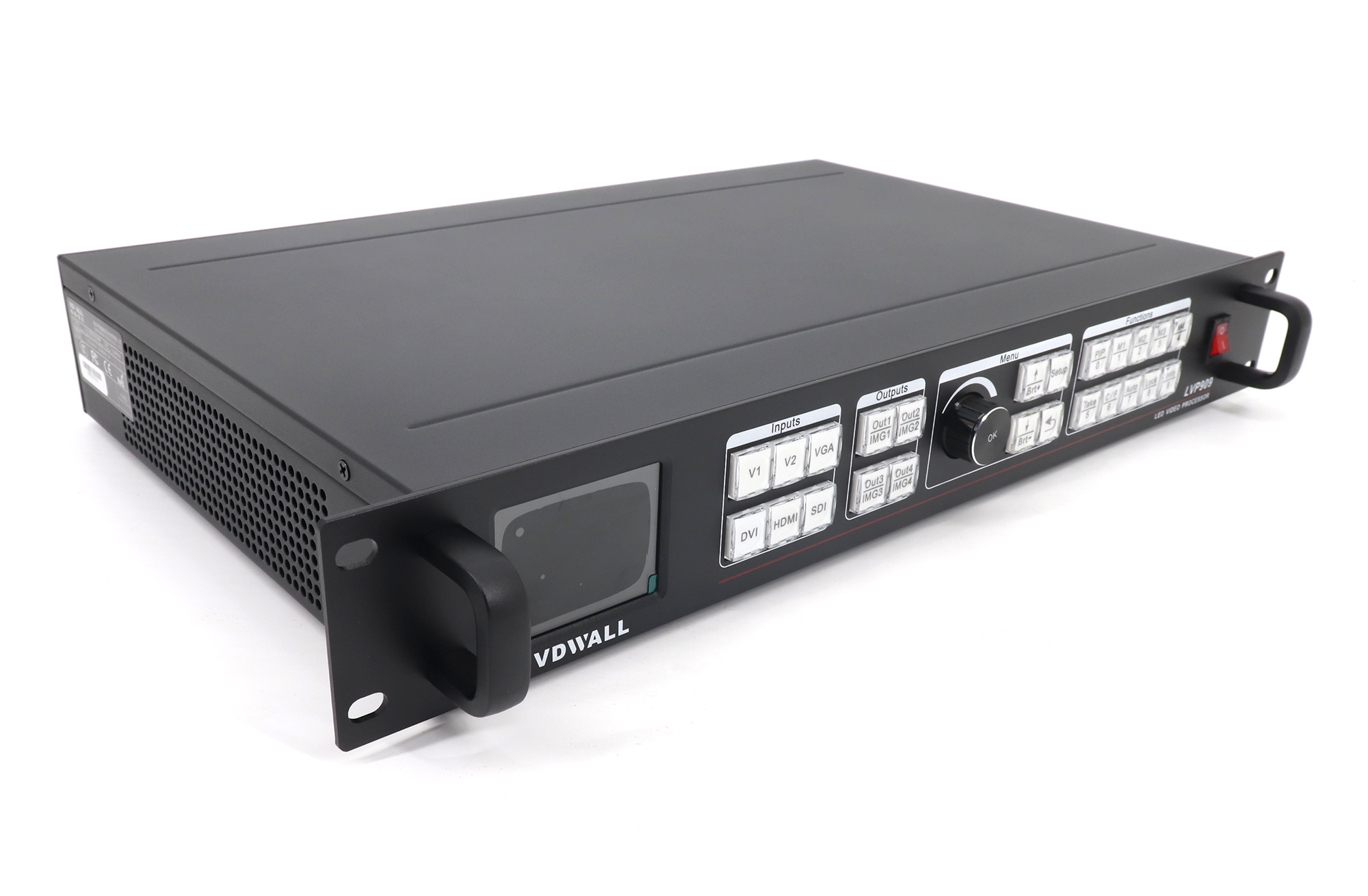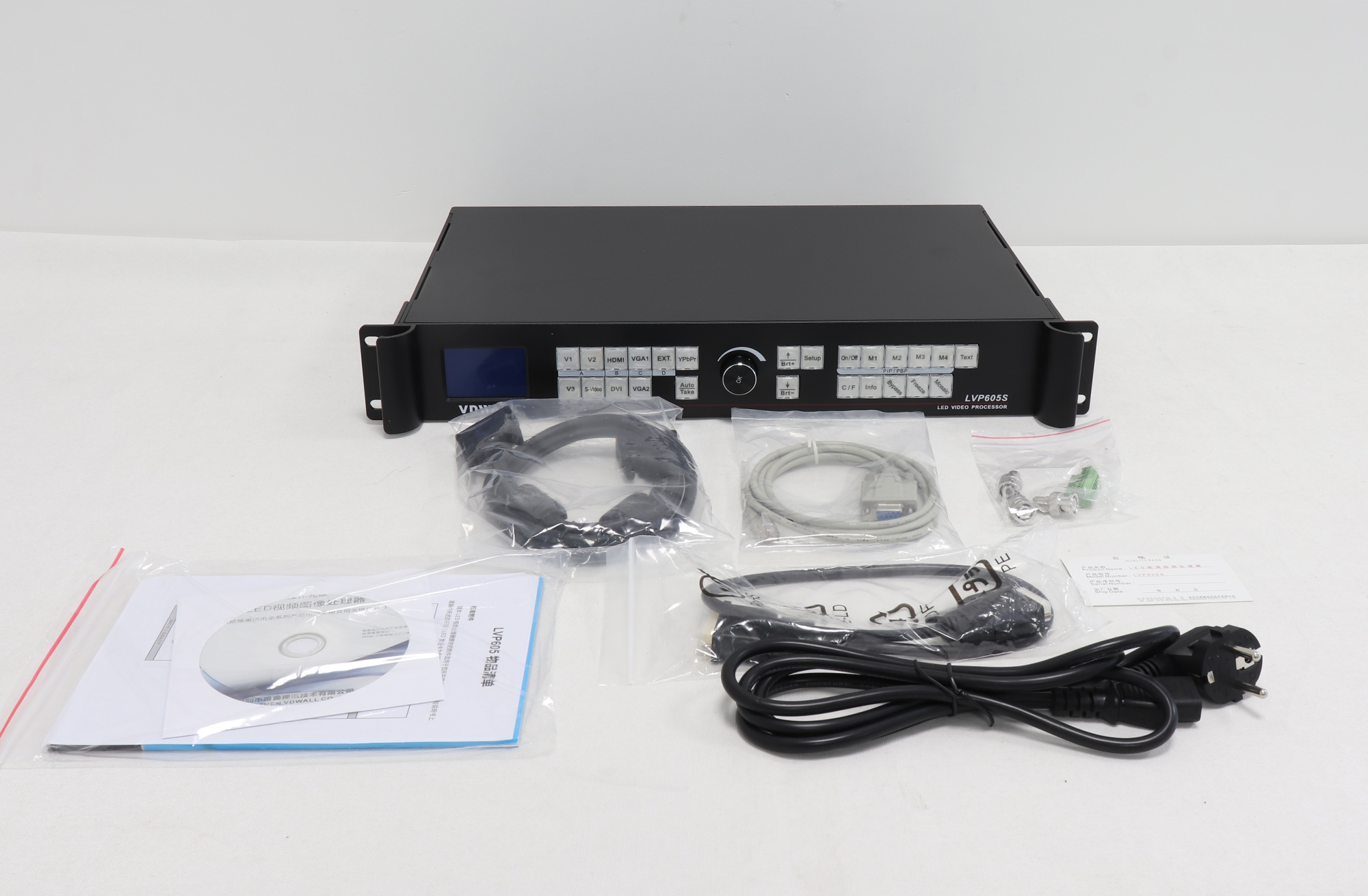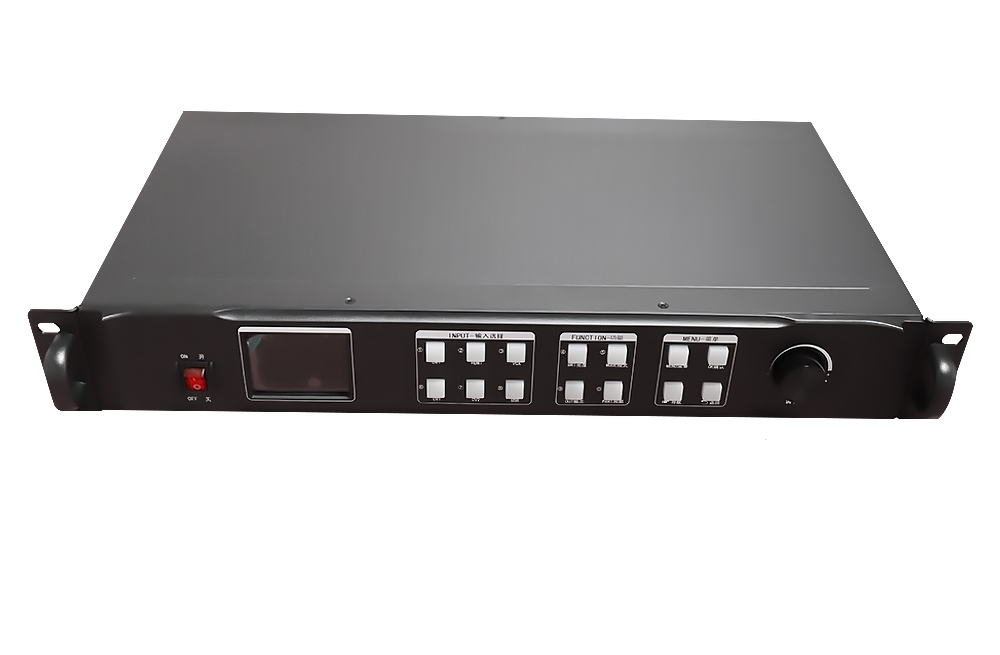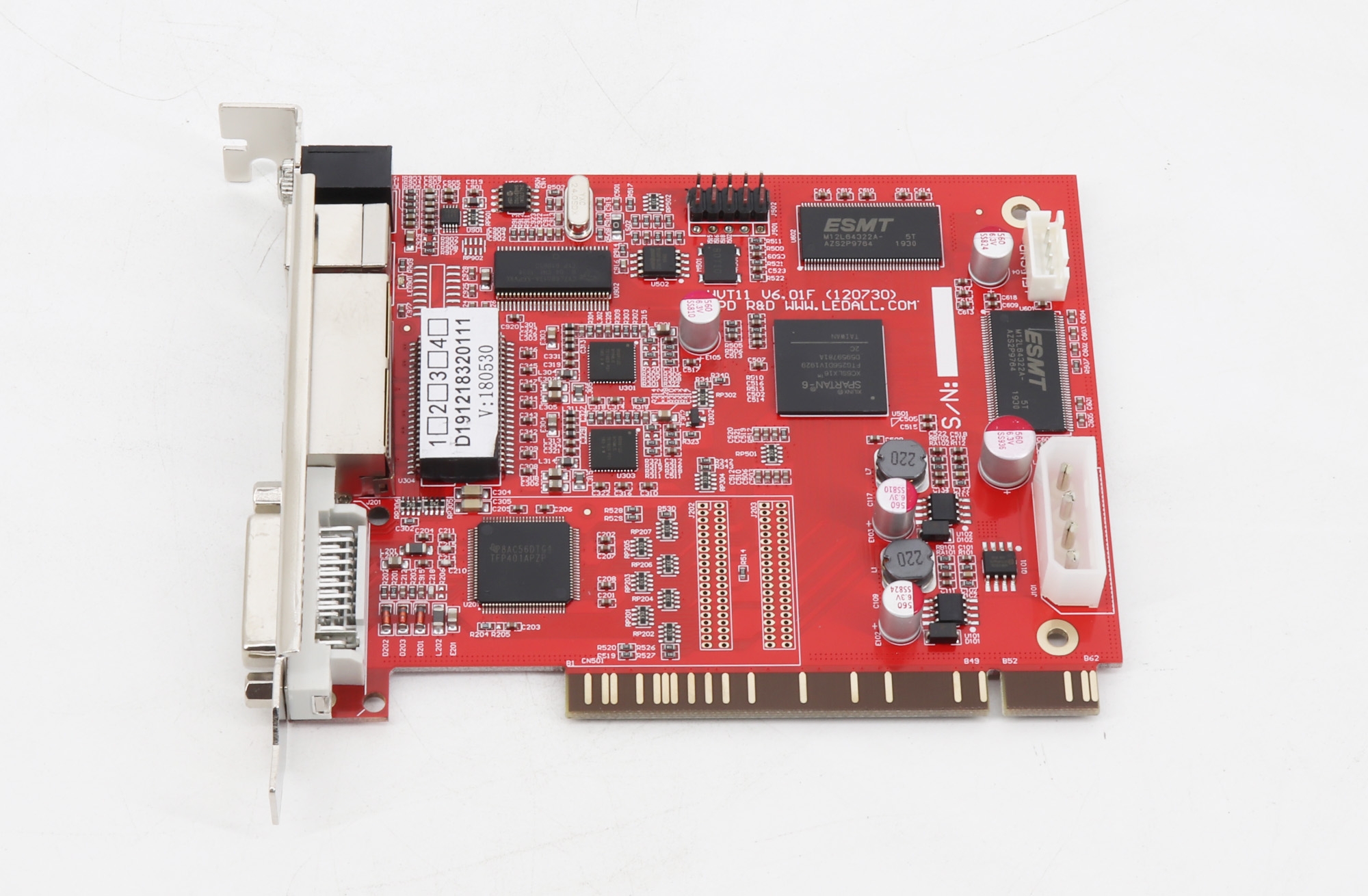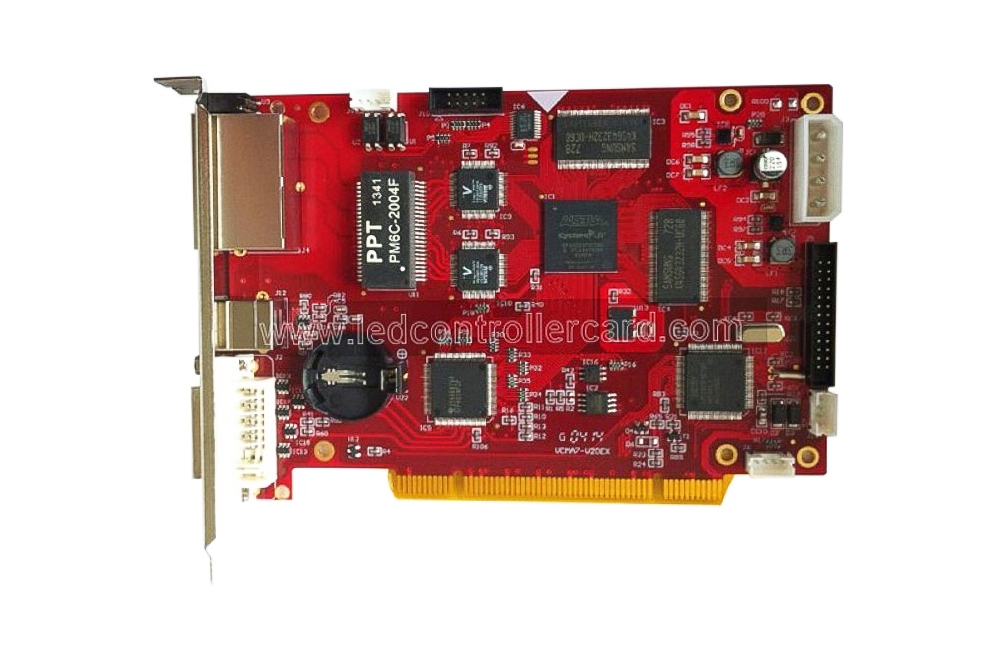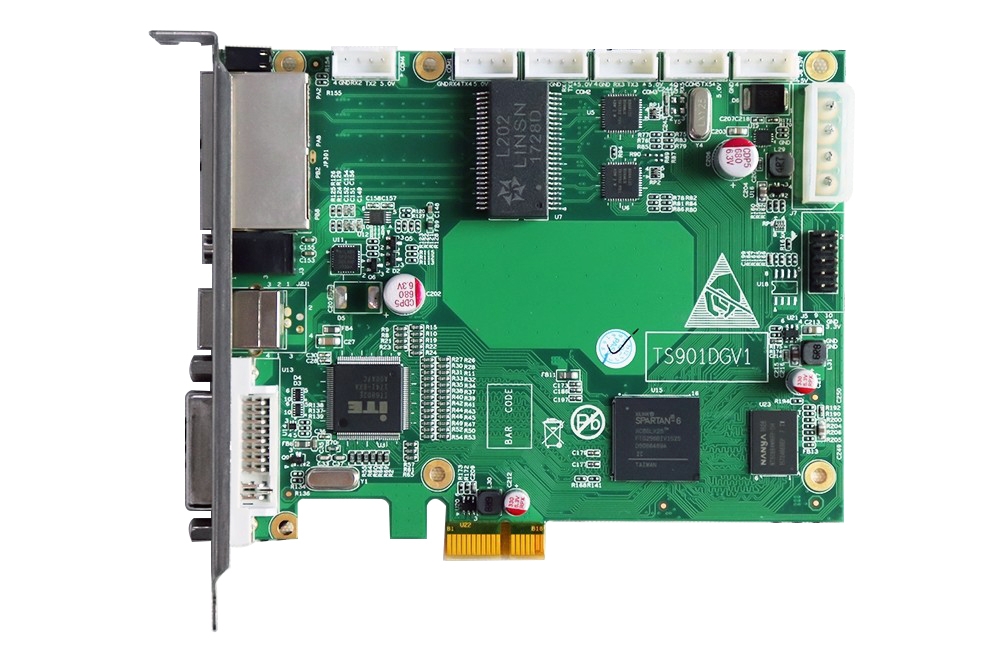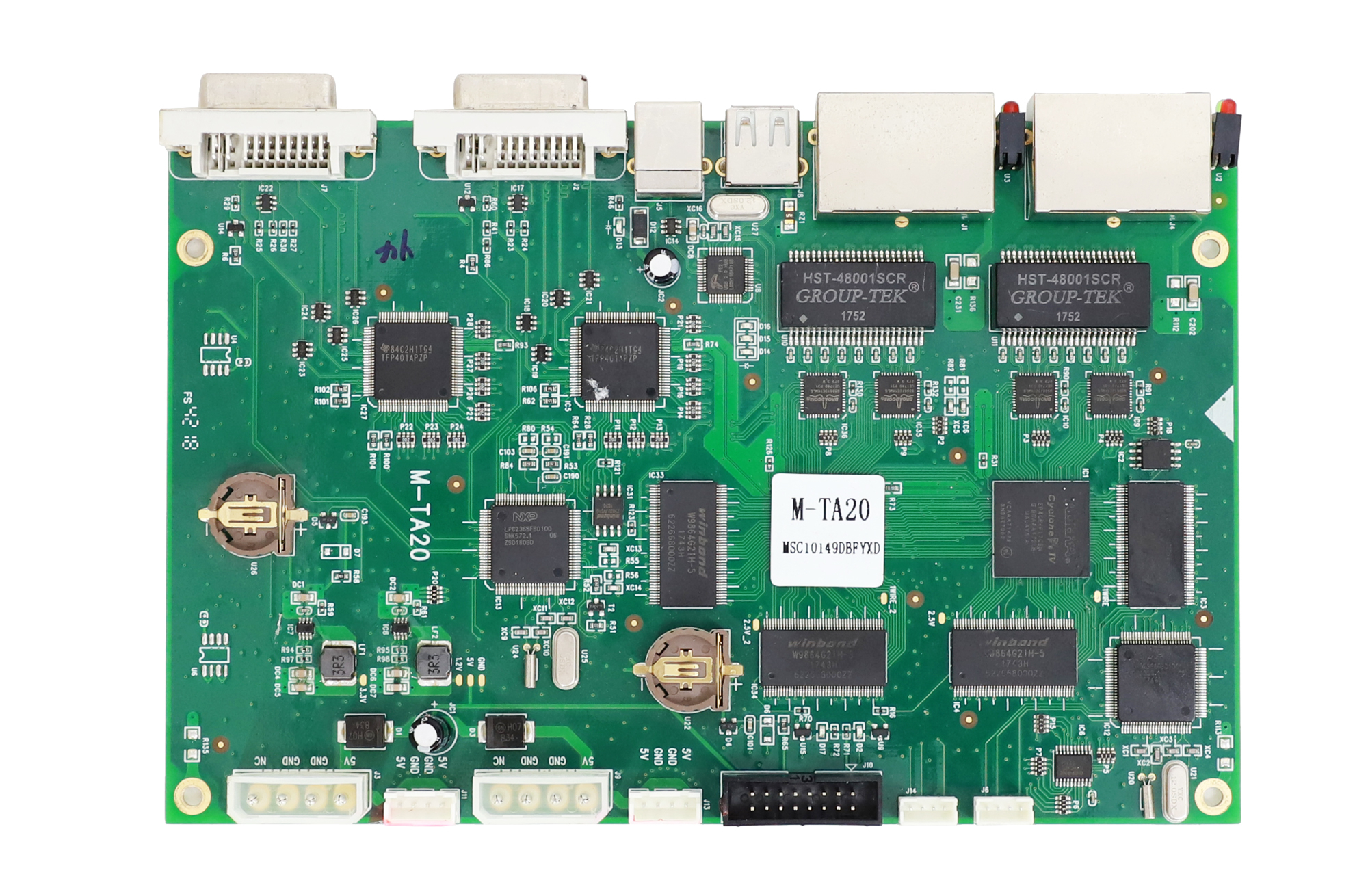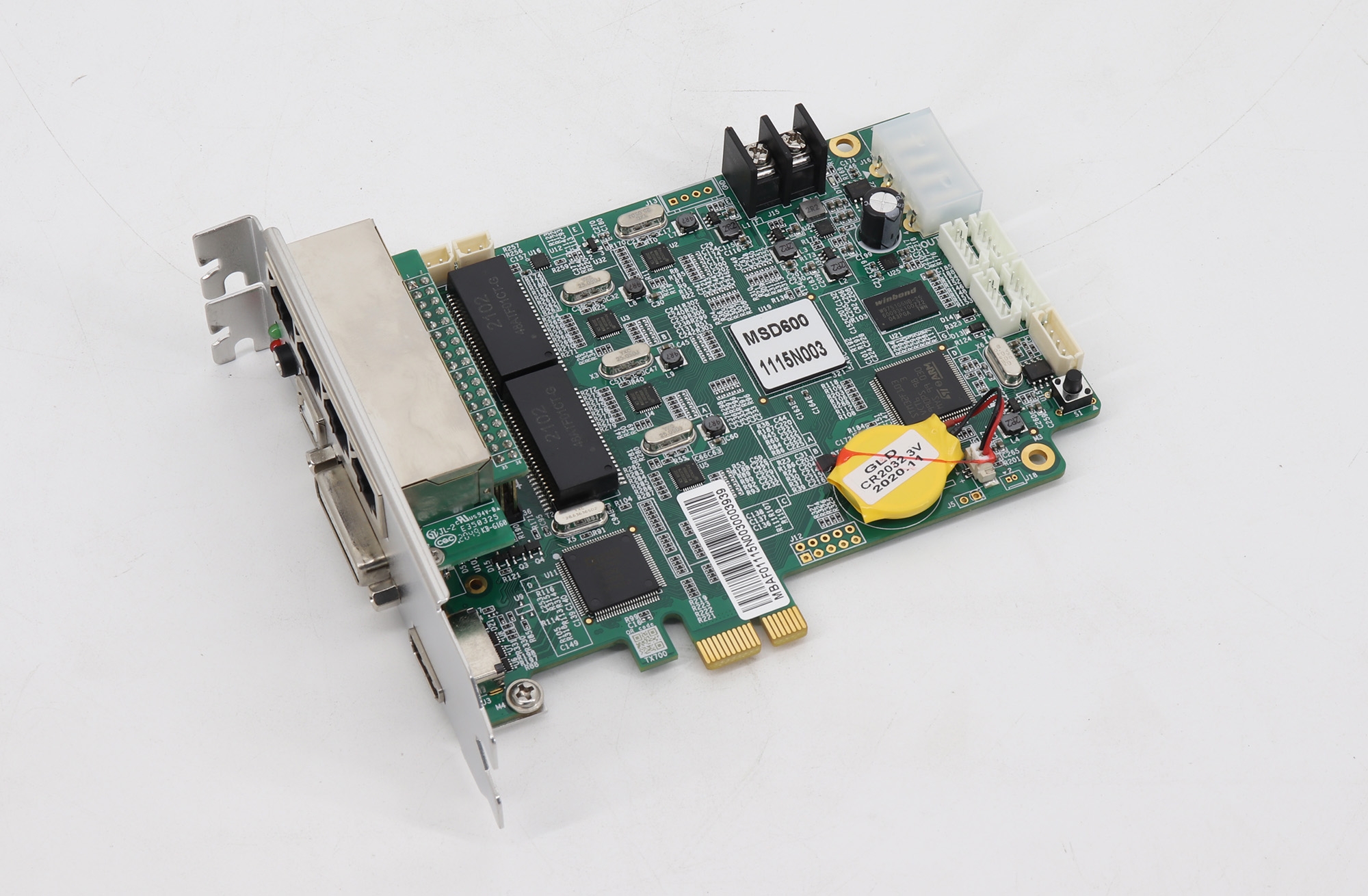


The NovaStar MSD600 LED sending card connects HDMI or DVI video sources to an LED display control system through four Gigabit Ethernet outputs.
The NovaStar MSD600 is an LED display sending card with HDMI and DVI inputs. This product listing includes the MSD600 / MSD600-1 naming. If you are replacing a card labelled MSD600-1, compare the board label, connectors and mounting layout with your existing hardware before ordering.
MSD600 Specifications
| Feature | Specification |
|---|---|
| Video inputs | 1 × HDMI 1.3; 1 × single-link DVI |
| 8-bit input | Up to 1920 × 1200 at 60 Hz |
| 10-bit / 12-bit input | Up to 1440 × 900 at 60 Hz |
| LED data outputs | 4 × Gigabit Ethernet; up to 650,000 pixels per port |
| Audio | Dedicated audio input |
| Control | USB Type-B for PC connection; UART IN/OUT for cascading up to 20 devices |
| Brightness control | Light sensor connector for automatic brightness adjustment with a connected sensor |
| Power input | DC 3.3–5.5 V |
Specifications reference: NovaStar MSD600 specifications V2.4.1 (PDF). Check the exact board revision when planning a replacement.
Check Your LED Display Before Ordering
- Source signal: Confirm the source connector, output resolution, refresh rate and bit depth together.
- Screen configuration: Record the total screen resolution, cabinet layout and receiving card model so the proposed configuration can be checked.
- Replacement fit: Compare clear photos of both sides of your existing card, including its model label and power connection.
For a compatibility check, contact us with these details. You can also browse our LED sending cards to compare product options.
Frequently Asked Questions
1. Is the MSD600 a sending card or a receiving card?
The MSD600 is a sending card. If your search is for an “LED display driver card”, check which component you need: identify whether you are replacing the sending hardware or a receiving card inside an LED cabinet.
2. Does MSD600 support HDMI input?
Yes. It provides HDMI 1.3 and single-link DVI video inputs. Use the specification table above to check the resolution limit for your source bit depth.
3. How should I confirm an MSD600-1 replacement?
Send the model label and connector photos from your current card, along with the receiving card model and screen resolution. Do not rely on the listing name alone to confirm a board revision match.
Check the source bit depth and required screen resolution together. The loading limit depends on the input configuration.
Product Photos and Specification Download

 Download Specification NOVASTAR MSD600 HD LED Screen Driver Card with HDMI Input Specification