RGBlink VENUS X1 LED video processor
The VENUS X1 scales and switches video for LED display presentations. Set image size and position, work with dual images, or cascade units for synchronized screen layouts. EDID editing for VGA, DVI and HDMI inputs helps match the source timing to the intended output.
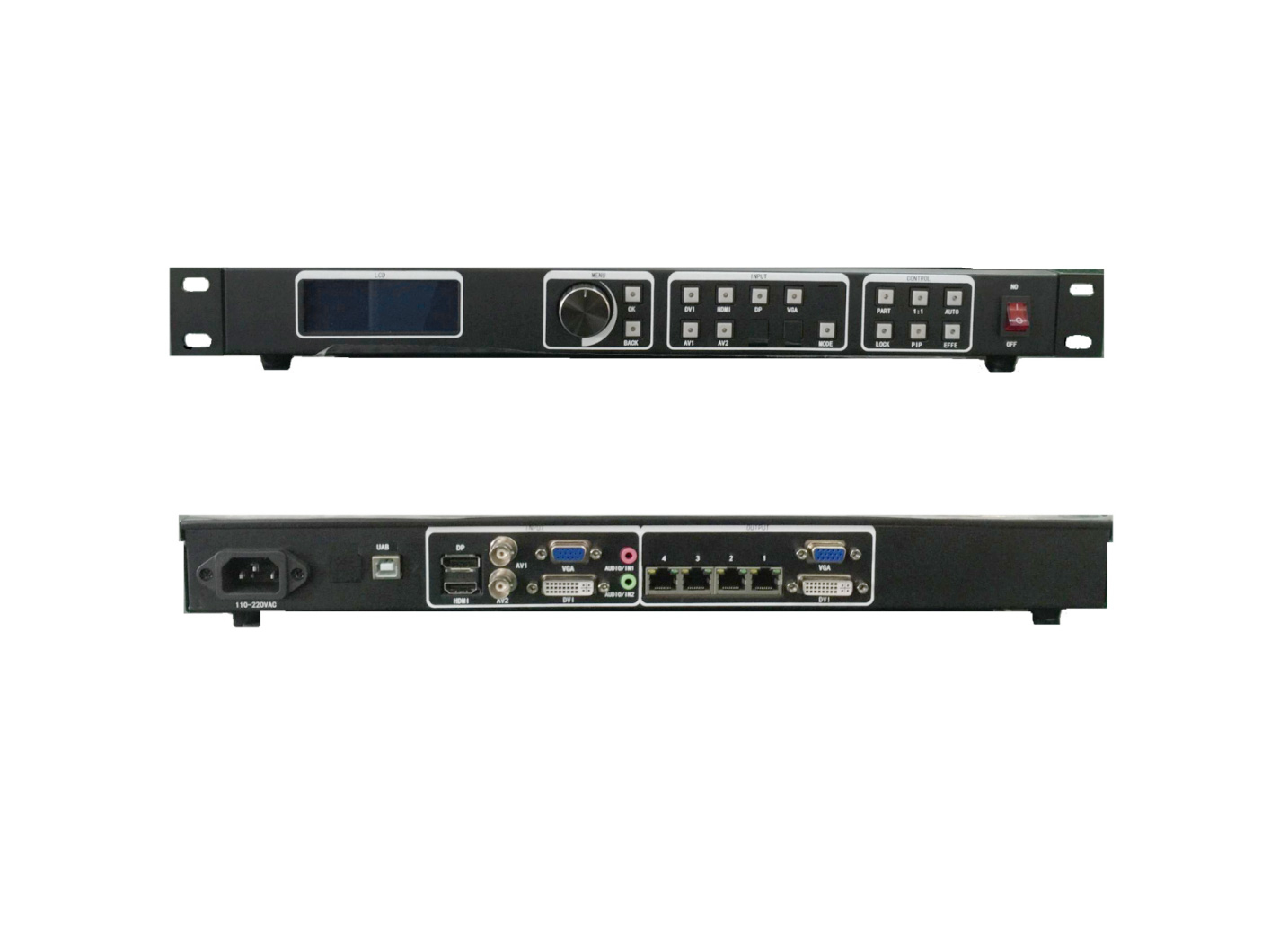
VENUS X1 connections and parameters
| Parameter | Specification |
|---|---|
| Standard inputs | 1 × HDMI 1.3; 1 × CVBS; 1 × VGA with YPbPr compatibility; 1 × DVI with HDMI 1.3 compatibility |
| Optional inputs | 3 × SDI/VGA/DVI/DP/CVBS/USB/HDMI according to fitted modules |
| Other listed options | 1 × 3.5mm analog audio; 3 × SDI/DVI with optional DL module |
| Outputs | 2 × DVI; 1 × VGA |
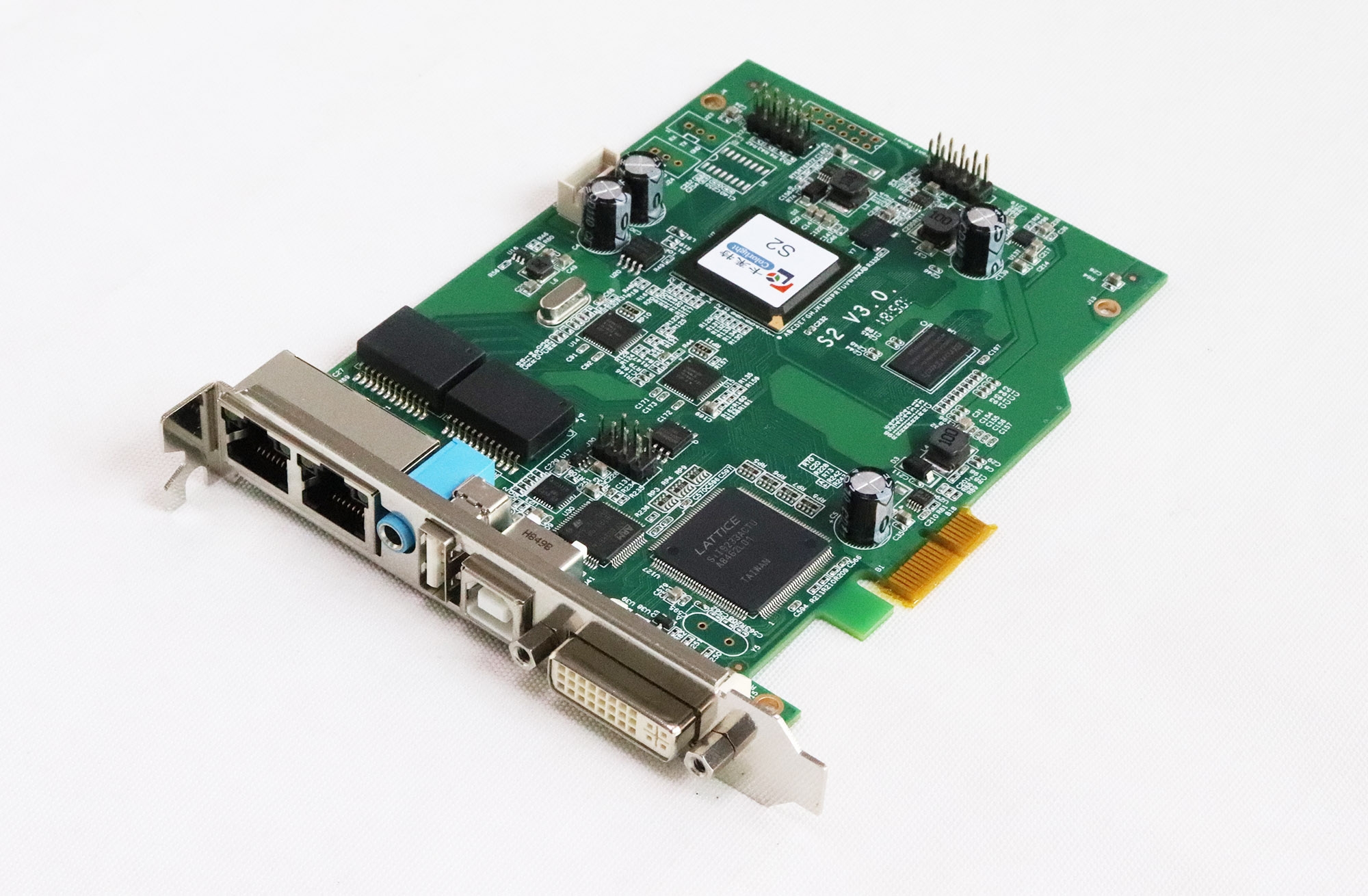
| Sending-card installation | 2 slots; LED sending cards sold separately |
| Display functions | Dual pictures; seamless fade switching; user-defined image size and coordinates; synchronized cascading |
| EDID | VGA/DVI/HDMI input editing and output EDID reading |
| Control | Front panel; RS232, USB, Ethernet TCP/IP and Wi-Fi |
| Net / packaged dimensions | 480 × 303 × 45 mm / 535 × 355 × 130 mm |
| Net / packaged weight | 2.7 kg / 4.8 kg |
| Operating temperature / humidity | 0–40°C / 10–85% |
When a compatible LED sender card is installed, the front panel can control panel layout, size, brightness and gamma. The listed product price excludes optional input modules; contact us for the required module configuration.
Frequently asked questions
Does the VENUS X1 price include optional input modules?
No. The original listing explicitly excludes optional input-module costs. Request a quotation for the modules you need.
Are sending cards included with VENUS X1?
The product provides installation slots, while the description states that LED sender cards are sold separately.
Can I configure the LED screen without PC software?
With a compatible LED sender card fitted, the front panel supports screen layout, size, brightness and gamma settings.
Does VENUS X1 support EDID editing?
Yes. VGA, DVI and HDMI input EDID can be edited, and output EDID can be read using the Windows control program.
Product media and downloads