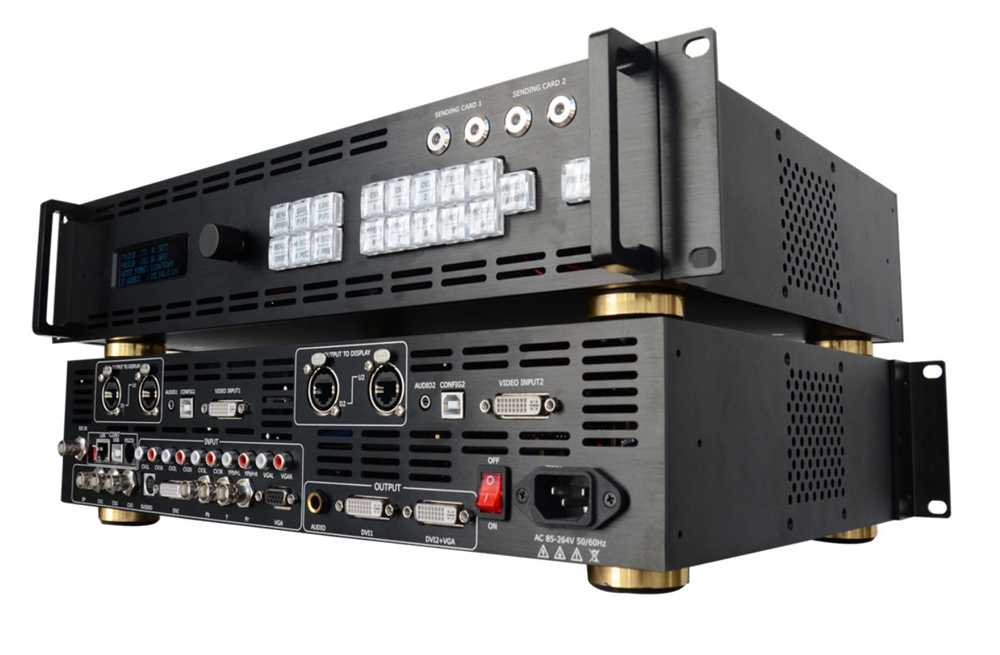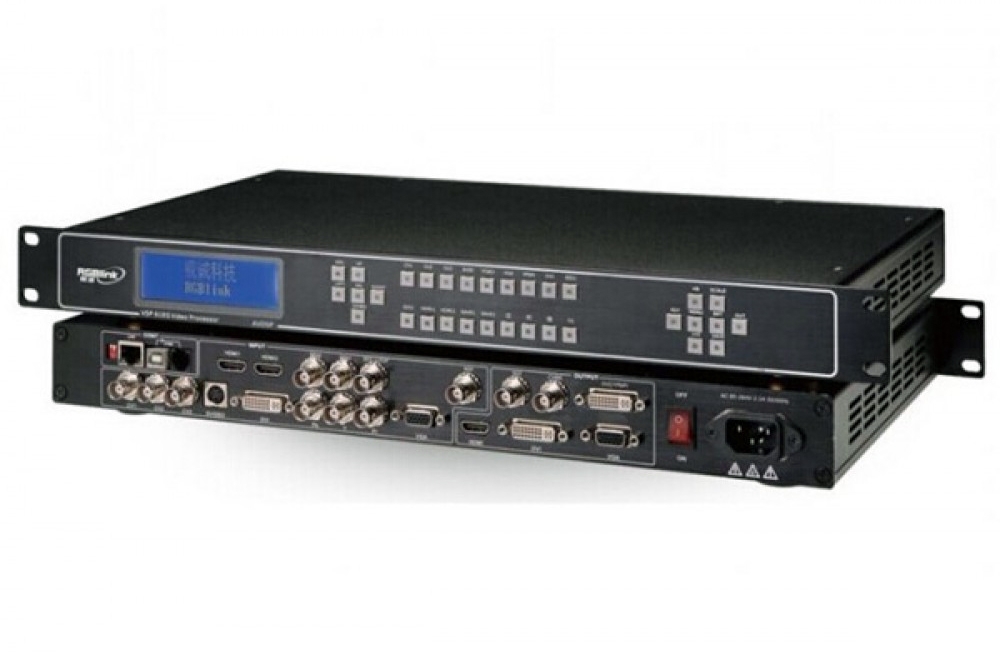
RGBlink VSP3600 video wall switching
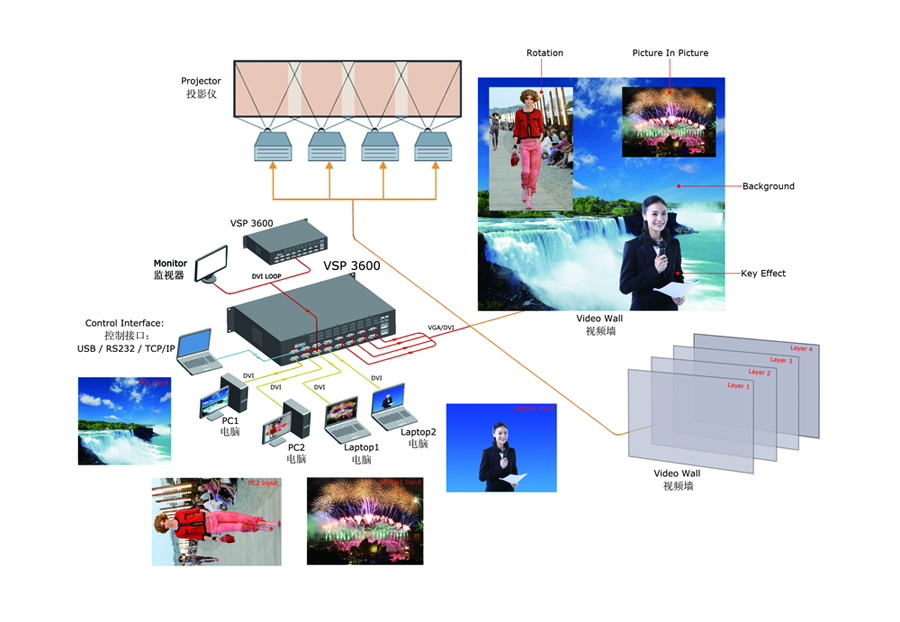
The VSP3600 combines multi-window video wall processing with seamless switching and scaling. Four-layer processing, key-color extraction and subtitle overlay support presentation layouts. Image rotation and pixel-to-pixel mapping provide additional control over the display arrangement.
VSP3600 specifications
| Parameter | Specification |
|---|---|
| Inputs | 4 × DVI; HDMI 1.3 compatible |
| Video outputs | 4 × DVI; 4 × VGA |
| Loop outputs | 4 × DVI loop out |
| Layers | 4-layer processing |
| Display functions | DSK, color key, subtitle overlay, image rotation and pixel-to-pixel mapping |
| Resolution references | Original description: applications up to 4096 × 2304; original short description: 2048 × 816 single-device mosaic. Confirm the required operating mode. |
| Expansion | Multiple cascaded splicing using loop outputs |
| Control | Front panel, USB, RS232 and TCP/IP |
| Remote controls | Windows Control Panel or optional remote control panel |
| Net / packaged dimensions | 480 × 301 × 89 mm / 585 × 405 × 195 mm |
| Net / packaged weight | 4.3 kg / 8.4 kg |
| Operating temperature / humidity | 0–40°C / 10–85% |
The two resolution references above come from different parts of the original listing. Verify the selected mosaic or rotation mode against the manual rather than treating either number as a universal connector limit.
Frequently asked questions
How many layers does VSP3600 support?
The product lists four-layer processing, with multi-window layouts, DSK and subtitle overlay.
Are DVI loop outputs separate from the display outputs?
Yes. The connector table lists four DVI loop outputs separately from four DVI and four VGA video outputs.
Can VSP3600 rotate an image or use color key?
Yes. Image rotation, key-color extraction and pixel-to-pixel mapping are listed functions.
What should I check when planning the screen resolution?
Confirm the operating mode and output arrangement. The original listing contains separate 4096 × 2304 application and 2048 × 816 mosaic references; the manual should be used to verify the required configuration.
Product media and downloads