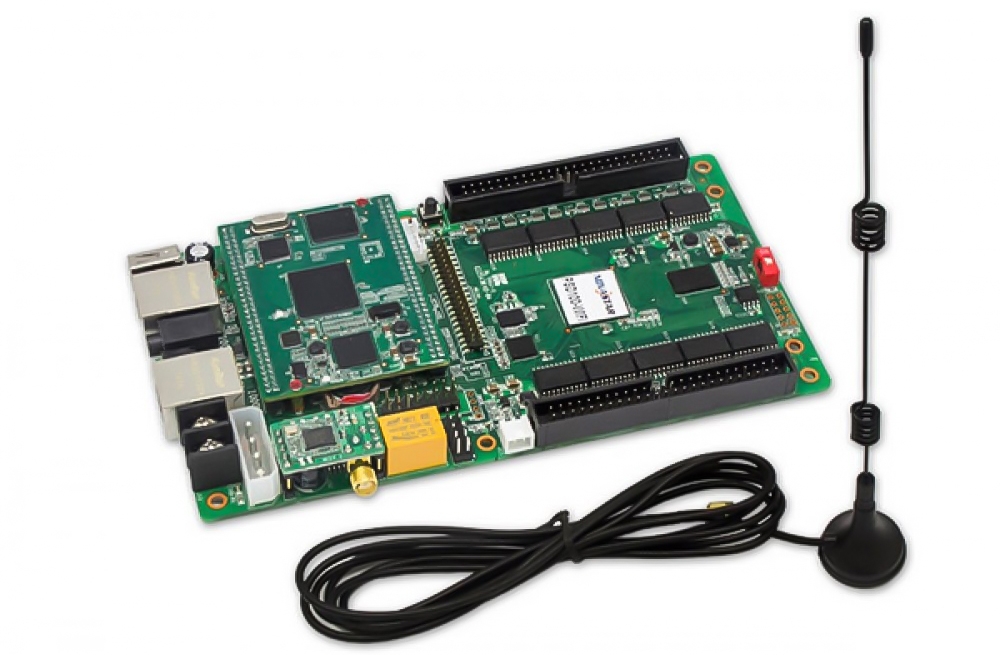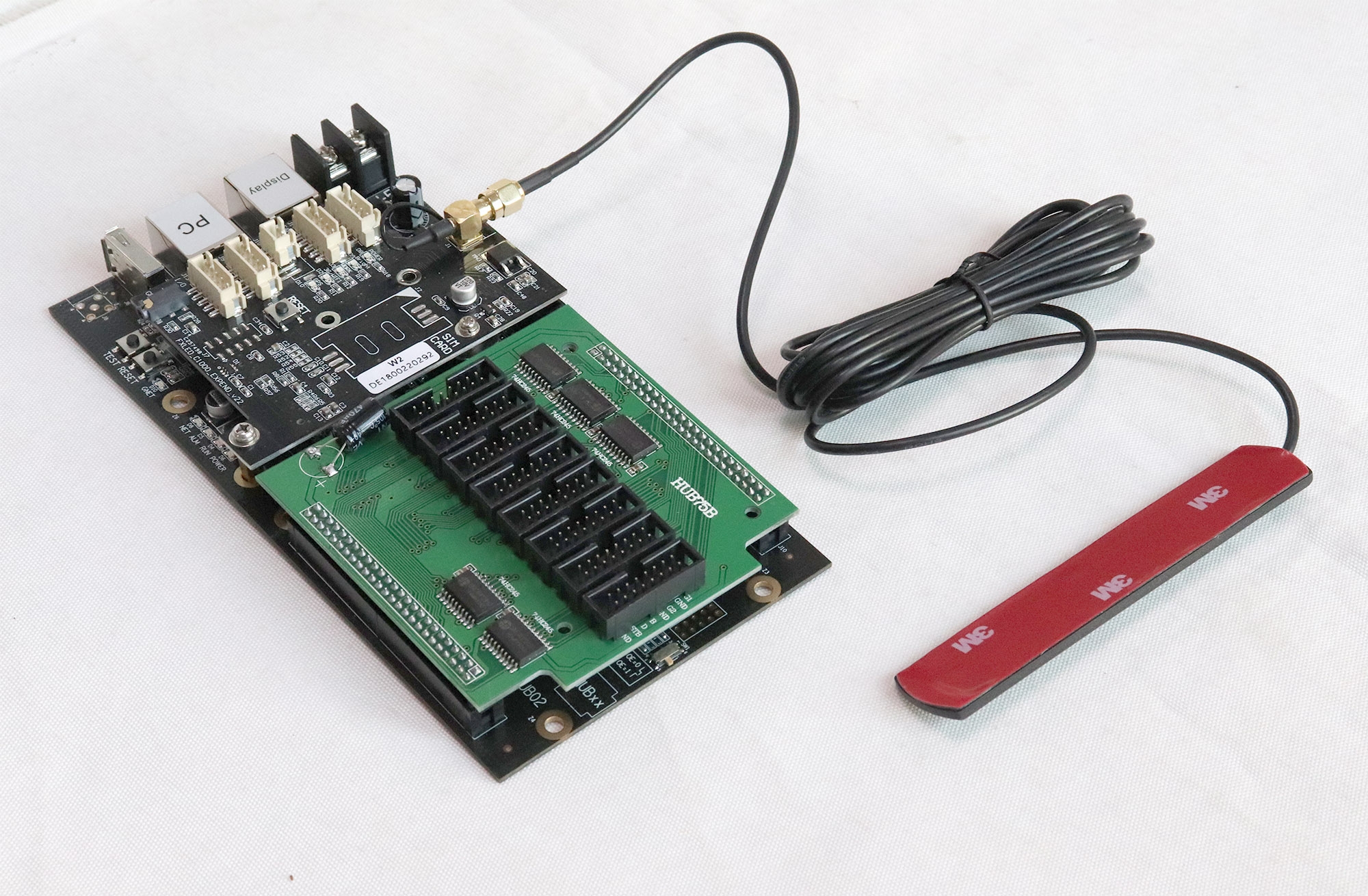
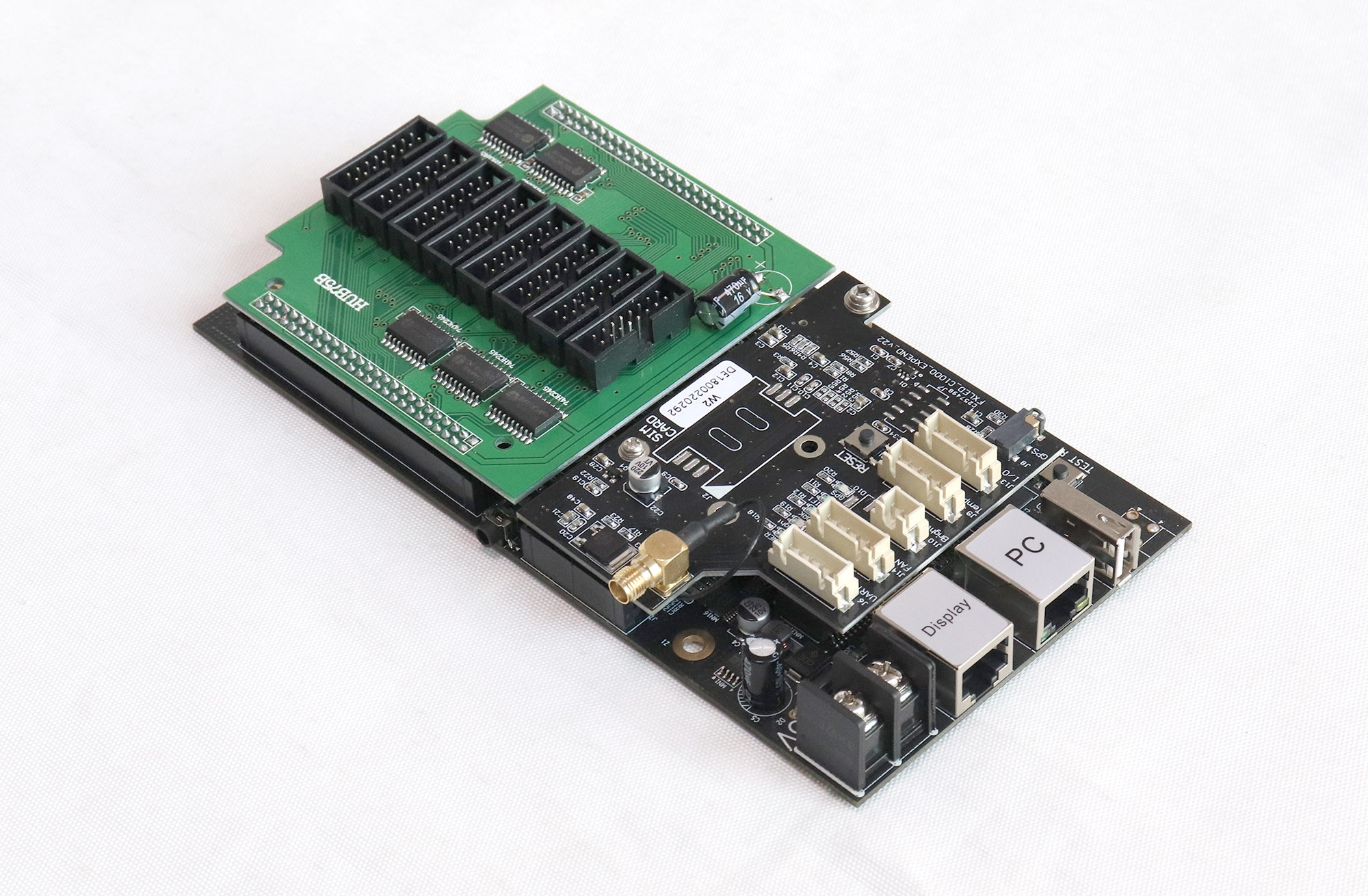
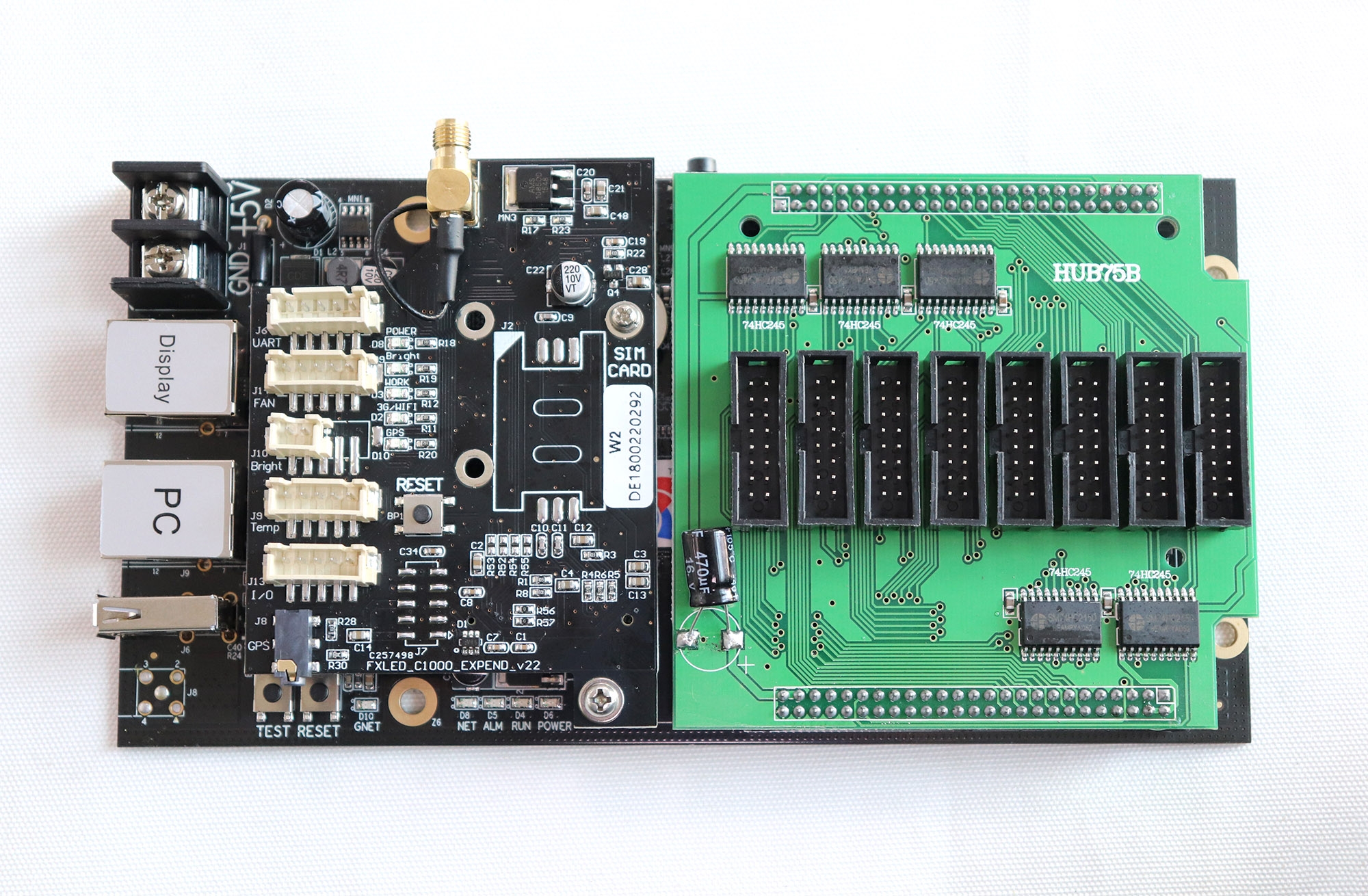
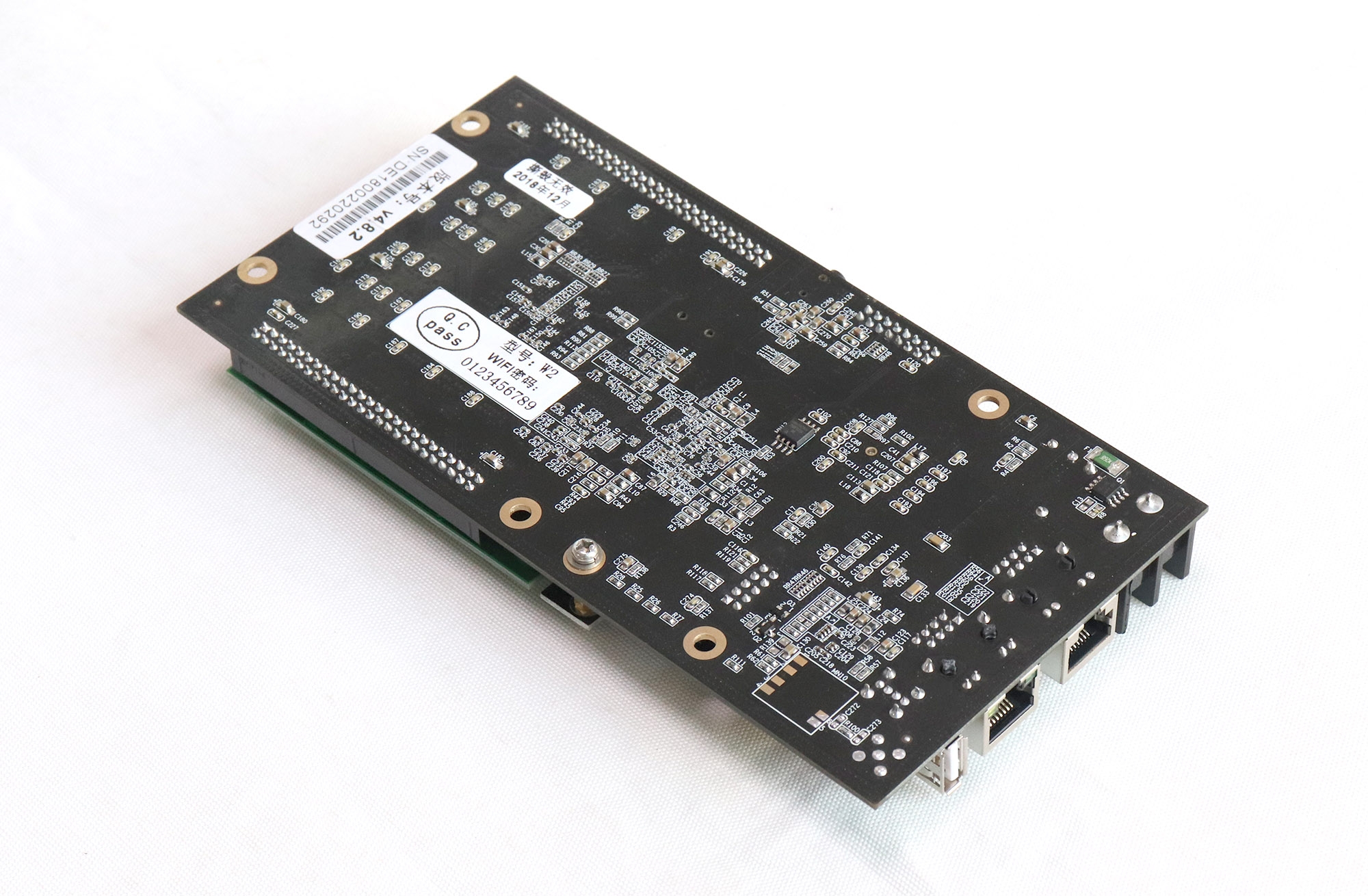
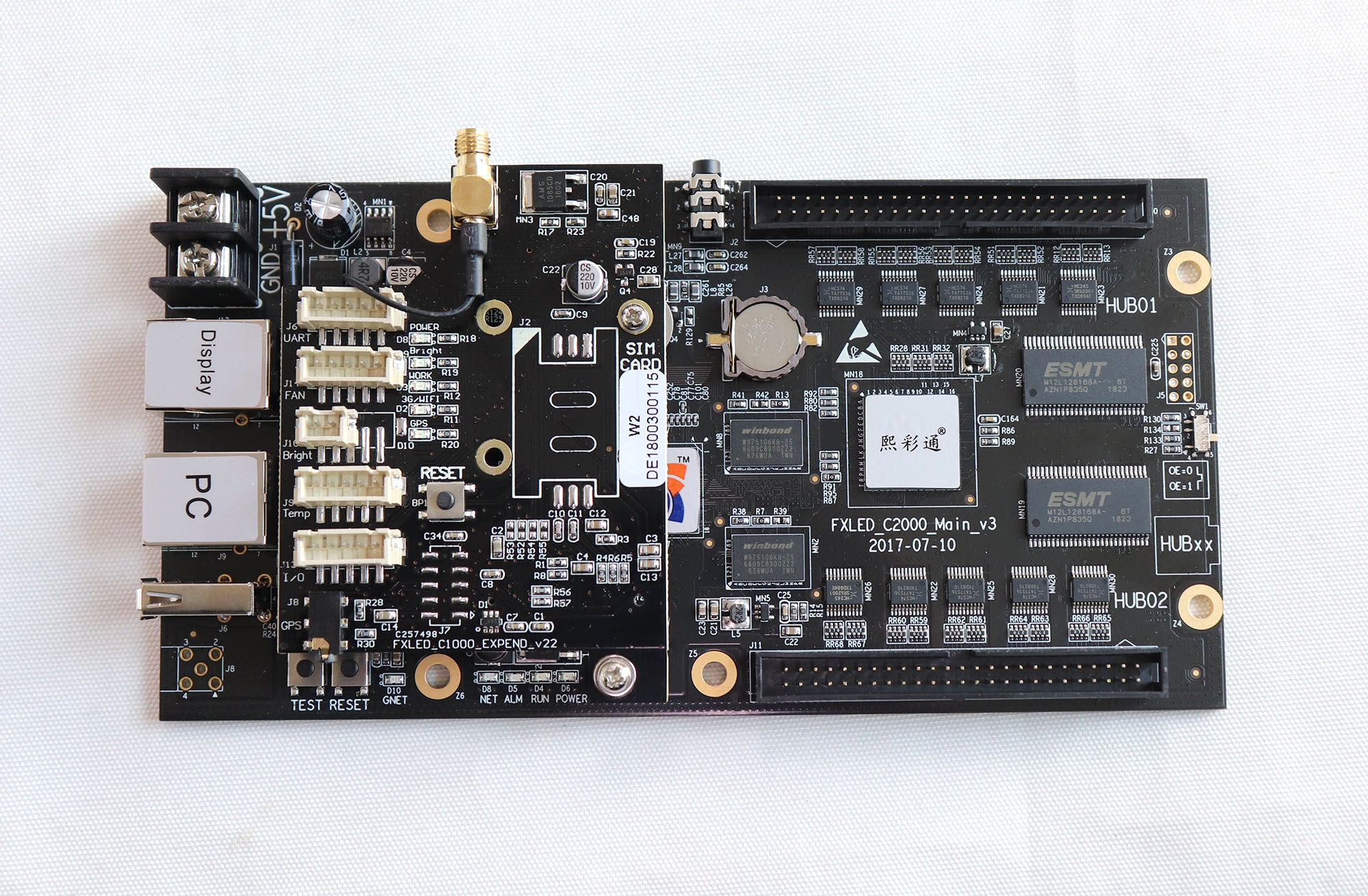
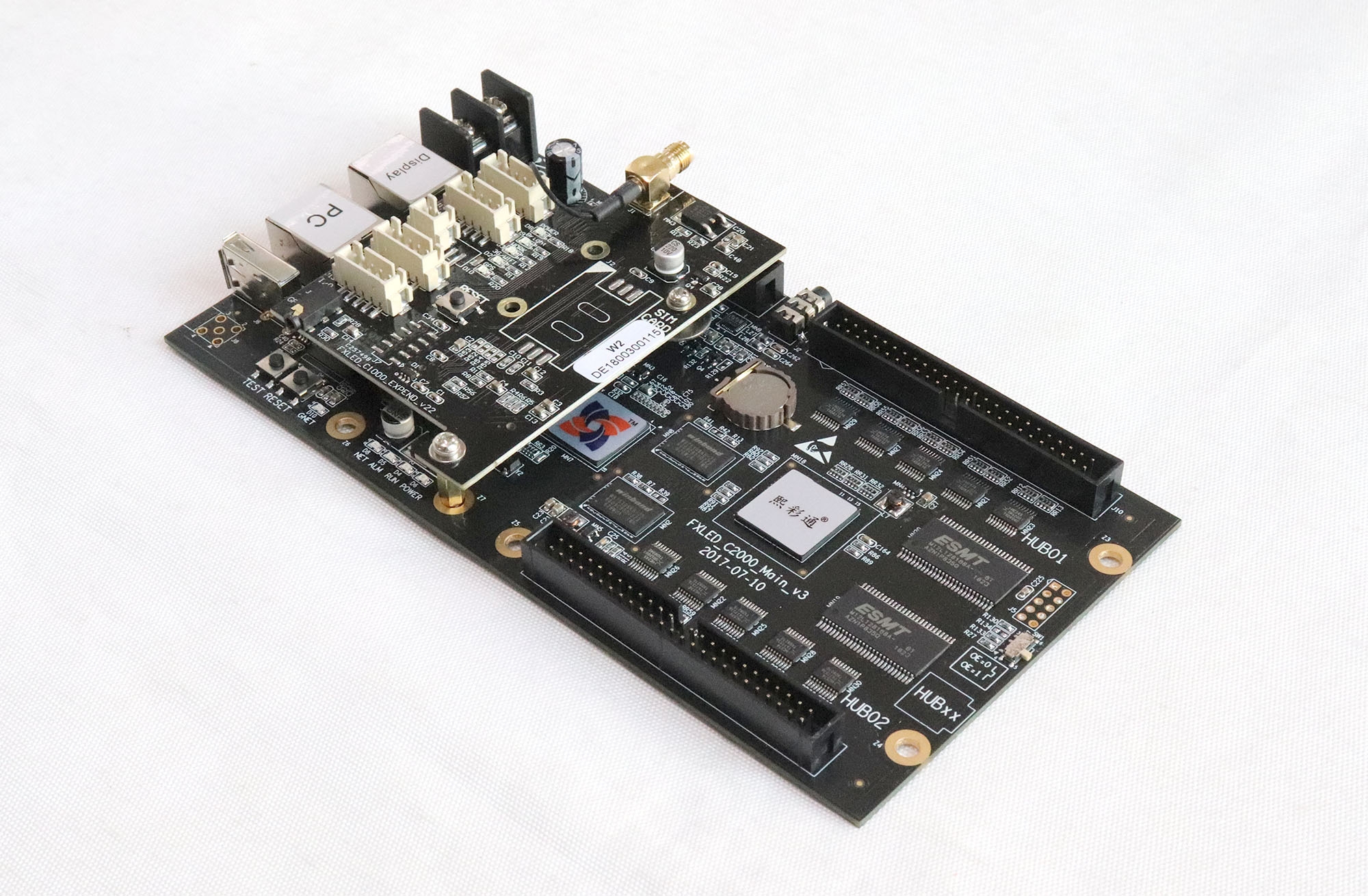
SheenColor W2 WiFi Asynchronous Controller
The SheenColor W2 supports LED sign program management through a browser. A phone, tablet or computer connected to the controller’s WiFi hotspot can manage and update content using the built-in browser/server interface.
Local Browser Operation
For the described hotspot workflow, no internet connection, separate server or software installation is required. The operating interface follows the LedCloud style. Network access and USB flash drive communication are also listed alongside WiFi.
SheenColor W2 Specifications
| Parameter | Specification |
|---|---|
| Control type | Asynchronous LED control |
| WiFi | Integrated module; hotspot access |
| Management interface | Browser/server architecture |
| Communication listed | Network access, USB flash drive and WiFi |
| Grayscale | 65,536 levels |
| Terminal systems | Windows, Android and iOS |
| Display functions | Automatic brightness adjustment; real-time temperature and humidity display |
Check Your Display Configuration
Confirm the supported screen dimensions and module wiring before ordering. For brightness adjustment and temperature or humidity display, check the compatible sensing accessories and what is included with the supplied configuration.
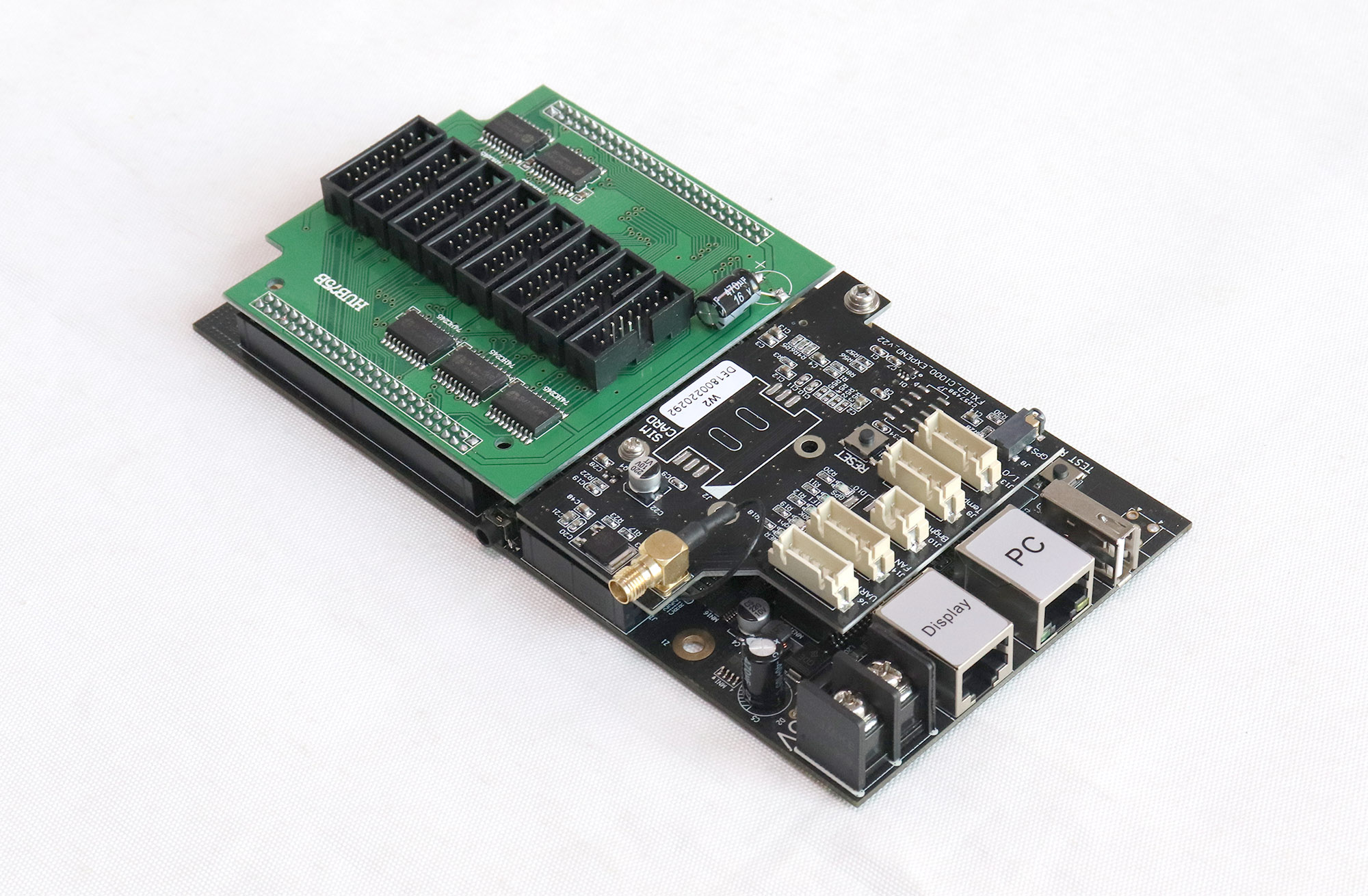
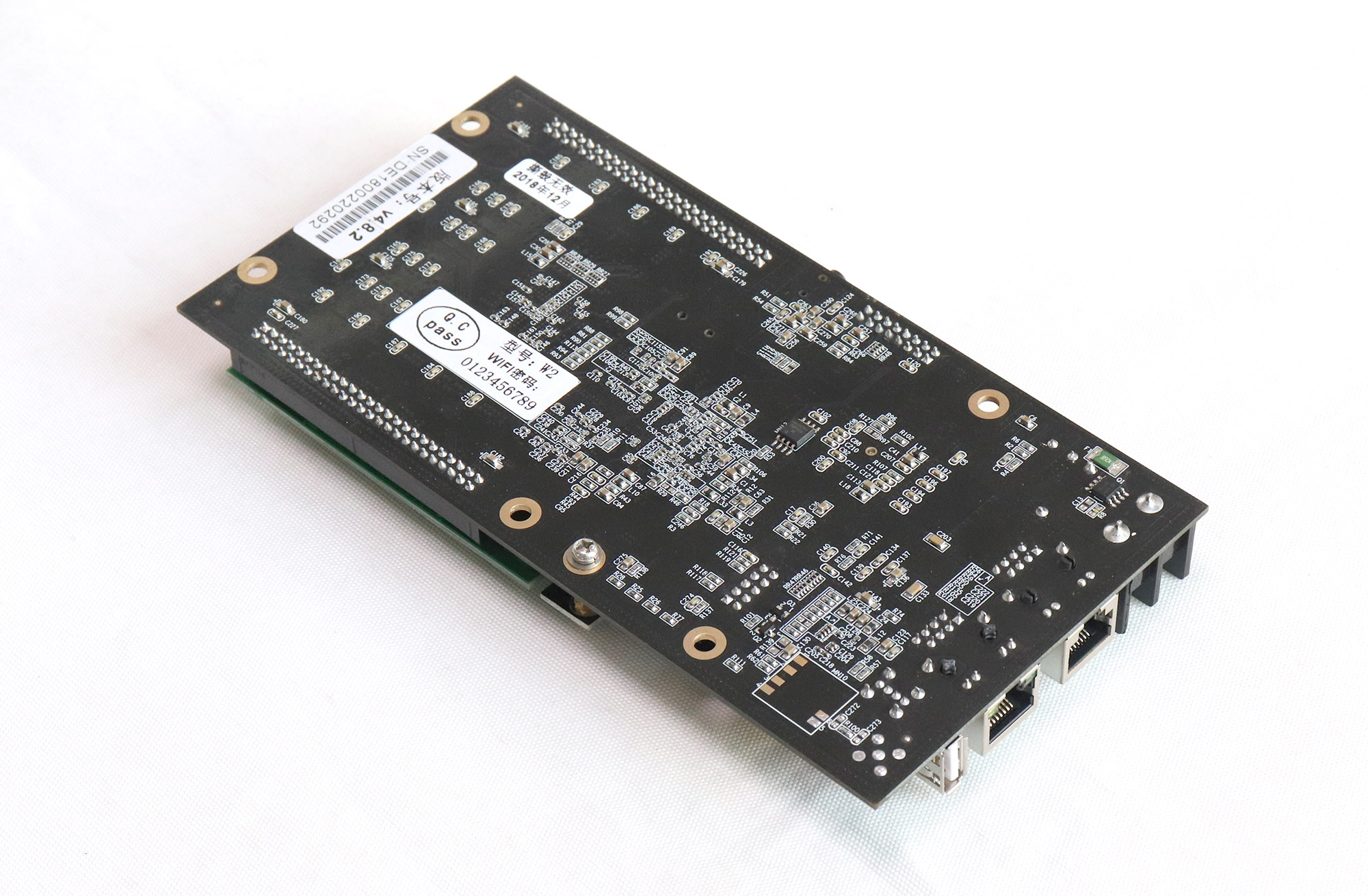
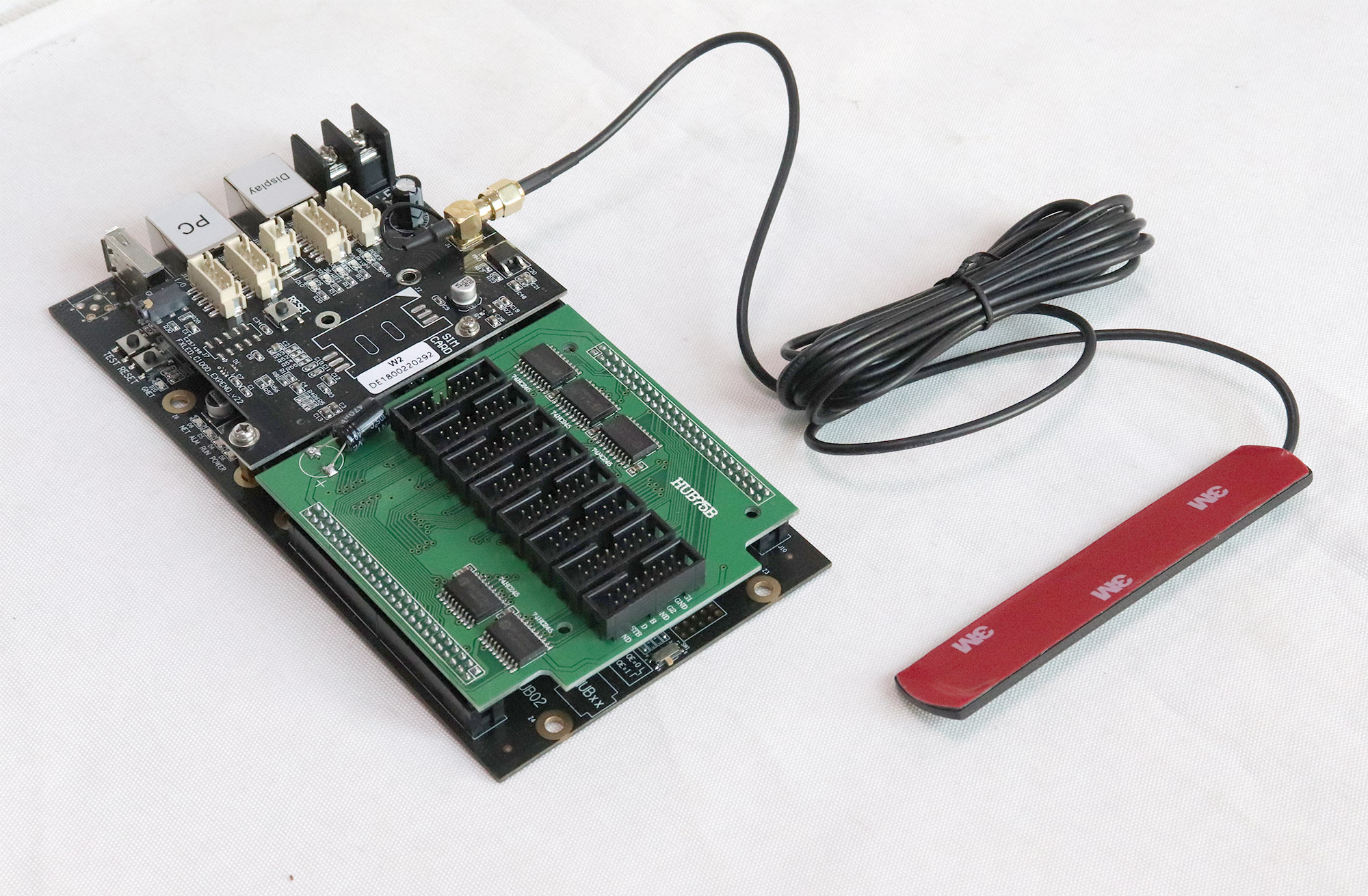
Product Photos
Frequently Asked Questions
Does the W2 need internet access for hotspot control?
The described local hotspot workflow does not require an internet connection. Connect the operating device to the controller’s WiFi hotspot.
Do I need to install software for browser operation?
The listed browser-based workflow does not require a separate software installation or local server.
Can I manage a W2 from a phone or tablet?
The listing supports Windows, Android and iOS terminals, including phones, tablets and computers connected to the hotspot.
Can the W2 accept USB program updates?
USB flash drive communication is listed along with network access and WiFi.
Does W2 support brightness and environmental display functions?
Automatic brightness adjustment and real-time temperature and humidity display are listed. Confirm the required sensors and supplied accessories for your installation.