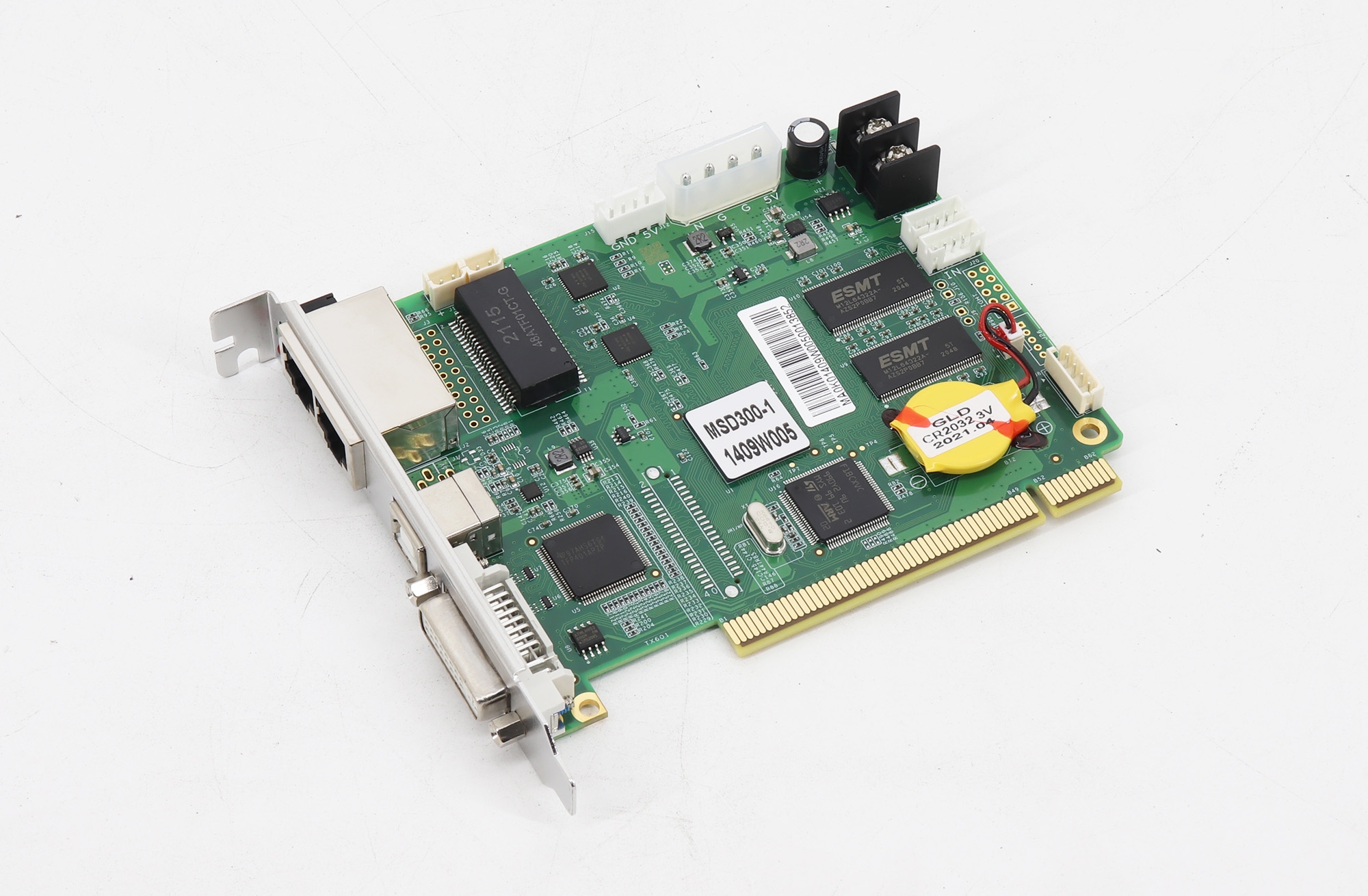
Full-Color Sending Card for the V8 System
The ZDEC ZQ-V8-TS01 is a full-color LED transmitting card, also called an LED sending card, in the ZQ-V8 control system. The V8 platform combines control hardware and software for LED display installations.
Product and System Specifications
| Parameter | Specification |
|---|---|
| Brand | ZDEC |
| Model | ZQ-V8-TS01 |
| Product role | Full-color LED transmitting / sending card |
| Control platform | ZQ-V8 / V8 full-color control system |
| Timing adjustment | Supported |
| Maximum input/output resolution | 1920 × 1080, listed for the V8 control system |
| LED refresh rate | Up to 4000 Hz, listed for the V8 control system |
Understanding Resolution and Refresh Rate
The resolution and refresh values above are presented as V8 system features in the product description. The 4000 Hz figure refers to LED refresh rate; it is not a video input frame-rate specification. A video frame rate for the listed 1920 × 1080 resolution is not provided here.
For a replacement or new system, confirm the sending-card model, receiving hardware, module configuration and required video timing together. Do not assume that every installation will reach the listed maximum system values. Browse the ZDEC product range when identifying the other components in your display.
Frequently Asked Questions
Is the ZQ-V8-TS01 a sending card or a receiving card?
It is a full-color transmitting card, also called a sending card, in the ZQ-V8 LED control system.
What resolution is listed for the V8 system?
The product description lists a maximum input/output resolution of 1920 × 1080 for the V8 control system. It does not state the video frame rate for that resolution.
Does 4000 Hz mean a 4000 fps video input?
No. The listed value is an LED refresh-rate specification, not the video input frame rate. Confirm the required video timing separately.
Does the system support timing adjustment?
Yes. Timing adjustment is listed among the V8 full-color control system features.
What should I check before replacing a ZQ-V8-TS01?
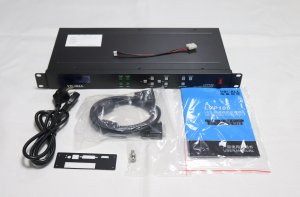
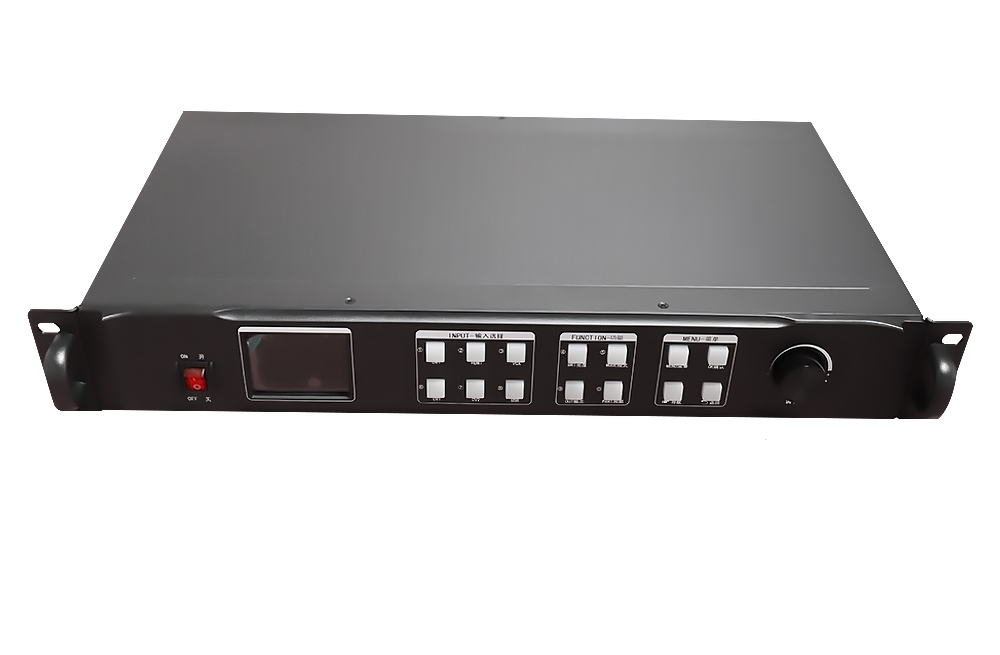
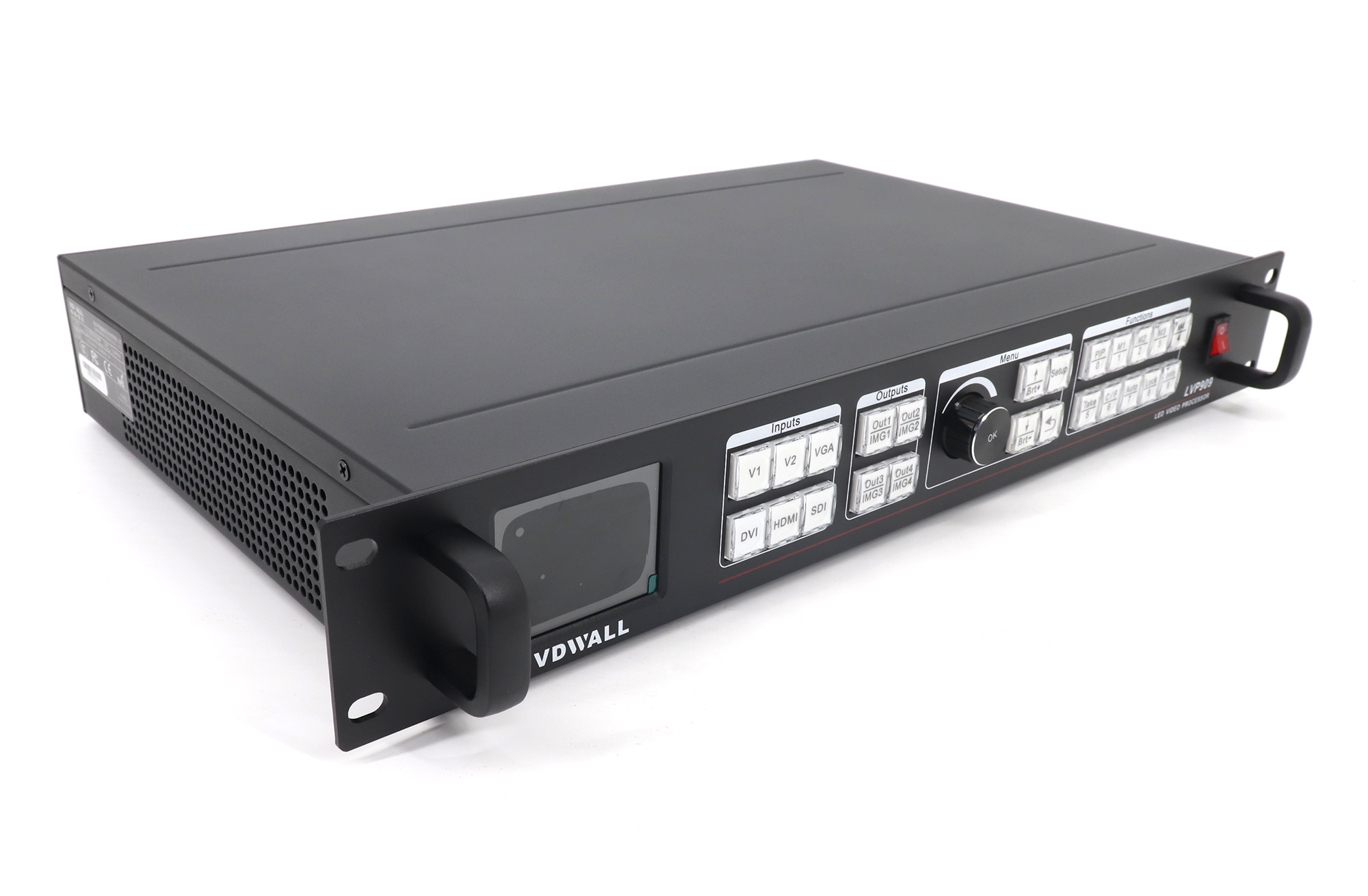
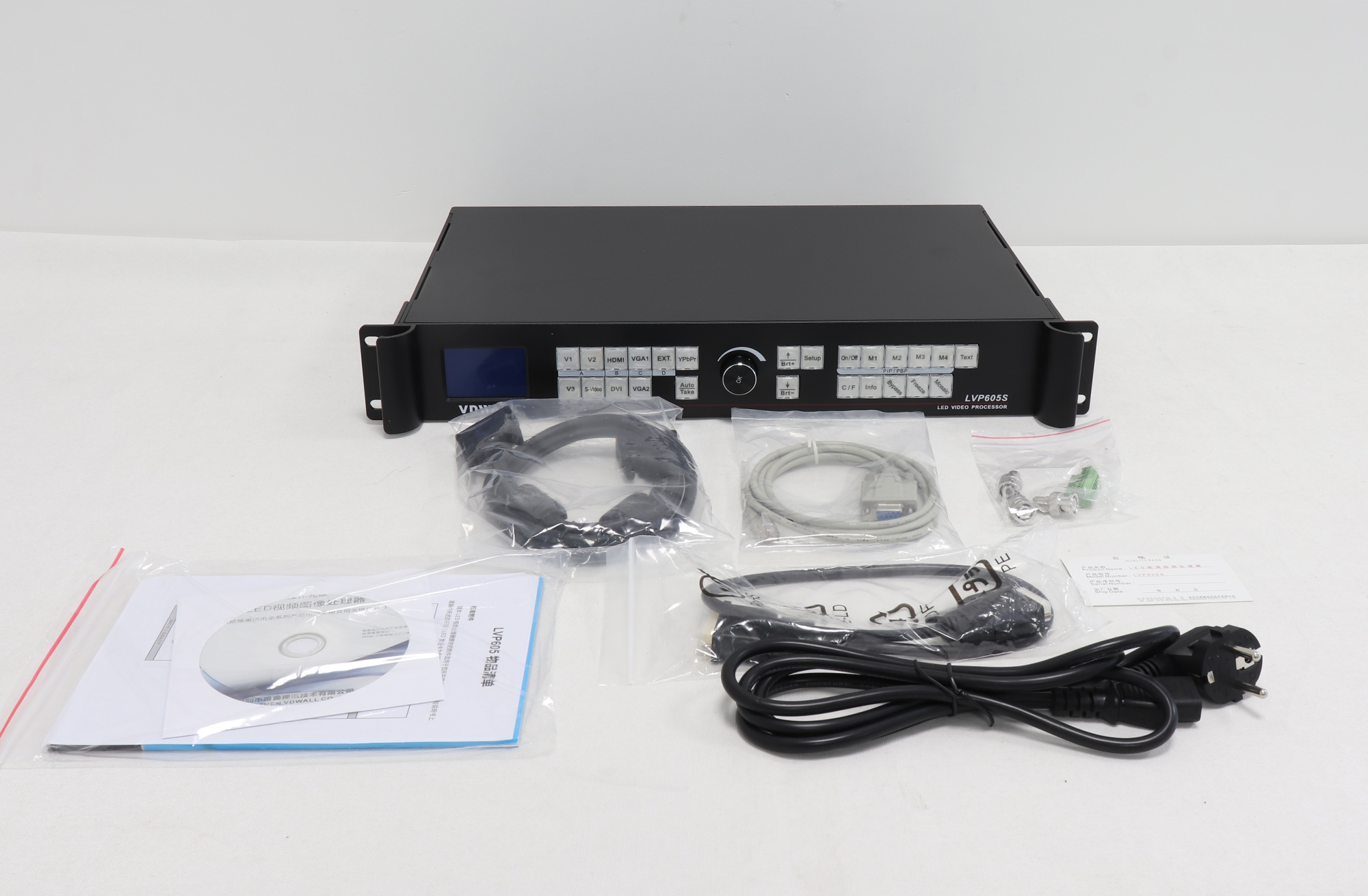
Match the card model and hardware revision with the existing system, then check the receiving hardware, module configuration and required input timing. Use the product images as an identification reference.
Product Image