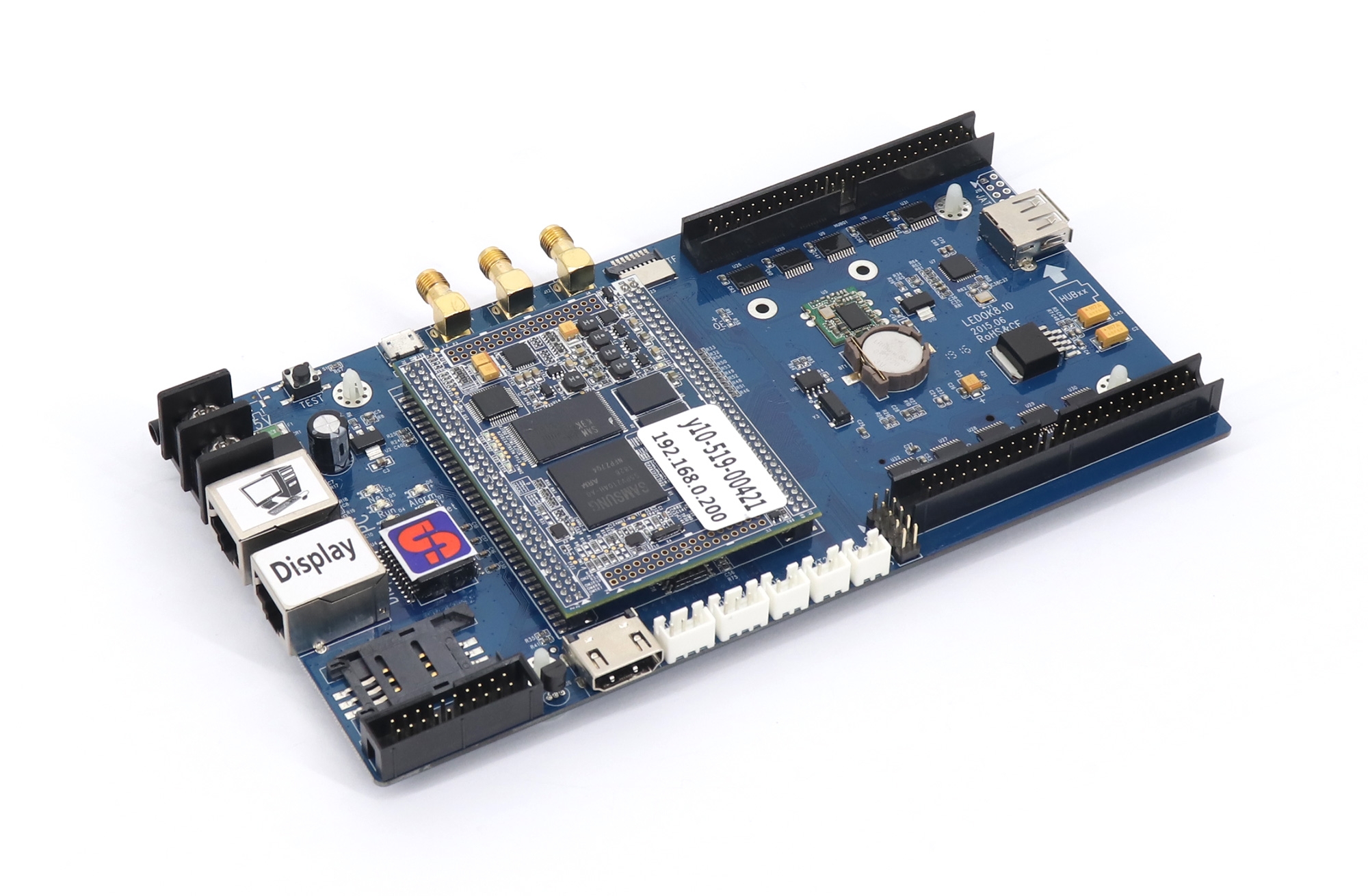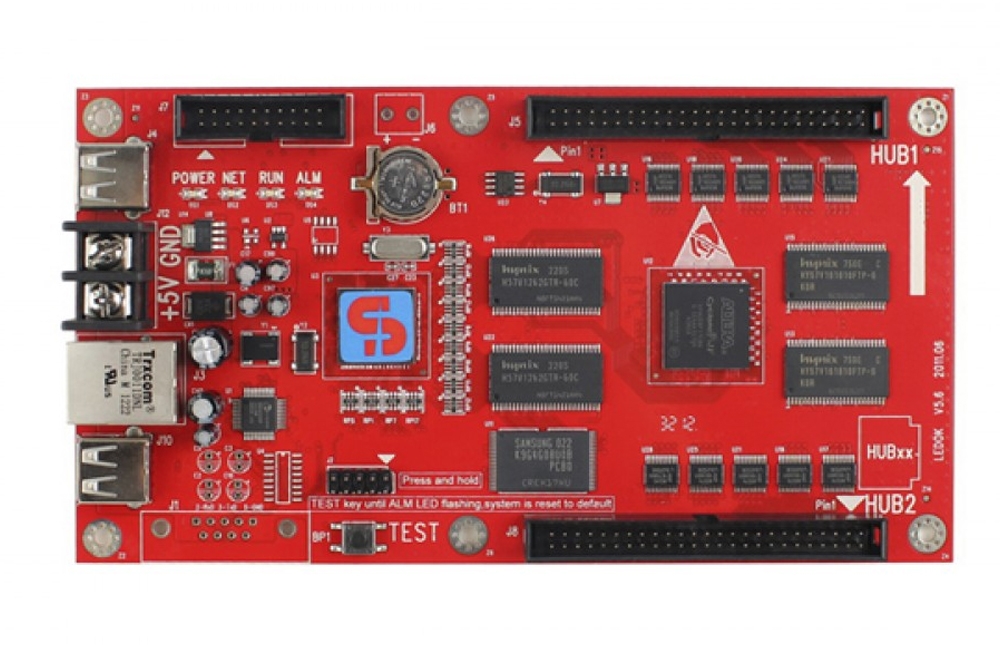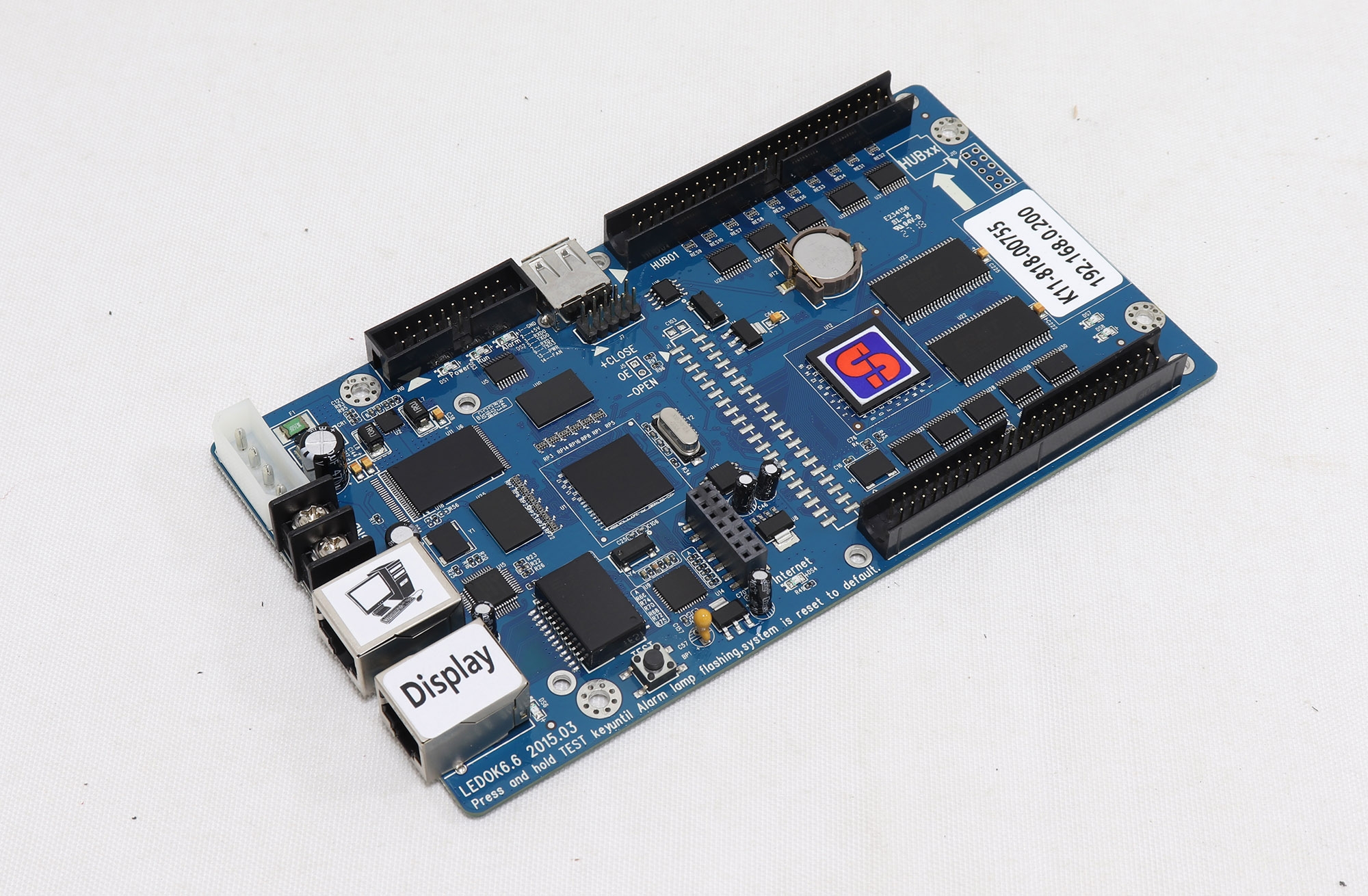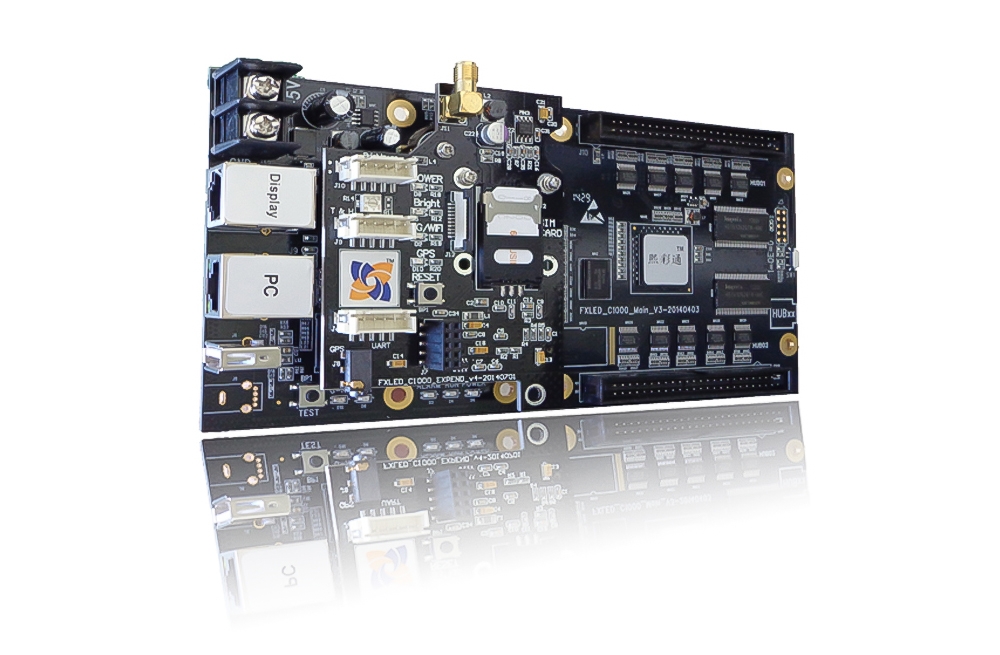
SheenColor T2 for Outdoor LED Advertising Signs
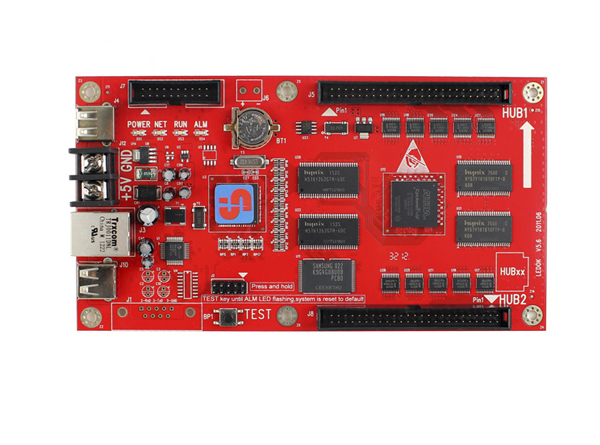
The SheenColor T2 is designed for roadside signs, shopping-mall LED displays and advertising screens. It connects to D10 receiving cards and supports control and management from Windows, Android and iOS terminals.
SheenColor T2 Specifications
| Parameter | Specification |
|---|---|
| Maximum pixel capacity | 307,200 pixels |
| Listed screen layout | 640 × 480 |
| Receiving card | D10; multiple receiving cards supported |
| Communication interfaces listed | Network access, USB and WiFi |
| Grayscale | 65,536 levels |
| Storage entry | Listed as “4G”; capacity unit requires confirmation |
| Audio | USB sound card output support |
| Terminal systems | Windows, Android and iOS |
| Display functions | Automatic brightness adjustment; real-time temperature and humidity display |
Configuration for Your LED Screen
Match the total pixel load and screen dimensions to the T2 and D10 arrangement. The product title lists 3G/4G/WiFi, while the feature list names network, USB and WiFi interfaces; confirm the cellular module supplied if remote mobile-network access is required.
For audio, the description recommends an external active amplifier. Confirm the sound card and sensors needed for audio, brightness and environmental display functions. The storage entry does not clarify its unit, and actual video duration depends on the files used.
Frequently Asked Questions
What is the maximum T2 pixel capacity?
The listed maximum is 307,200 pixels, with 640 × 480 identified as a suitable layout. Confirm other screen dimensions before ordering.
Which receiving card does the T2 use?
The product information names the SheenColor D10 and supports connecting multiple receiving cards.
Can I manage T2 content using WiFi or USB?
Both WiFi and USB are listed, alongside network access.
Is a cellular module included?
3G/4G appears in the product title, but the supplied module is not itemized in the feature list. Confirm the required version before ordering.
Does the T2 support sound output?
USB sound card output is listed, with an external active amplifier recommended. Confirm the audio hardware needed for your system.