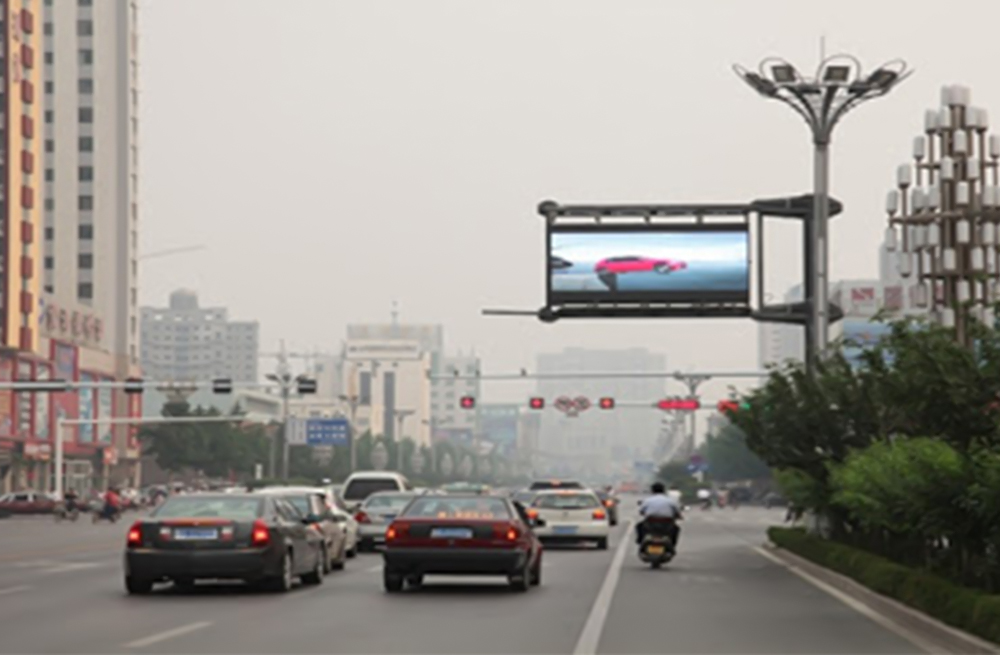
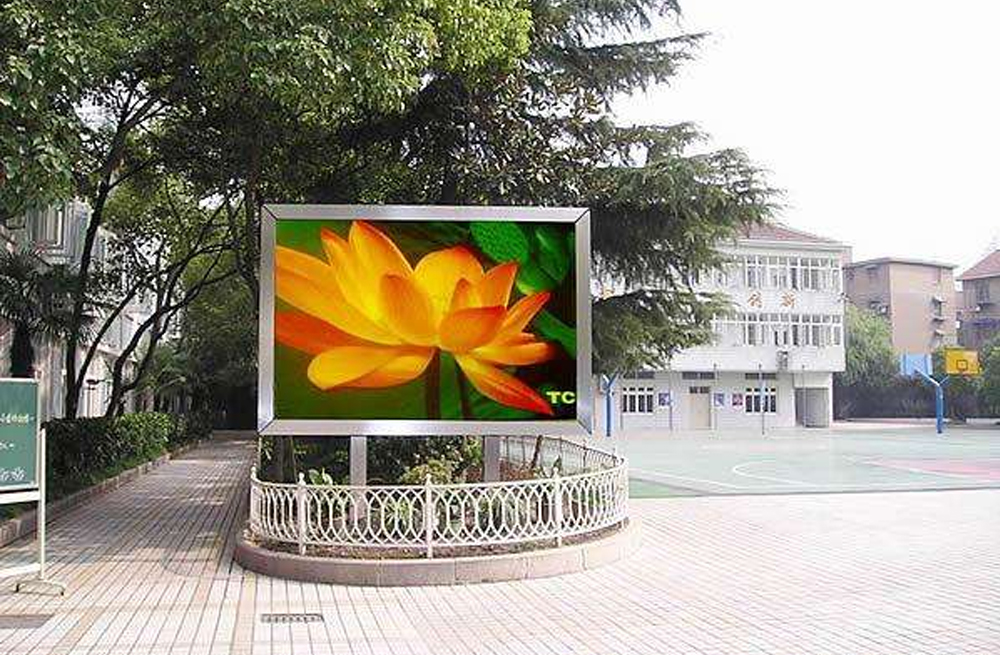
Settling on NovaStar TB40 ទល់នឹង TB60 ទល់នឹង TB20 boils down to three simple numbers: total pixel resolution, Gigabit output jacks, and whether anyone will plug a live HDMI laptop into the sign later. Pick the NovaStar TB20 for smaller async screens up to 650,000 ភីកសែល (1 RJ45 output); pick the NovaStar TB40 for mid-sized walls up to 1.3 លានភីកសែល (2 outputs) needing HDMI switching; and step up to the NovaStar TB60 for billboards up to 2.3 លានភីកសែល (4 outputs) plus HDMI loop-through.
Buying the wrong Taurus box bites signs two ways: under-sizing ports leaves the rightmost column black on startup, while putting a 4-port TB60 inside a little 400k-pixel window sign burns budget for ports that never leave the box empty. Checking sync vs async rules upfront keeps field installs painless.
Let’s match capacity caps, dual-mode HDMI behavior, offline caching, and real billboard sizes across all three ណូវ៉ាស្តារ Taurus players so your order fits on the first truck roll.
១. ការប្រៀបធៀបលក្ខណៈបច្ចេកទេស៖ NovaStar TB40 ទល់នឹង TB60 ទល់នឹង TB20
All three models come from NovaStar’s second-gen Taurus ឧបករណ៍ចាក់មេឌៀ LED family, meaning they share ViPlex Express (PC), ViPlex Handy (phone app), and VNNOX cloud publishing. Where NovaStar TB40 ទល់នឹង TB60 ទល់នឹង TB20 hardware pulls apart is pixel capacity, Ethernet port count, and synchronous HDMI pass-through:
| ការបញ្ជាក់លម្អិត | NovaStar TB20 | NovaStar TB40 | NovaStar TB60 |
|---|---|---|---|
| សមត្ថភាពផ្ទុកភីកសែលអតិបរមា | 650,000 ភីកសែល | 1,300,000 ភីកសែល | 2,300,000 ភីកសែល |
| លទ្ធផល Gigabit Ethernet | ទិន្នផលបឋម 1 | ទិន្នផលបឋមចំនួន ៤ | ទិន្នផលបឋមចំនួន ៤ |
| ទទឹង/កម្ពស់អតិបរមា | រហូតដល់ ៤,០៩៦ ភីកសែល / ៤,០៩៦ ភីកសែល | រហូតដល់ ៤,០៩៦ ភីកសែល / ៤,០៩៦ ភីកសែល | រហូតដល់ ៤,០៩៦ ភីកសែល / ៤,០៩៦ ភីកសែល |
| របៀបប្រតិបត្តិការ | អសមកាលកម្មតែប៉ុណ្ណោះ | សមកាលកម្ម និង អសមកាលកម្ម (HDMI 1.3 អ៊ីញ) | សមកាលកម្ម និង អសមកាលកម្ម (HDMI 1.3 ក្នុង + រង្វិលជុំ) |
| បណ្តាញ និងការគ្រប់គ្រង | វ៉ាយហ្វាយ AP, LAN, USB, 4G ជាជម្រើស | Wi-Fi AP/STA, LAN, USB, ស្រេចចិត្ត 4G | Wi-Fi AP/STA, LAN, USB, ស្រេចចិត្ត 4G |
| Best-fit installs | Storefront headers, street poles, LED posters | Mall atriums, hotel lobbies, mid-sized signs | Highway billboards, large commercial walls |
2. NovaStar TB20 សម្រាប់ផ្លាកសញ្ញាអសមកាលកម្មតូច
ចំពោះ NovaStar TB20 sits right in the pocket for commercial windows under 650,000 pixels looping ads or store hours without a live PC feed. With onboard flash storage and a built-in Wi-Fi AP hotspot inside a slim aluminum box, retail managers update promos from a phone or laptop in minutes.

01. Sweet-spot applications
Take a 2 x 1.5 m (6.6 x 4.9 ft) P3.91 shop-window wall (512 x 384 = 196,608 pixels) or roadside light-pole ad sign: one Ethernet drop covers every pixel cleanly while keeping internal box clutter near zero.
02. The one boundary you can’t stretch
Notice the TB20 is asynchronous-only with zero HDMI input. If there’s even a slight chance a showroom or school decides to plug in a presenter laptop for special events, move straight to the TB40 so you don’t end up replacing the box later.
៣. NovaStar TB40 សម្រាប់អេក្រង់ទំហំមធ្យមដែលមានមុខងារពីរ
Stepping up to the NovaStar TB40 doubles output to 1.3 លានភីកសែល over two Gigabit ports and unlocks an ការបញ្ចូលរន្ធ HDMI ១ for instant synchronous video. That dual-mode combo makes it the everyday workhorse across mall facades and mid-sized business lobbies.
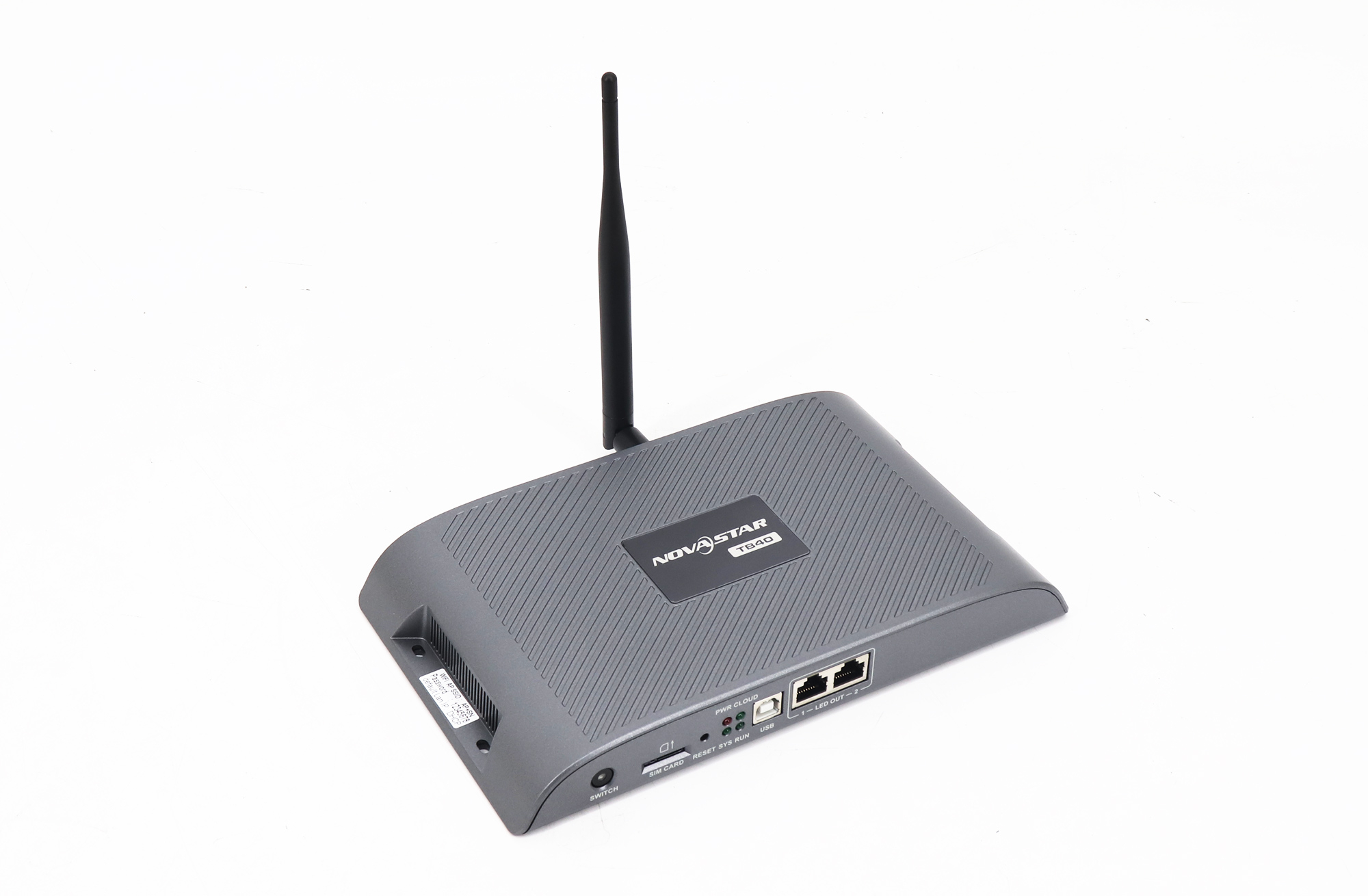
01. Sync/async flipping and offline reliability
Most weekdays, the TB40 plays scheduled loops straight off onboard memory—and won’t go black if site Wi-Fi drops out (check our note on running a TB40 offline without internet). Plug in a laptop HDMI cord during a presentation, and it flips right over to synchronous live video cleanly.
When mounting any Taurus player inside a roadside steel cabinet, don’t tuck the stubby Wi-Fi or 4G antenna whips behind thick galvanized doors. Even on a TB40 with built-in Wi-Fi AP/STA antennas, shutting a steel service door kills short-range reception if you don’t run a cheap bulkhead SMA extension whip through a plastic cable gland on the cabinet sidewall. That single five-minute trick keeps store managers able to push menu changes from a parked van across the street without popping locks open in the rain.
02. Dusk dimming & outdoor cabinet temperatures
Outdoor signs blazing at 5,000 to 6,000 nits (cd/m²) at noon quickly rack up city glare fines unless brightness drops automatically at dusk. Tie an ambient light sensor onto the TB40 (or set timed curves), keep cabinet fans flowing so ambient air inside stays comfortably inside the player’s -20 to 60 °C (-4 to 140 °F) spec window, and match your local 110–120 V or 220–240 V power brick.
៤. NovaStar TB60 សម្រាប់ផ្ទាំងប៉ាណូពាណិជ្ជកម្មទំហំ 2.3 លានភីកសែល
Need more pixels without hanging an office computer in the rain? The NovaStar TB60 scales capacity to 2.3 លានភីកសែល across 4 RJ45 ports and adds an HDMI 1.3 loop-out jack beside HDMI input—bridging standalone signage players and full rack controllers.

01. Higher-res billboards without a PC
A 6 x 3 m (19.7 x 9.8 ft) P3.91 sign hits 1,536 x 768 (1,179,648 pixels—safe on a TB40), whereas tightening pitch on that exact steel frame to P2.97 pushes pixels to roughly 2,016 x 1,008 (2,032,128 pixels), forcing you onto a 4-port TB60. Always drive genuine NovaStar កាតទទួល LED ដូចជា A10s បូក, and pull setup packages from our ទំព័រទាញយកកម្មវិធី NovaStar.
៥. ច្បាប់កំណត់ទំហំ៖ ការជ្រើសរើស NovaStar TB40 ទល់នឹង TB60 ទល់នឹង TB20 តាមទំហំអេក្រង់
Match pixel count and HDMI input needs against our quick field matrix below before placing a NovaStar TB40 ទល់នឹង TB60 ទល់នឹង TB20 លំដាប់:
| ផ្ទុកភីកសែលអេក្រង់ | ត្រូវការ HDMI ផ្សាយផ្ទាល់ទេ? | Best Taurus Pick | Field Check Before Buying |
|---|---|---|---|
| 650,000 px or less | ទេ | NovaStar TB20 | Check width/height stays at or under 4,096 px with no future HDMI need |
| 650,000 px or less | បាទ/ចាស | NovaStar TB40 | TB20 has no HDMI input; TB40 handles dual sync/async switching |
| 650,001 – 1,300,000 px | ស្រេចចិត្ត | NovaStar TB40 | Split cabinet strings evenly across both Gigabit RJ45 outputs |
| 1,300,001 – 2,300,000 px | ស្រេចចិត្ត | NovaStar TB60 | Verify if 10-bit or port redundancy pushes you into a larger VX Pro controller |
| Over 2,300,000 px | បាទ/ចាស (ផ្សាយផ្ទាល់ 4K) | VX Pro / NovaPro UHD Jr | Compare 4-to-20-port scalers in our មគ្គុទ្ទេសក៍ស៊េរី VX Pro |
៦. ការណែនាំអំពីការគ្រប់គ្រងពពករបស់ Taurus
The short clip above shows every rear port on the TB40—Ethernet drops, HDMI jack, Wi-Fi antennas, and USB/power inputs—and walks through cloud playlist updates across remote street signs without rolling a van every week. Just remember that ViPlex Express and VNNOX both let you stage an emergency standby slide inside local storage so the board never sits blank if a cloud ad campaign expires before renewal.
សំណួរដែលគេច្រើនសួរ
Do NovaStar TB20, TB40, and TB60 still need receiving cards inside the cabinets?
Yes. All three Taurus players transmit Gigabit Ethernet data packets and must feed NovaStar កាតទទួល LED mounted inside your panels. See how both ends work in our ការណែនាំអំពីកាតទទួល LED ទល់នឹងកាតផ្ញើ.
Can I sync playback across dual-sided roadside signs using a TB40 or TB60?
Yes. Both TB40 and TB60 handle multi-screen timing sync via NTP, GPS, or RF modules so back-to-back pylon faces or street-pole strips switch ads on the exact same beat.
Does a 4G cellular module come installed by default on TB20, TB40, or TB60?
No. Cellular 4G cards ship as regional options—North American and European LTE bands aren’t identical—so mention your deployment country when ordering cellular kits.
Can a TB60 run Colorlight or Huidu receiving cards inside existing signs?
No. Taurus boxes use NovaStar’s closed Ethernet format and only talk to NovaStar receiving boards. Compare ecosystems in our NovaStar ទល់នឹង Colorlight ទល់នឹង Huidu ប្រៀបធៀប មុនពេលបញ្ជា។
កំពុងរៀបចំលក្ខណៈបច្ចេកទេសរបស់ឧបករណ៍ចាក់ Taurus របស់អ្នក
មុនពេលបិទខ្ទប់មួយ NovaStar TB40 ទល់នឹង TB60 ទល់នឹង TB20 order, check five job details: screen width and height in pixels, whether live HDMI switching matters now or later, how media updates arrive (LAN, Wi-Fi, USB, or regional 4G), light sensor dimming requirements, and the exact NovaStar receiving card inside your boxes.
Want our team to verify port loading, regional 4G bands, or receiving-card matching on your NovaStar TB40 ទល់នឹង TB60 ទល់នឹង TB20 សម្រង់? Send your screen specs through our contact page. For full outdoor or indoor cabinet assemblies rather than standalone media players, check complete screens over at EagerLED.