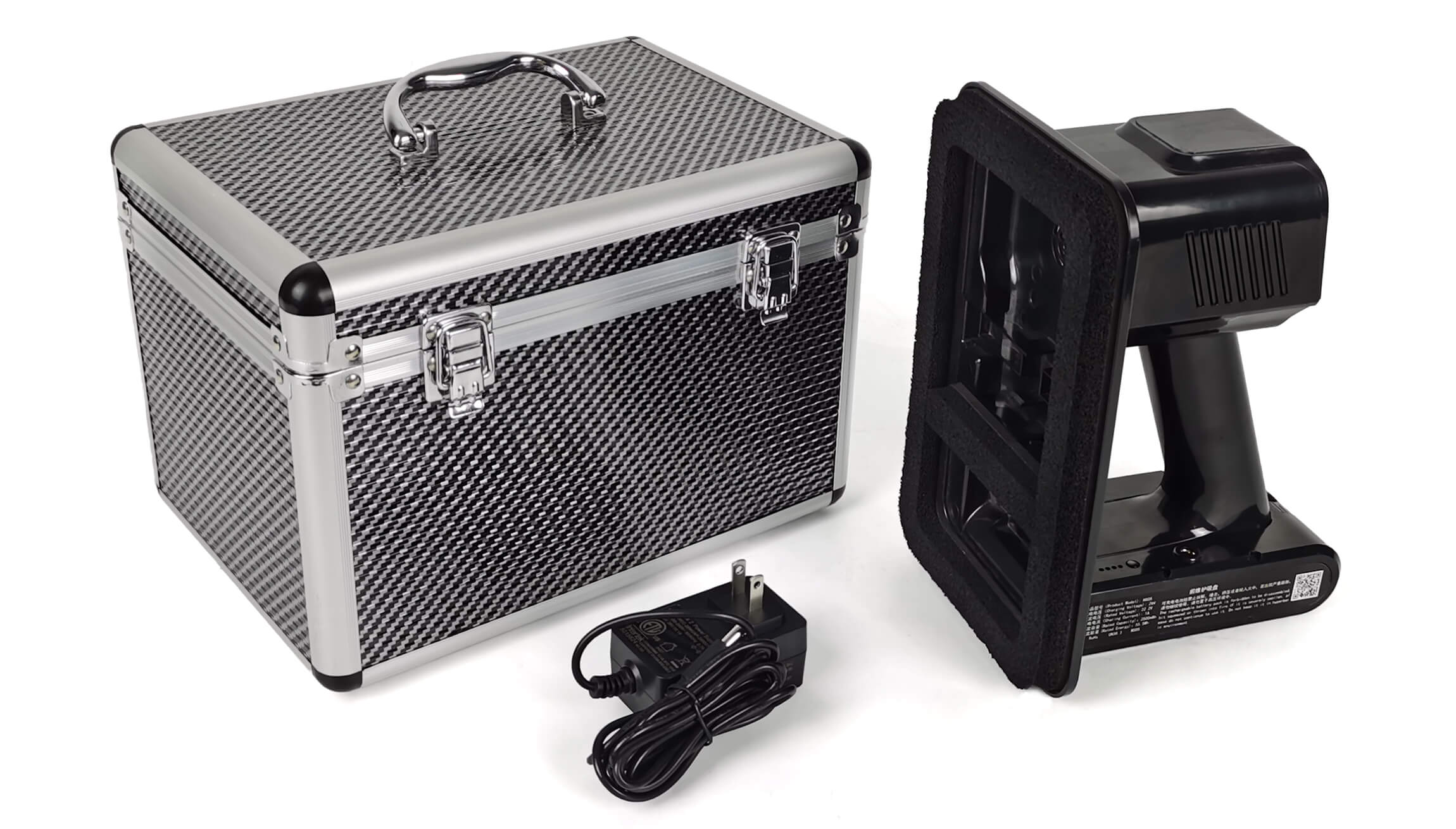
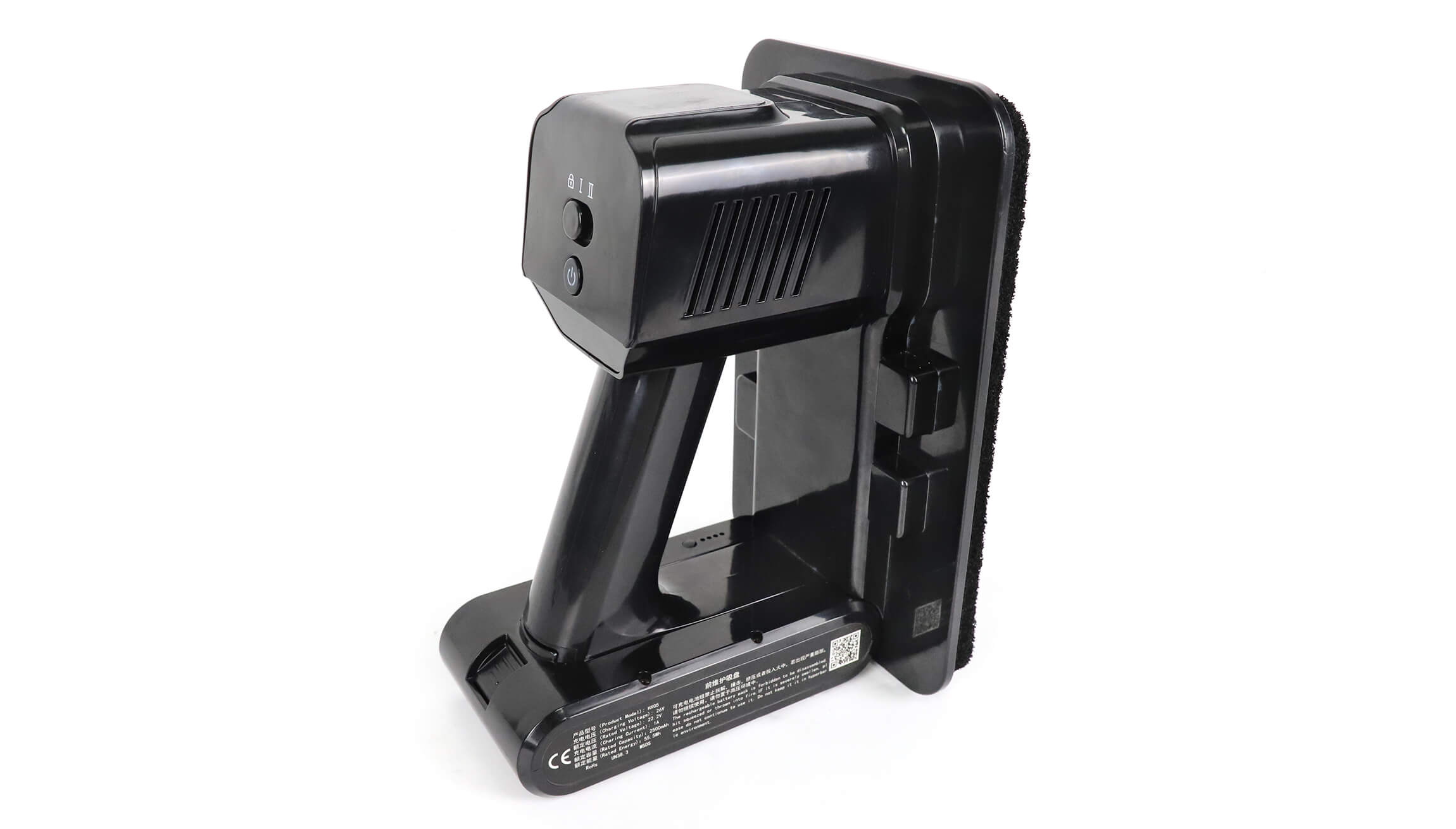
HX05 LED Module Vacuum Tool for Front Service
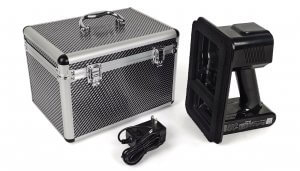
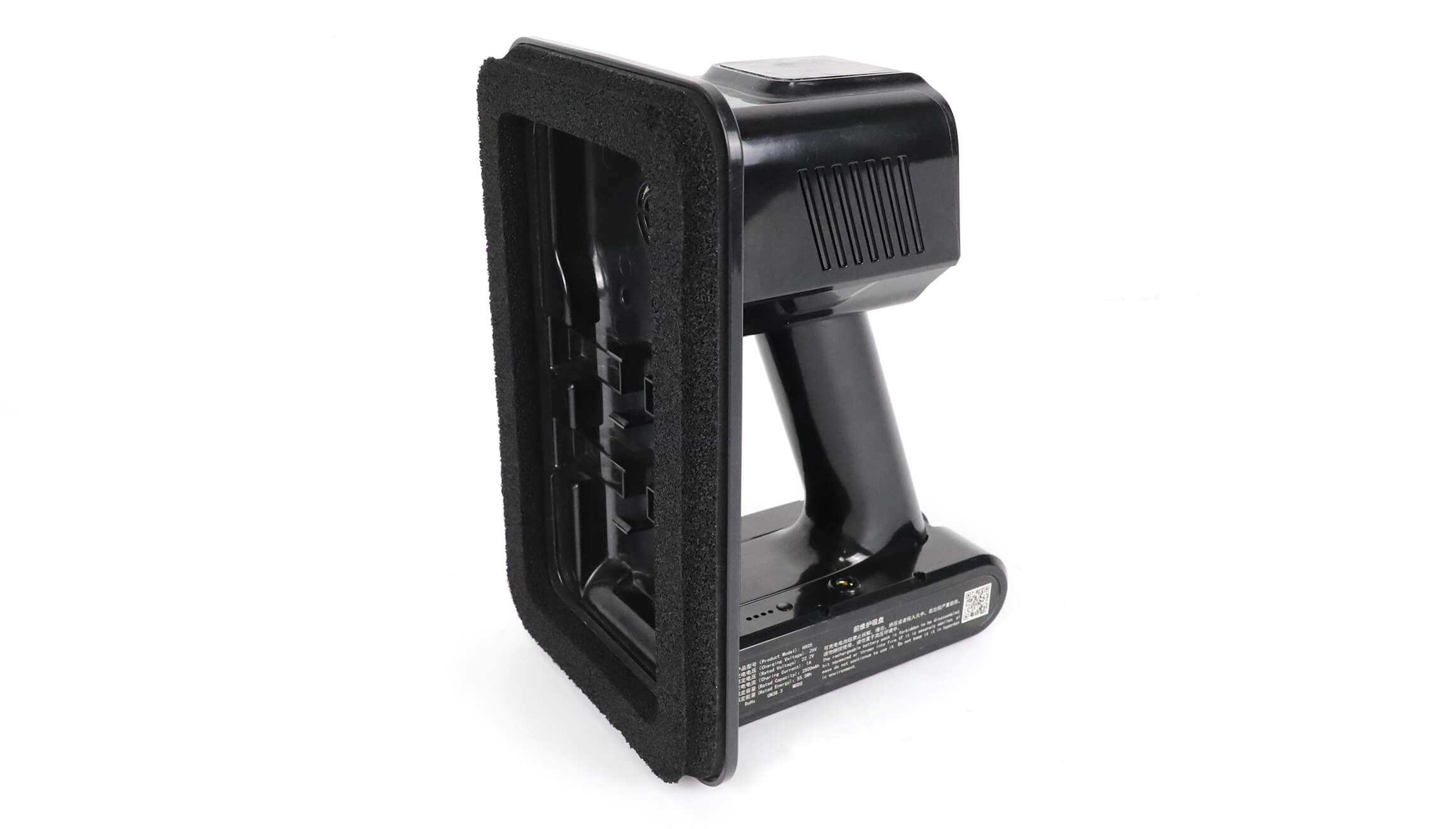
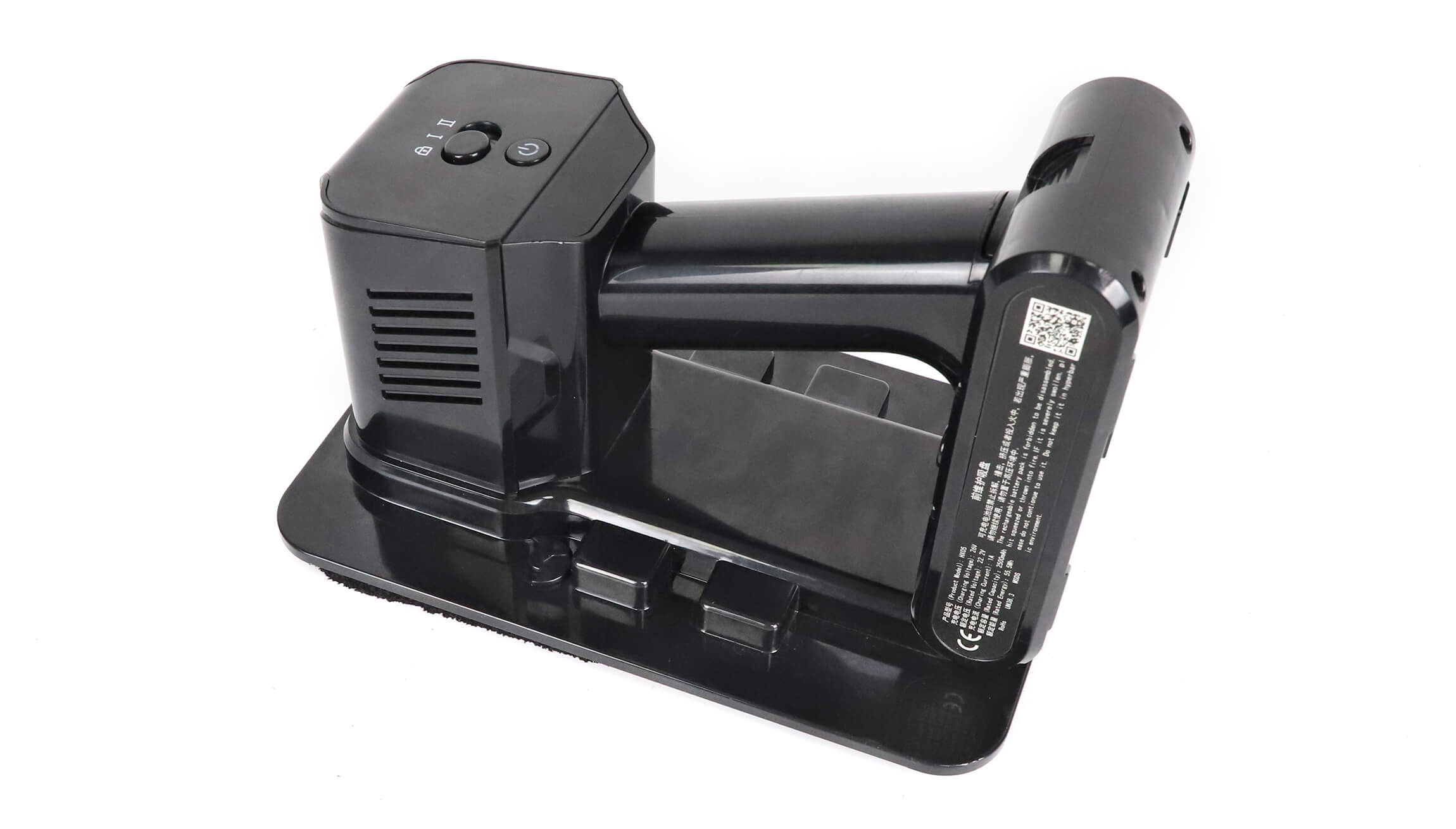
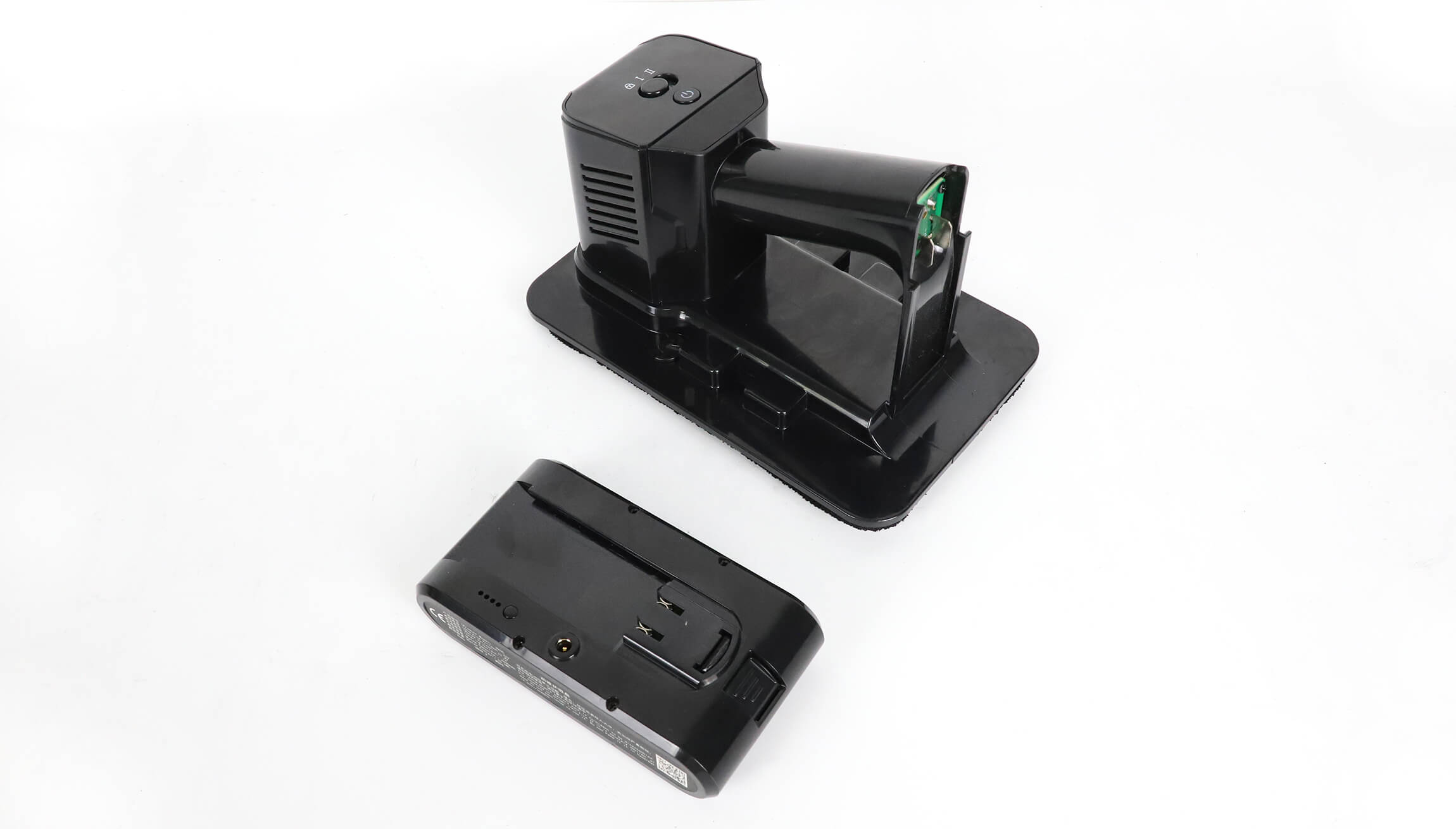
The HX05 LED screen vacuum tool, also identified as HX-05 in the manual, helps technicians remove compatible LED display modules from the front for maintenance and replacement. This handheld, battery-powered front maintenance tool uses a suction cup and adjustable high/low settings. Its compact design and removable battery make it convenient to carry between service locations.
Use it when a module needs to be removed for inspection or replacement. The tool provides access to the module; it does not diagnose or repair LED pixel faults.
Features and Module Compatibility
- Front access: a suction-based tool for compatible front-service LED modules, including small-pitch modules described in the manual.
- Adjustable operation: high/low setting control with memory function and a separate on/off switch.
- Portable design: removable battery, handle and battery-level indicator.
Before ordering, confirm the module dimensions, front-service fixing method and suitability for vacuum removal. An indoor or outdoor screen label alone does not establish compatibility. The manual lists three suction-cup sizes; confirm the required size and supplied accessories for your order.
HX05 Specifications
| Parameter | Specification |
|---|---|
| Power | 350 W |
| Charger input voltage | 100–240 V |
| Charger output | 26 V, 1 A |
| Continuous discharge duration | 20 minutes (laboratory data; actual duration varies with use conditions) |
| Standby current | 10 µA |
| Operating environment | −20°C to 45°C; 15%–85% RH |
| Net / gross weight | 1.036 kg / 2.375 kg |
| Dimensions (L × W × H) | 270 × 190 × 205 mm |
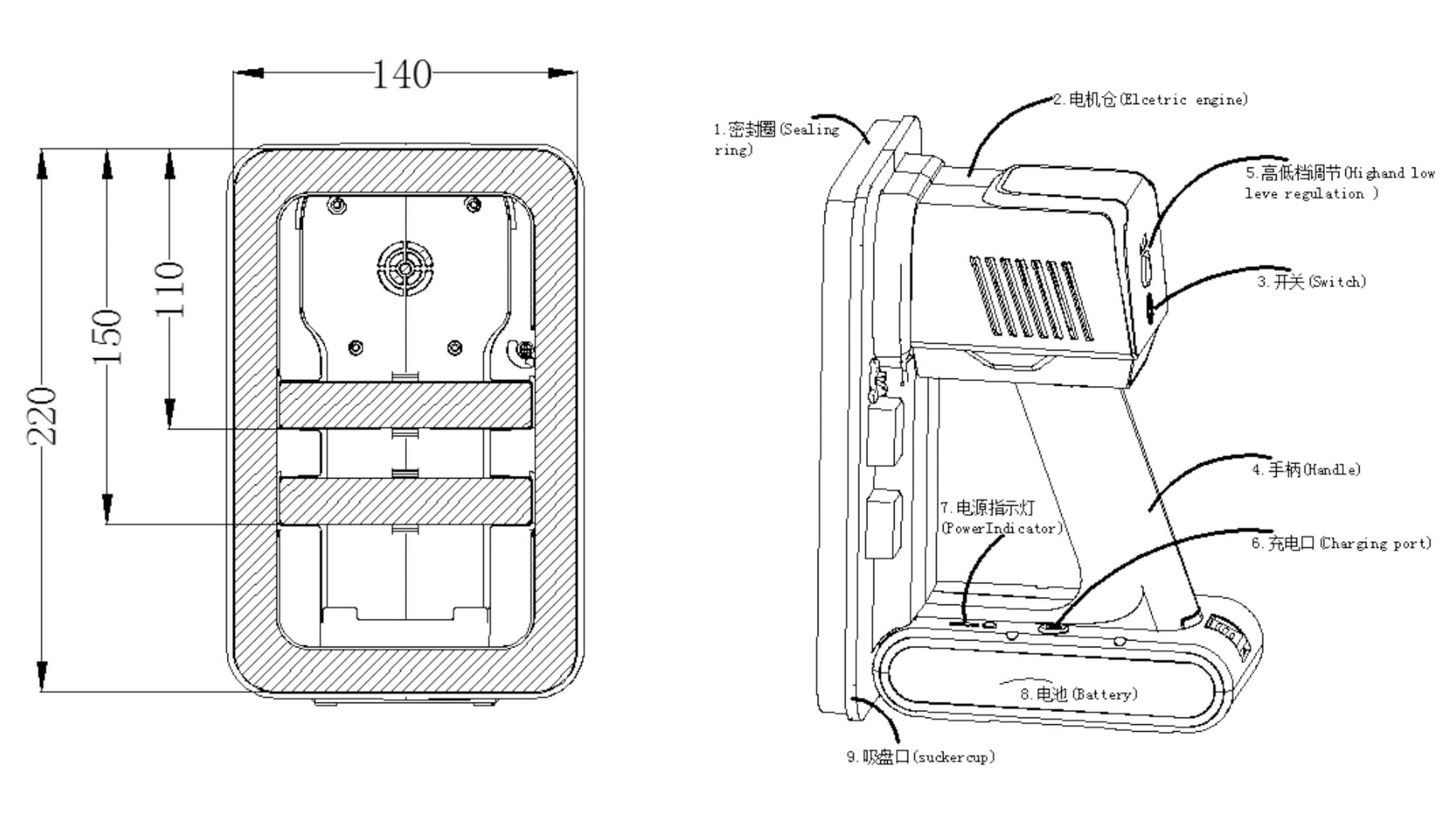
| Suction-cup sizes listed in the manual | 140 × 220 mm; 140 × 150 mm; 140 × 110 mm |
How to Operate the HX05
- Hold the handle and use the oval adjustment button to select the required setting.
- Align the suction cup with the center of the compatible LED module.
- Press the switch once to start operation. Follow the display’s service procedure when removing the module.
- Press the switch again to stop operation.
Use the specified charger and follow the manual’s charging instructions. Keep the tool protected from rain, immersion and debris. For extended storage, charge the battery fully and recharge it periodically as directed in the manual.
Product Demonstration Video
Product Images and Schematic
Frequently Asked Questions
What is the HX05 LED vacuum tool used for?
It assists with front removal of compatible LED display modules so technicians can inspect or replace them during maintenance.
Will it work with every LED screen?
Confirm compatibility with your module and its fixing method before purchase. Check the module size and required suction cup rather than selecting only by screen type.
Does the HX05 have a removable battery?
Yes. The HX05 has a removable battery for portable front-service work.
Is the stated 20-minute duration guaranteed in every application?
No. The specification identifies this as laboratory continuous-discharge data. Actual duration varies with the operating conditions.
Where can I find the operating instructions?
The demonstration video above and the downloadable HX05 specification below explain the controls and operation. Check the manual before use.
Download the HX05 Manual
HX05 LED Screen Vacuum Front Maintenance Tool Specification (PDF)
For module compatibility and supplied-accessory details, contact us about the HX05 with your module model, dimensions and a photo of its front surface.