What Is the Kystar KS606 LED Sending Box?
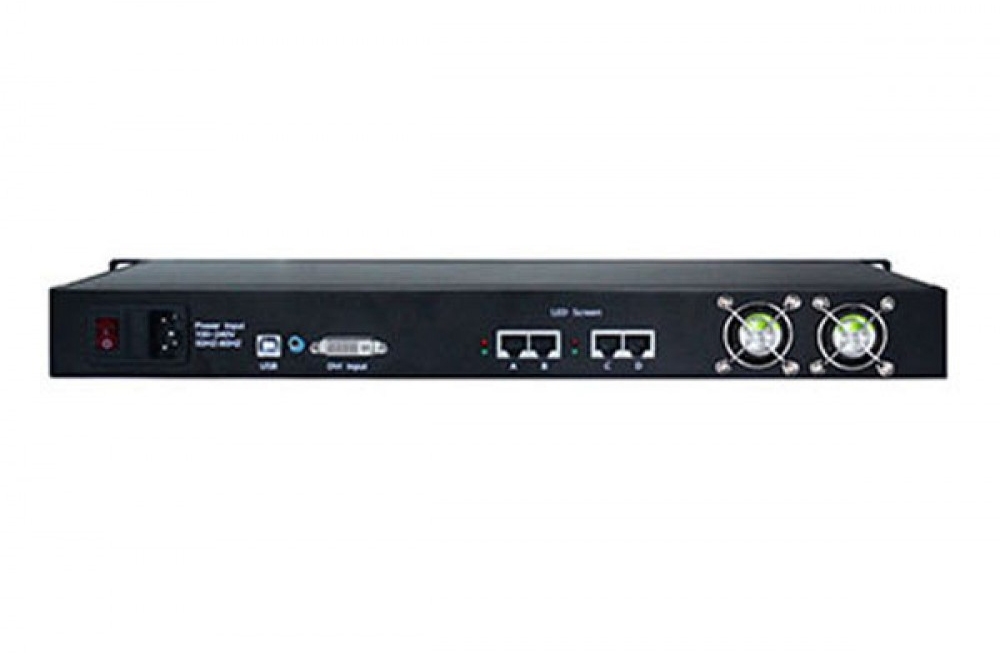
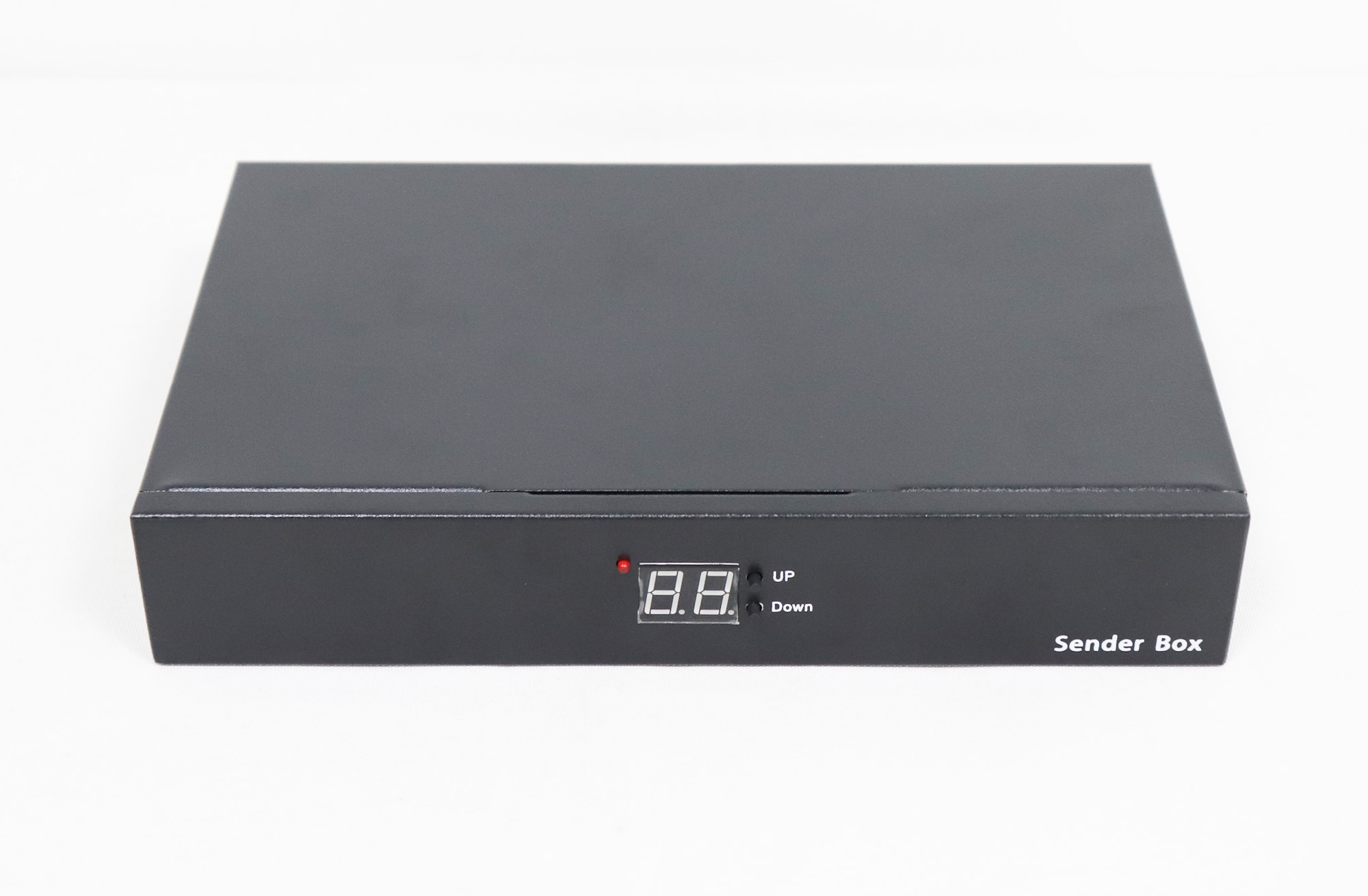
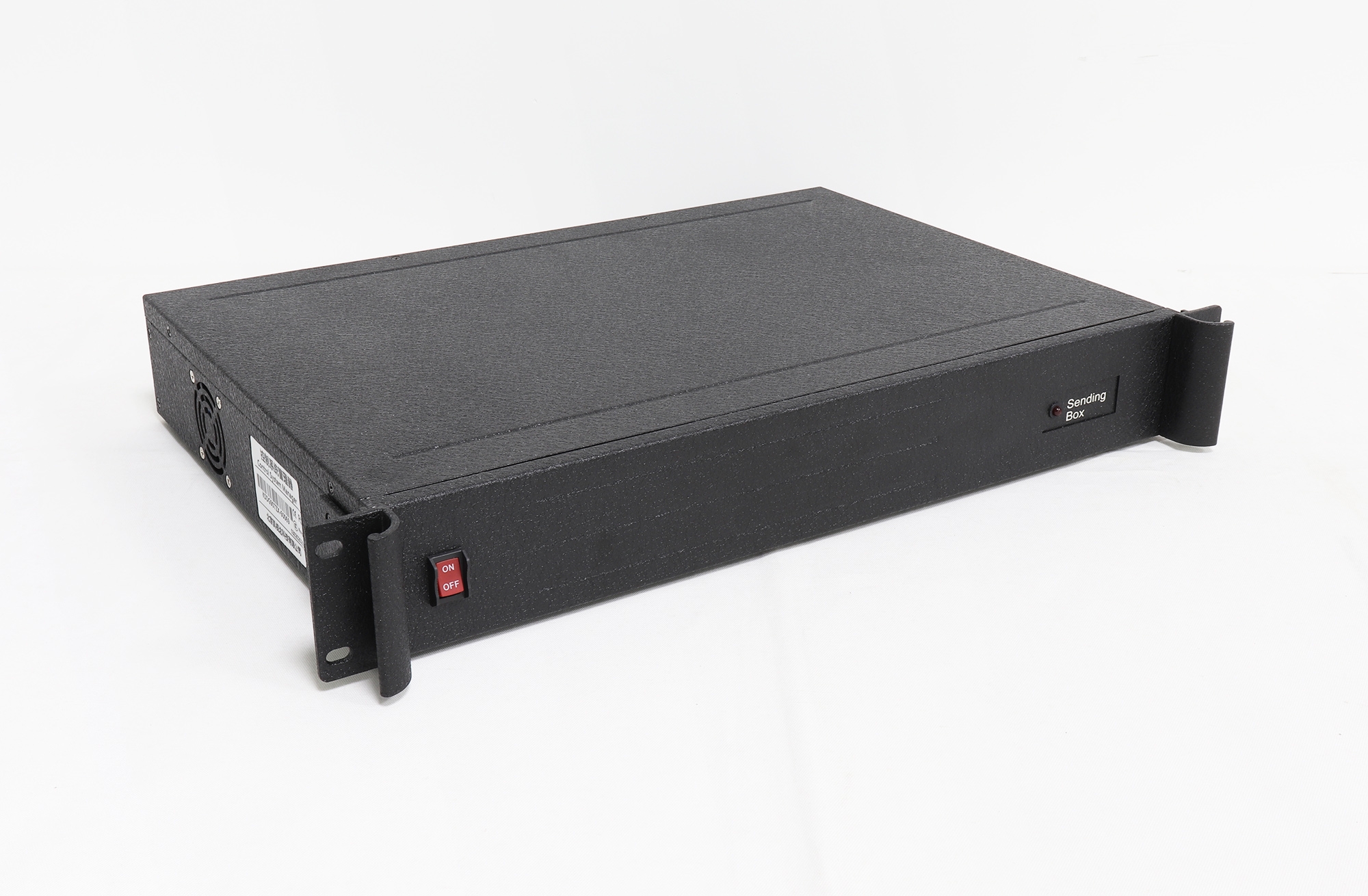
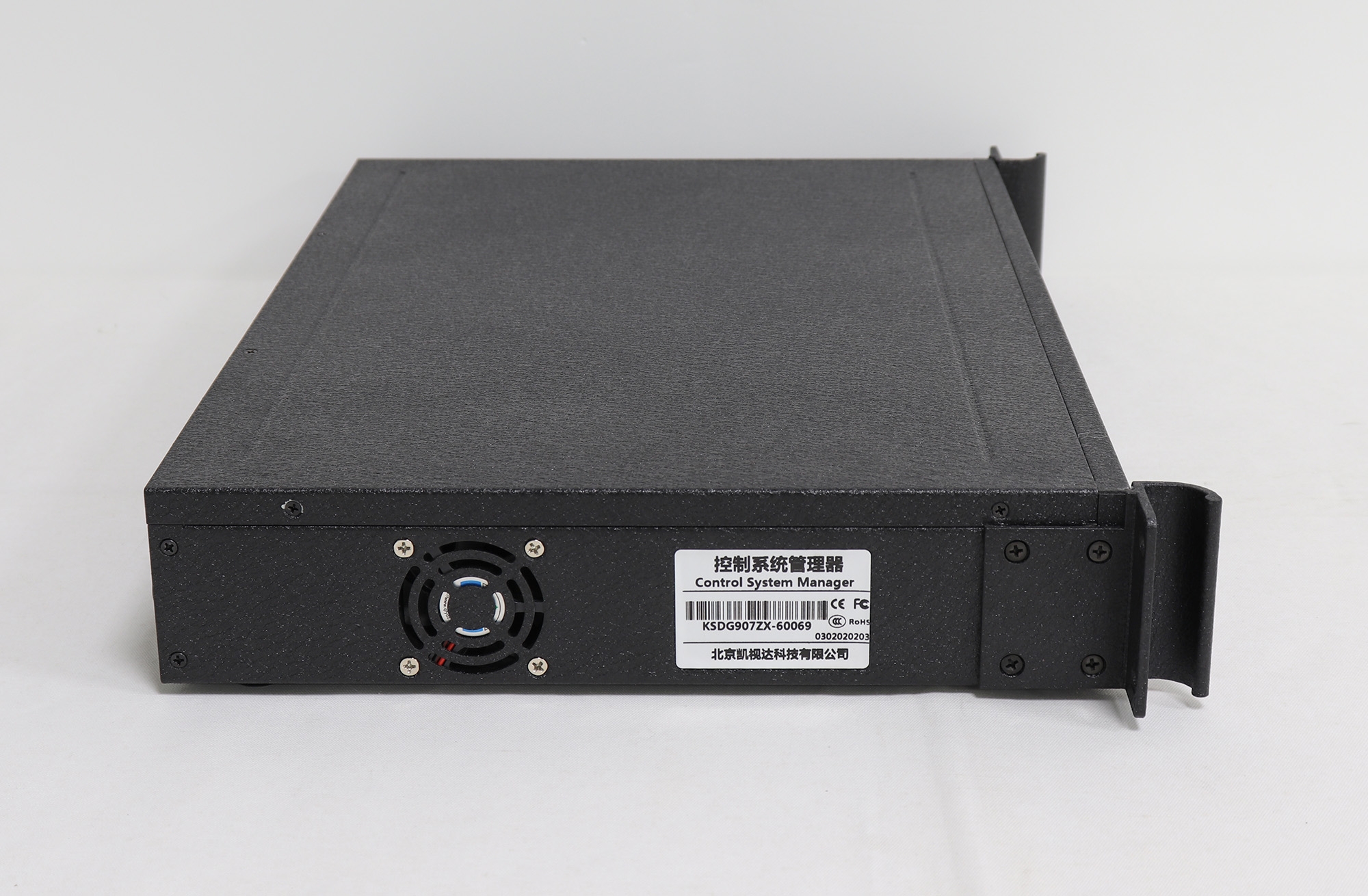
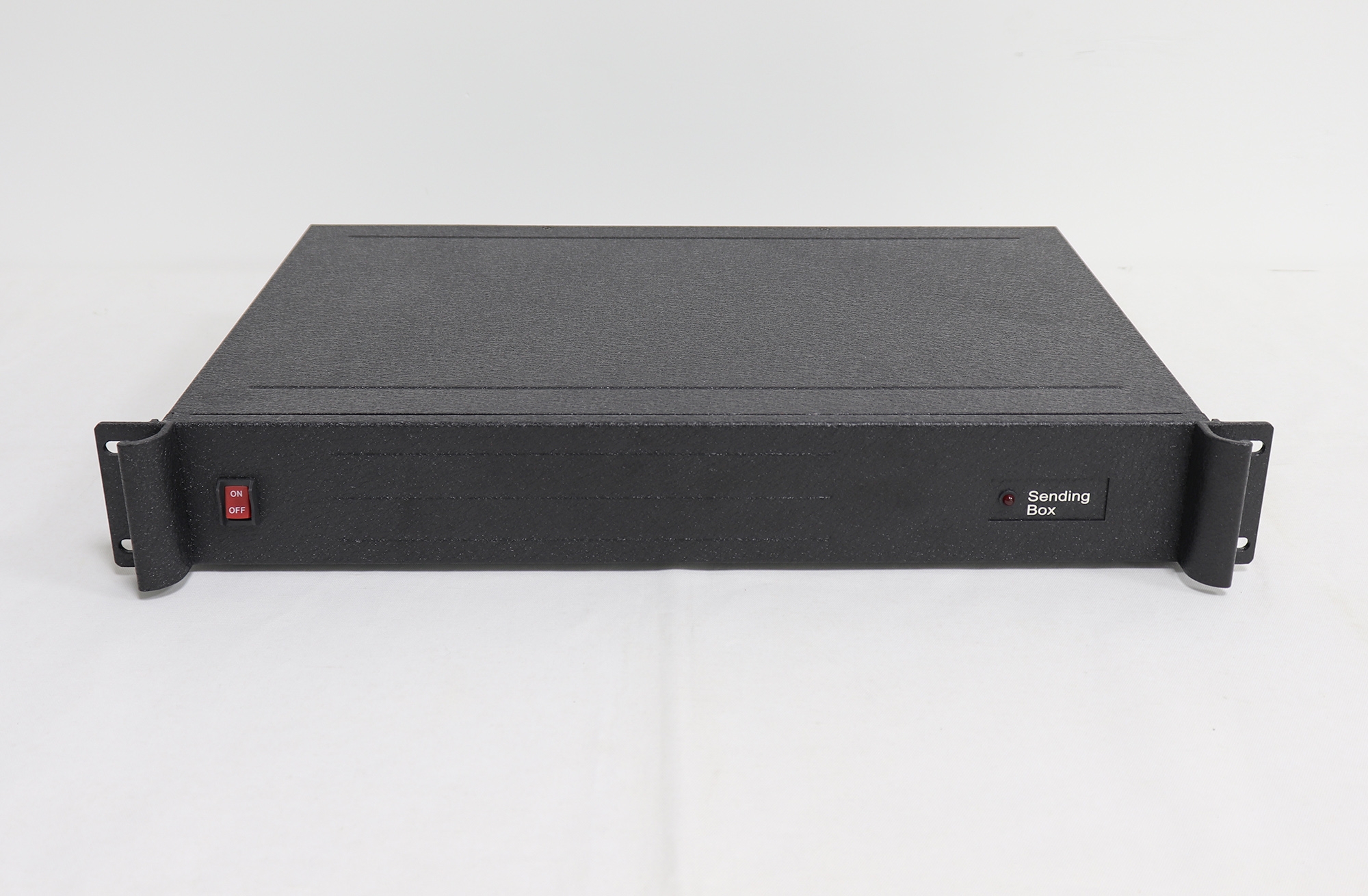
The Kystar KS606 is a sending-card management enclosure for LED display systems. Its six card positions and internal power arrangement help organize several small sending cards in one 1.5U chassis. The installed cards provide the display signal interfaces and LED data transmission; select the required cards and confirm the supplied configuration.
Uses and Features
- Six card installation positions: house up to six compatible small sending cards in one enclosure.
- Power organization: provide an installation and power-management unit for multi-card systems.
- 1.5U chassis: integrate the sending equipment into a rack or equipment installation with suitable mounting and clearance.
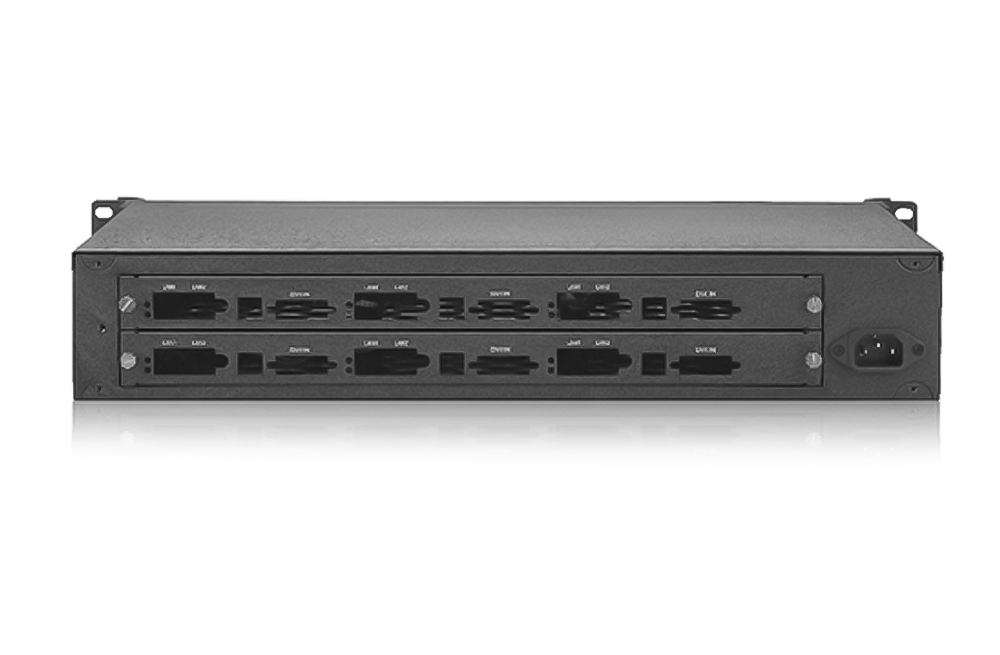
- Accessible card area: the rear card positions make it easier to organize signal and display connections for the installed cards.
KS606 Specifications
| Specification | Details |
|---|---|
| Device role | Sending-card enclosure and management unit for power and installation. |
| Installation capacity | 6 compatible small sending cards. The manual describes small cards with two network ports; verify the exact card form factor and connectors. |
| Chassis format | 1.5U. Confirm the supplied unit’s mounting dimensions and installation clearance. |
| AC input | 100–240 V AC, 50/60 Hz, 1.0 A, as listed in the model documents. |
| Listed power consumption | 50 W. Confirm the installed-card configuration and power requirements. |
| Net weight | 5 kg, listed in both documents. |
| Dimensions and revision check | The specification lists 483 × 340 × 67 mm; the manual lists 483 × 340 × 72 mm (L × W × H). Confirm the actual unit and mounting clearance before installation. |
| Signal interfaces and LED load | Determined by the installed sending cards and system configuration; six installation positions do not establish a fixed overall pixel capacity. |
Sending-Card Compatibility and System Planning
Before ordering, confirm the card models, board dimensions, front brackets, internal power connection and cable routing. The manufacturer manual describes installation for small sending cards, but this does not prove that every card or brand fits. Also confirm whether the purchase includes sending cards or only the enclosure.
Plan the video feeds, each sending card’s LED pixel load and the receiving-card mapping separately. KS606’s six card positions describe installation capacity, not six independent video processing channels. Do not assume it supplies the one-to-two DVI signal distribution required by a particular wiring plan; use suitable external distribution equipment when needed.
Match environmental conditions to the supplied unit’s verified rating. The preserved model documents contain an inconsistent humidity entry expressed in degrees Celsius, so an exact humidity rating is not specified here. Confirm corrected environmental limits with the manufacturer rather than treating that entry as a valid percentage.
Frequently Asked Questions
Are six sending cards included?
The documents describe room and power provision for six small sending cards. Confirm the actual sales configuration and included card models before ordering.
What LED pixel capacity does KS606 support?
The enclosure does not establish one fixed pixel load. Calculate capacity from the installed sending cards, their output settings and the LED screen mapping.
What is the main difference from KS604?
KS606 is described as a six-card enclosure. The KS604 is described as a four-card enclosure with two independent one-to-two DVI splitters. Check the exact unit and card configuration for your signal plan.
Summary and Documentation
Choose KS606 to organize compatible small sending cards in a shared enclosure. Confirm card fit, power connections, supplied cards and actual chassis dimensions before installation. The original KS606 specification and manual, both identified as v1.2 from November 2021, are preserved below; contact Kystar for revision-specific support.
Original Product Images and Downloads
Download Specification