What Is the Kystar U2 LED Video Processor?
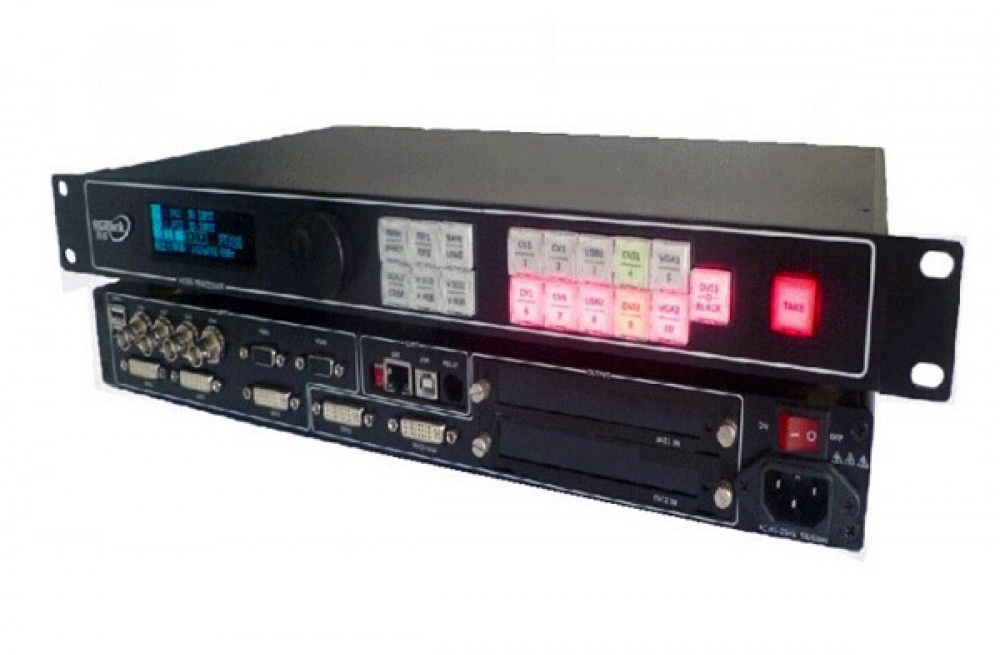
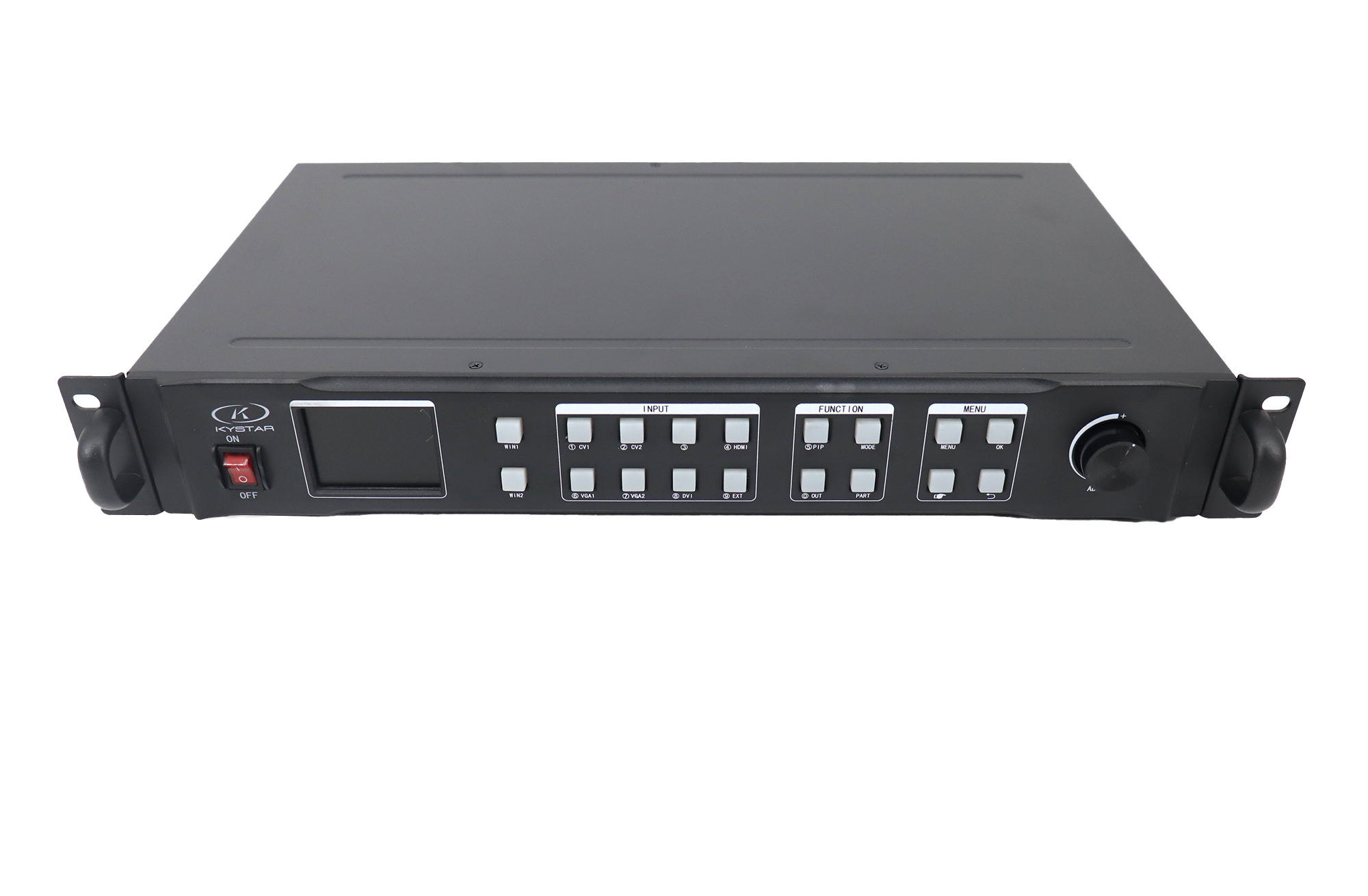
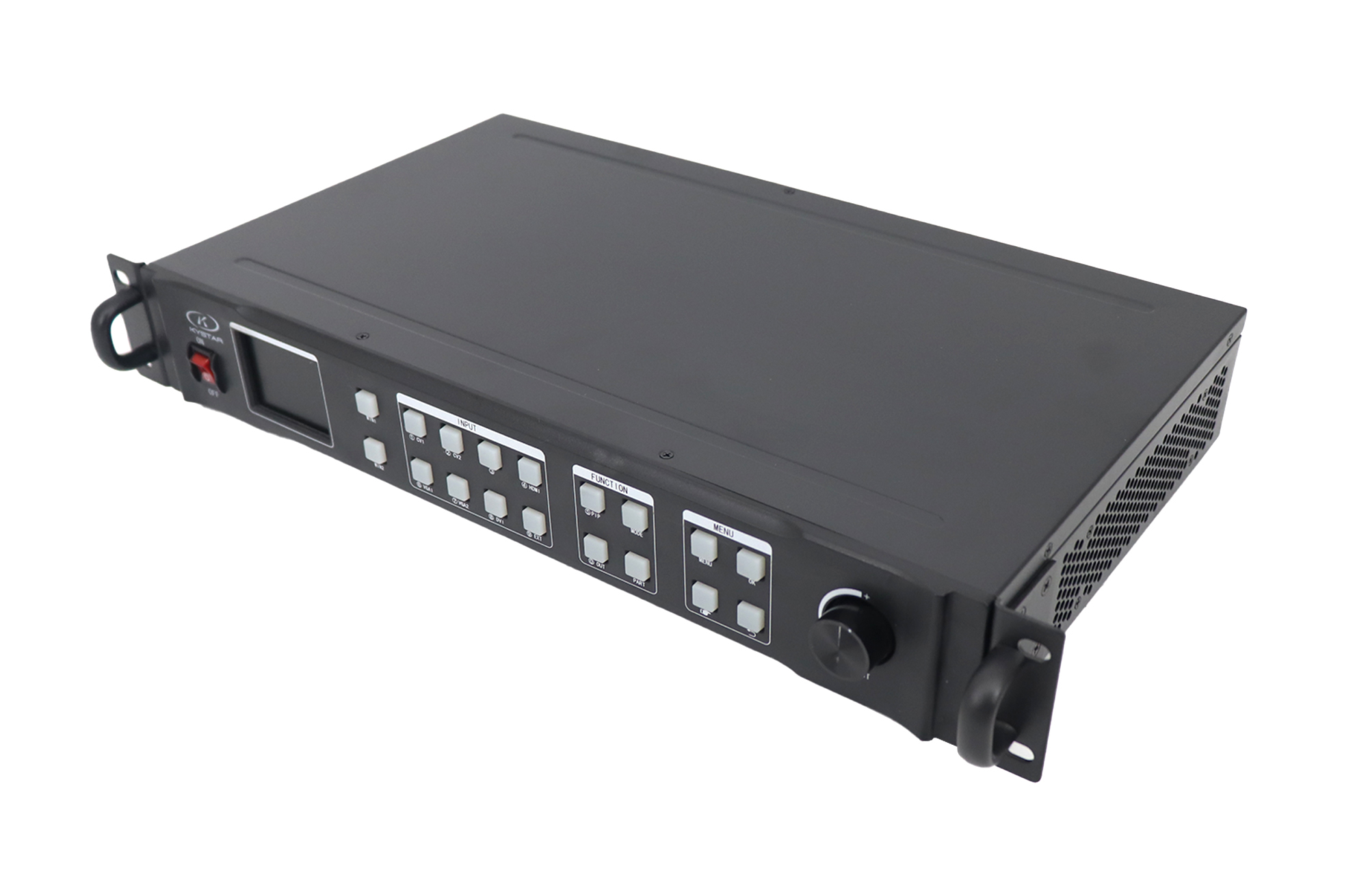
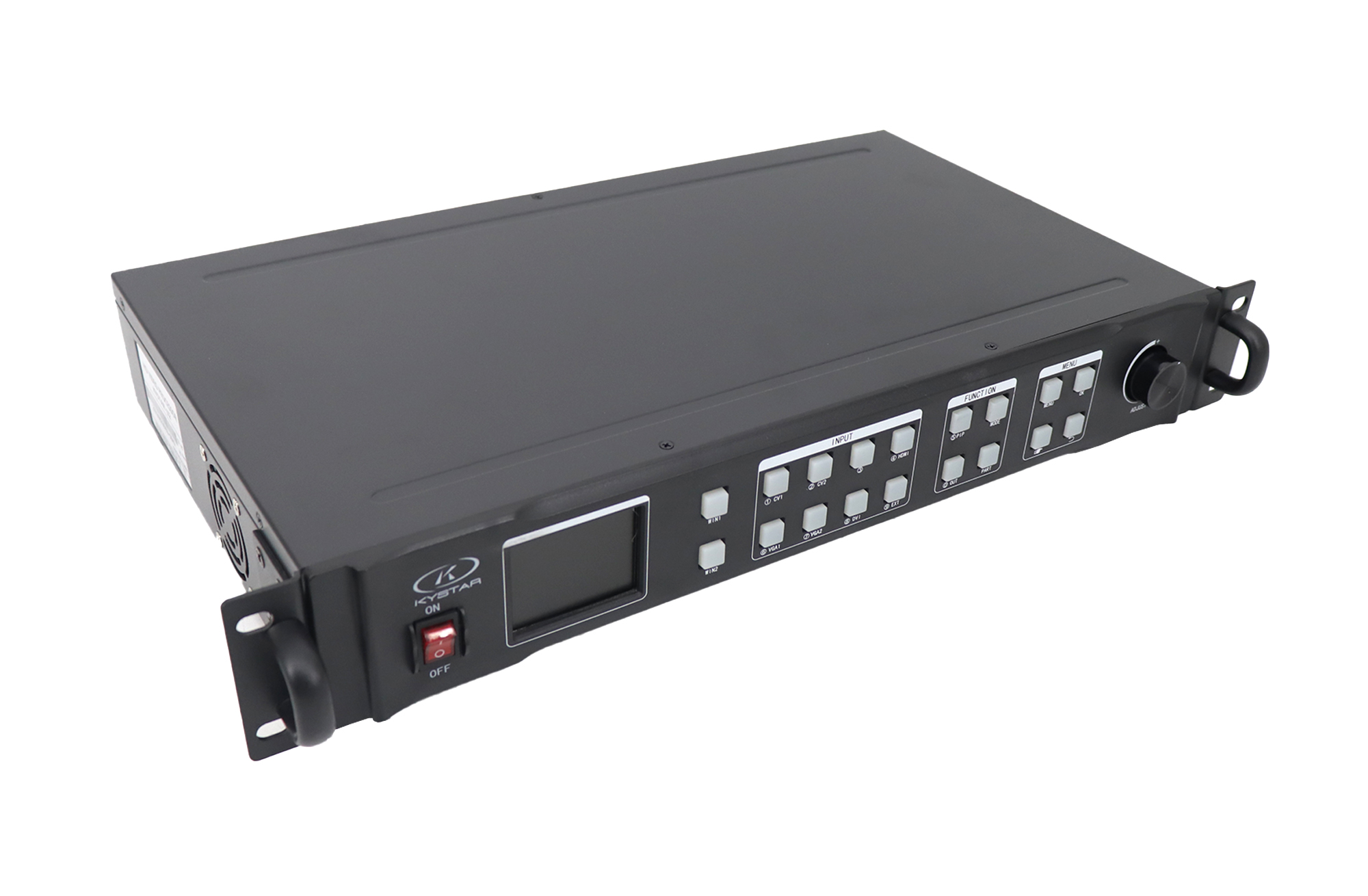
The Kystar U2 is a dual-window audio and video splicing processor for small and medium-sized LED screen installations. It combines source scaling, picture-in-picture or picture-out-picture layouts and synchronized audio/video switching. Its two DVI program outputs can work in splicing, copy or monitoring configurations, depending on the display layout.
Practical Features for LED Displays
- Two-picture layouts: arrange PIP, PBP or POP content for presentations, events or two display areas.
- AV source switching: switch the assigned audio alongside video and use straight cuts or fade-in/fade-out transitions.
- Flexible screen mapping: select splicing for a divided canvas or copy mode for matching images on two outputs.
- Monitoring: view the source on a local monitor while driving the LED display in the relevant output mode.
- Multi-machine cascade: build a larger system with multiple processors after confirming routing, synchronization and output timing.
U2 Specifications and Output Modes
| Specification | Details |
|---|---|
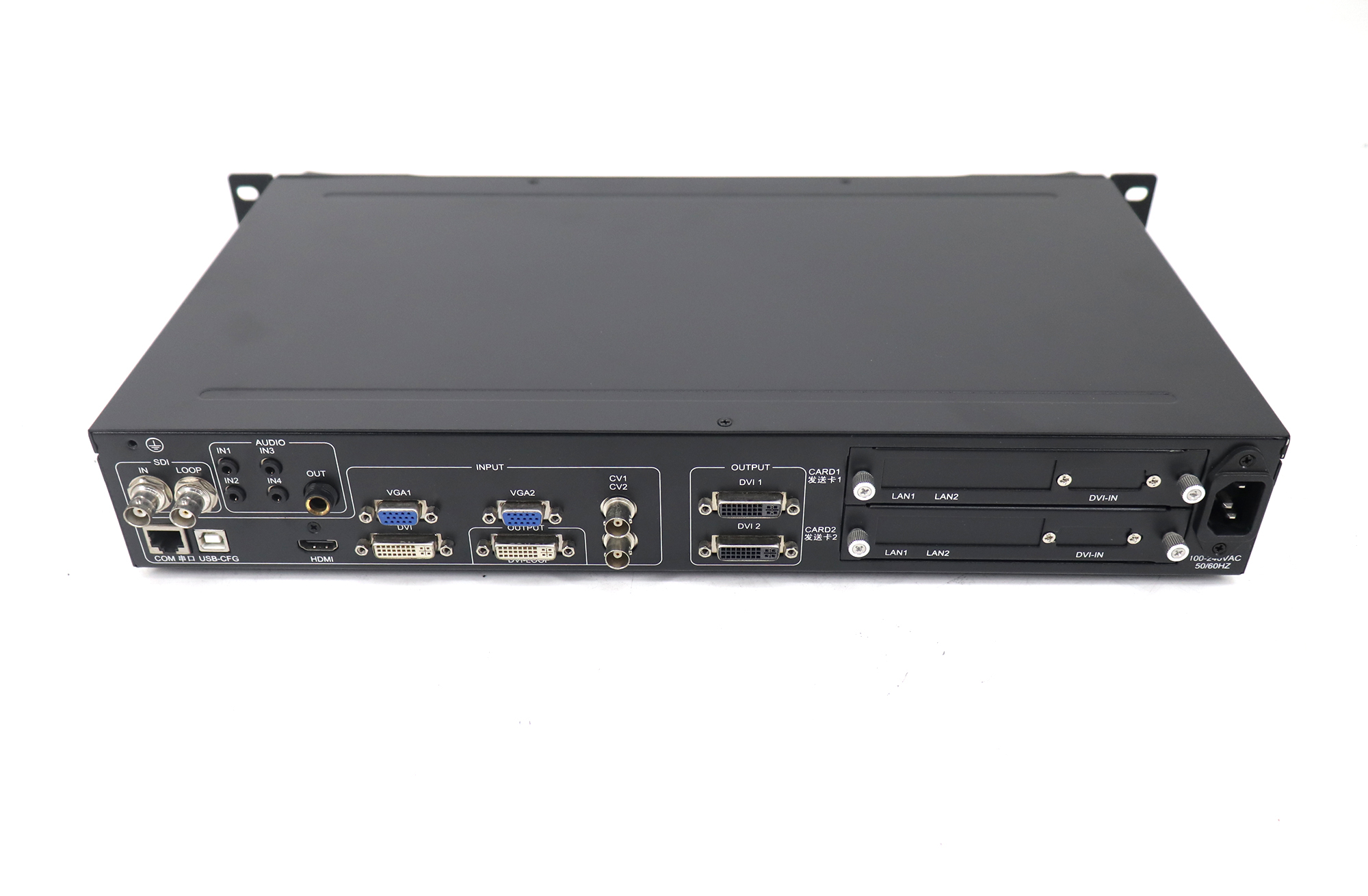
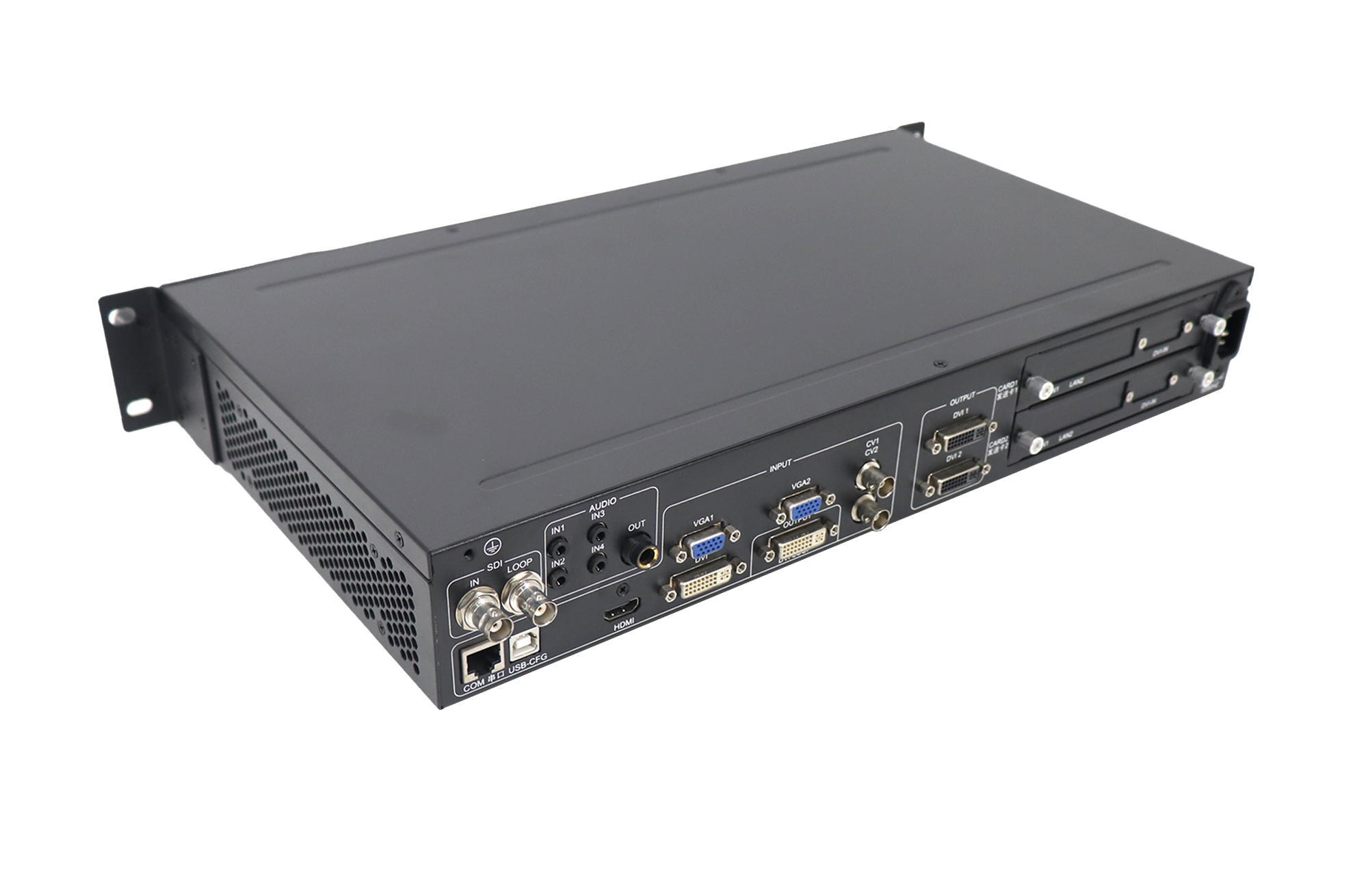
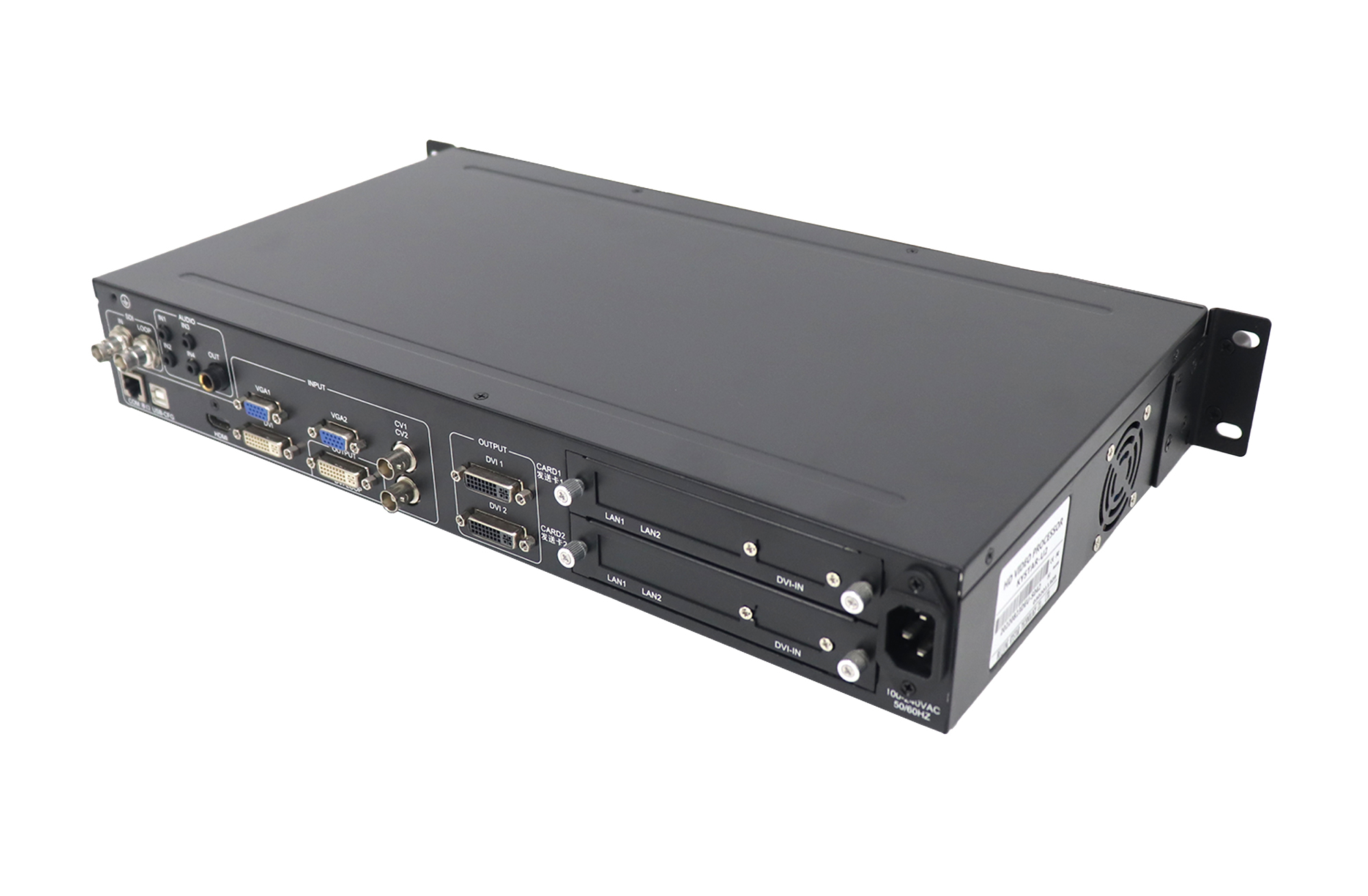
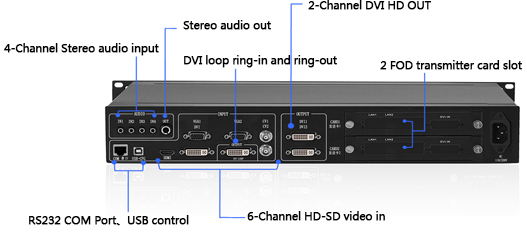
| Video outputs | 2 DVI-D program outputs and 1 DVI loop output. The loop output is not an additional independently processed program channel. |
| Splicing mode | The two program outputs carry different areas of one image. The original brochure specifies up to 2560 × 1536 at 60 Hz. |
| Copy mode | Both program outputs carry the same picture; up to 2.6 million pixels of user-defined output in this mode. |
| Monitoring mode | One program output drives the LED display and the other is used for local source monitoring. The brochure lists 1080p full-screen monitoring. |
| Core video inputs | 1 HDMI, 1 DVI and 2 VGA. Official U2 v2.3 lists 2 CVBS inputs and an SDI input; the older brochure labels SDI optional. Confirm the unit’s connectors and SDI option. |
| Digital/VGA input resolution | Official U2 v2.3 lists up to 1920 × 1200 at 60 Hz for HDMI, DVI and VGA. This is an input limit, separate from spliced output resolution. |
| Audio connections | The original U2 brochure lists 4 stereo audio inputs and 1 stereo output; confirm connector configuration on the supplied revision. |
| Control connections | Official v2.3 lists USB-CFG (USB Type B) and RS-232 (DB-9). Older brochure control details differ; match the control cable and software to the unit. |
| LED sending-card installation | Provision for two internal sending cards. Confirm compatible card models and whether cards are included in the ordered configuration. |
Configuration and Compatibility Checks
The 2560 × 1536 splicing specification and the 2.6-million-pixel copy-mode specification apply to different workflows. Choose the mode before planning the canvas, output timing and sending-card mapping. The supported width and height must be checked together with the pixel budget; a width limit alone does not establish a supported full canvas.
U2 processes video and supplies it to the LED sending system. The actual LED pixel load also depends on the installed sending cards and their configuration. Internal card installation capability does not confirm that cards are supplied or that every sending-card model fits.
The older U2 brochure and the manufacturer’s November 2021 v2.3 specification describe different port and chassis details. Confirm your hardware revision, CVBS/SDI connections, control cable and software before ordering. For more video windows, compare the Kystar U3 / U3 Pro three-window processors.
Frequently Asked Questions
Can U2 show two sources at once?
Yes. Its dual-picture functions support PIP, PBP and POP layouts. Configure the window sizes, positions and connected sources for the intended display.
Does the DVI loop port add a third independent output?
No. It loops the DVI input signal; the two DVI program outputs handle the processed display configuration.
Can I use U2 as a 4K input processor?
The official v2.3 specification lists HDMI, DVI and VGA inputs up to 1920 × 1200 at 60 Hz. Do not treat the larger spliced output canvas as a 4K input capability.
What should I check before using the engineering lock?
The original brochure describes a timed engineering lock that requires an unlock code and stops output while locked. Confirm its settings and authorized unlock procedure before an event.
Summary and Source Documents
Choose U2 when you need dual-window LED video processing, synchronized AV switching and two DVI program outputs. Match the output mode, hardware revision and sending cards to your screen. Consult the official Kystar U2 specification v2.3 (November 2021) and the preserved original brochure below for configuration details.
Original Parameter Image and Downloads
Download Specification
Download Software