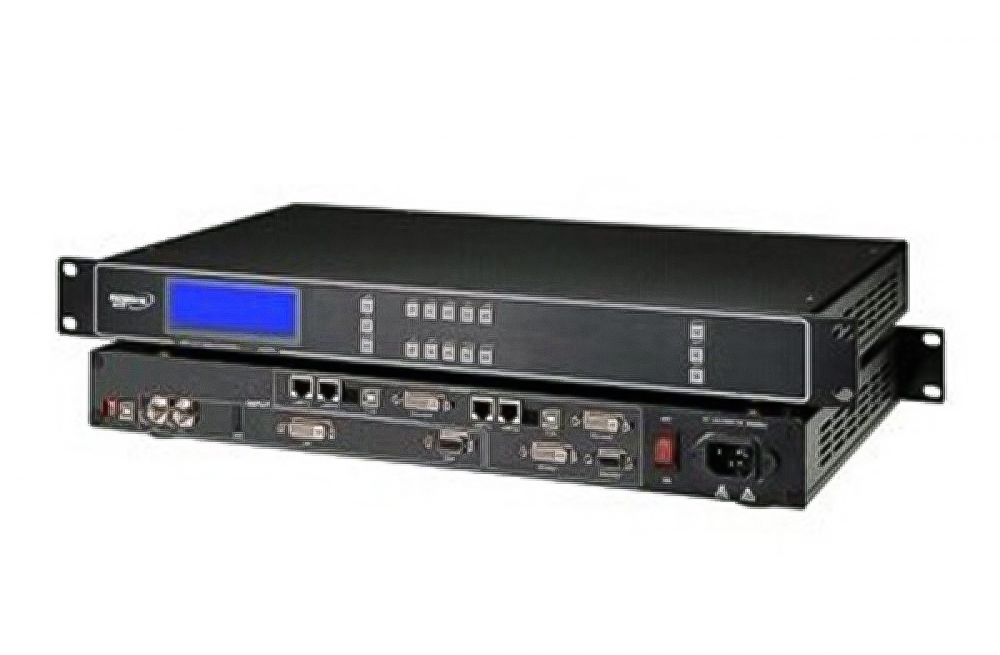
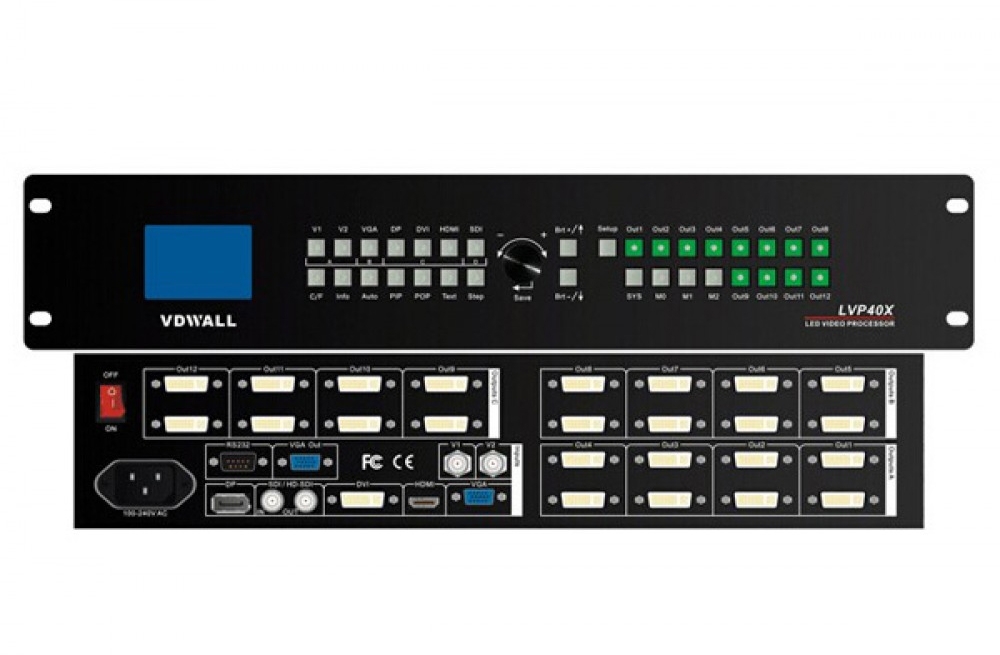
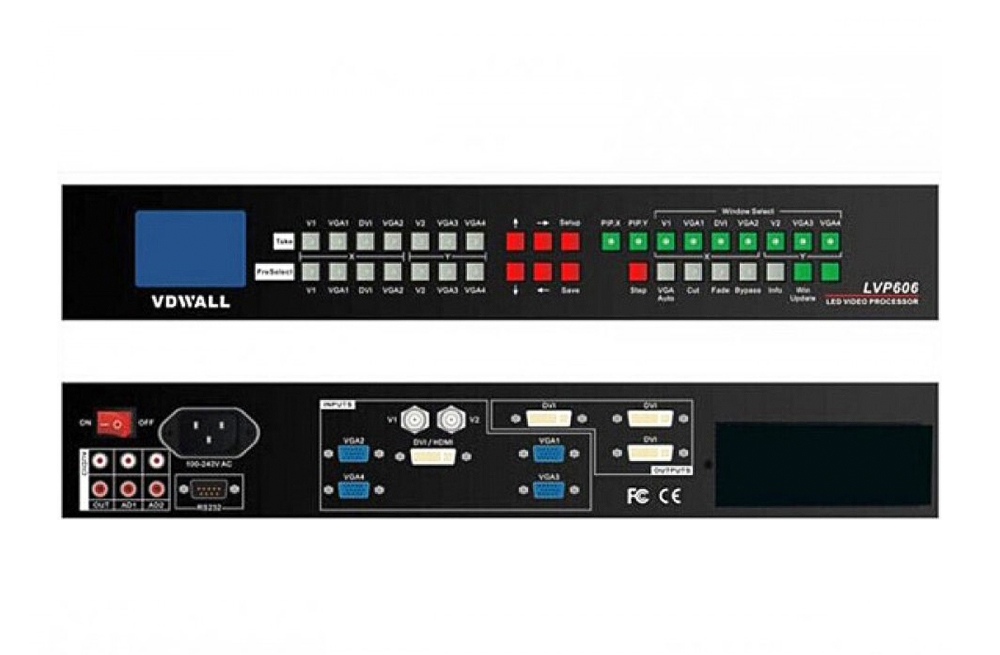
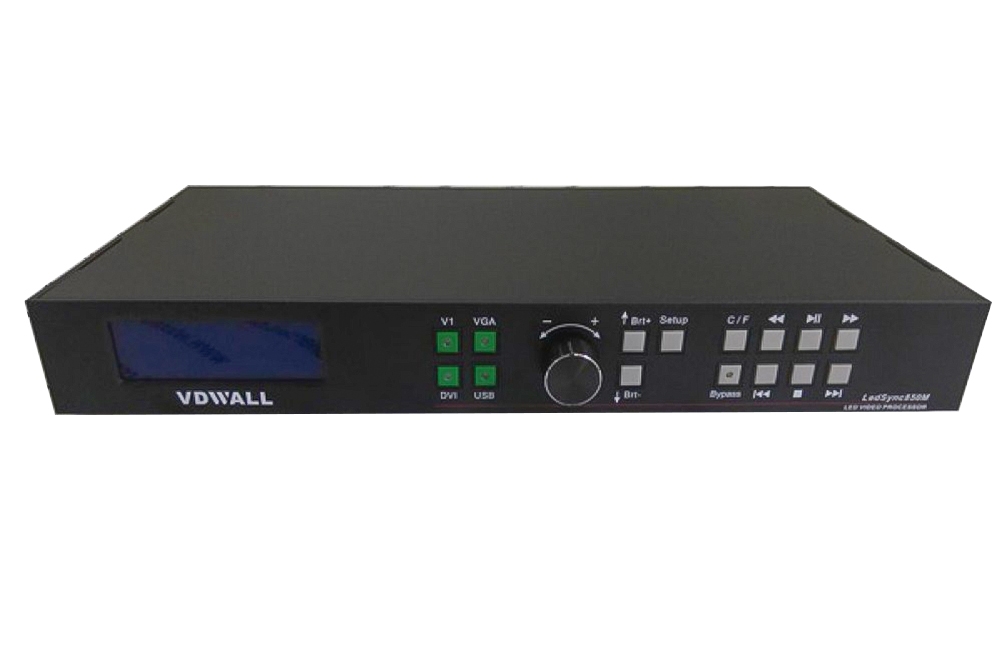
The Magnimage LED-780H is an LED video processor for mosaic display, picture-in-picture and source switching. Its backup functions support live-event operation, while optional input boards adapt the processor to different source connections.
LED-780H Input Board Specifications
| Parameter | HDMI 1.4 board | DP 1.1 board |
|---|---|---|
| Connectors per board | 1 × HDMI and 1 × DVI | 1 × DP and 1 × DVI using HDMI 1.4 standard |
| Input selection | Use HDMI or DVI, one at a time | Use DP or DVI, one at a time |
| Listed maximum timings | 3840 × 1080 at 60 Hz or 3840 × 2160 at 30 Hz | 3840 × 1080 at 60 Hz or 3840 × 2160 at 30 Hz |
| EDID | Supported | Supported |
These timings apply to the named expansion boards. A 4K label does not mean that every connector supports 3840 × 2160 at 60 Hz. Confirm the installed modules before ordering.
Mosaic Setup and Input Backup
For a four-area mosaic, open Mosaic Setting, select four panels, choose the source, set Output Resolution and Output Window, then select Auto Arrangement. Check the pixel dimensions of the actual screen when configuring the layout.
Automatic backup switches to a configured backup signal when the main signal is interrupted. Manual backup uses the TAKE key. The published application description supports simultaneous backup for four LED screens.
Frequently Asked Questions
Where can I download the Magnimage LED-780H manual?
The original user manual, specification PDF and software archive are linked below.
Do the HDMI 1.4 and DP 1.1 expansion boards support 4K60?
The listed timings for these boards are 3840 × 1080 at 60 Hz or 3840 × 2160 at 30 Hz.
Can both connectors on one expansion board be used together?
No. Select HDMI or DVI on the HDMI board, or DP or DVI on the DP board.
How do I set up a four-area mosaic?
Select four panels in Mosaic Setting, choose the source, set the output resolution and window, and then use Auto Arrangement.
What backup options are available?
Automatic input backup and manual backup are supported. The TAKE key is used for manual switching.
Product Images, Manual and Software


Download Specification/User manual/Software:
Magnimage LED-780H 4K High Definition Video Processor Specification
Magnimage LED-780H 4K High Definition Video Processor User Manual
Magnimage LED-780H 4K High Definition Video Processor Software