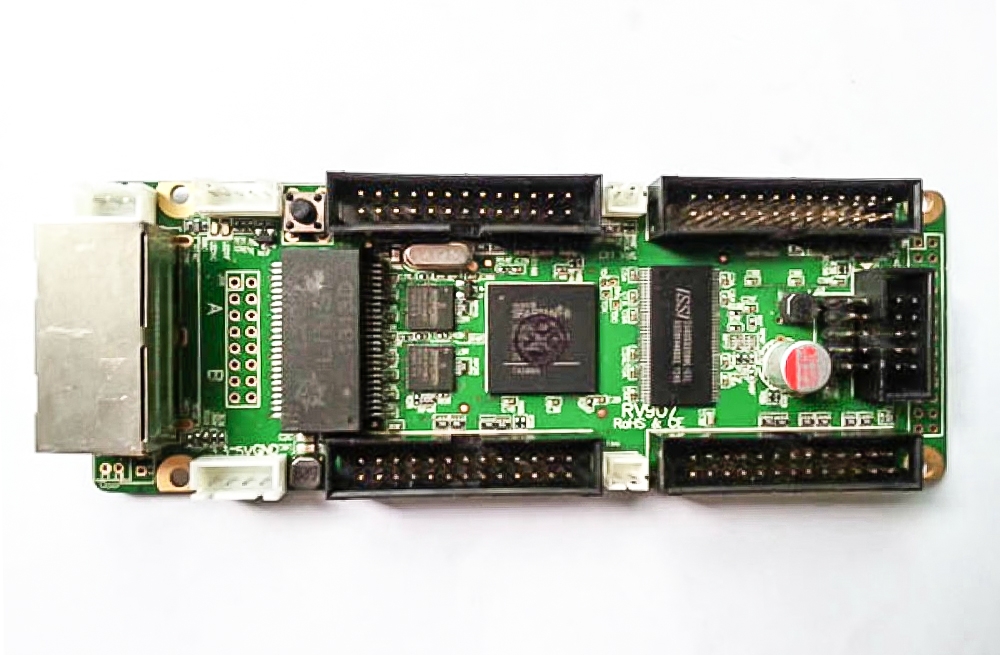
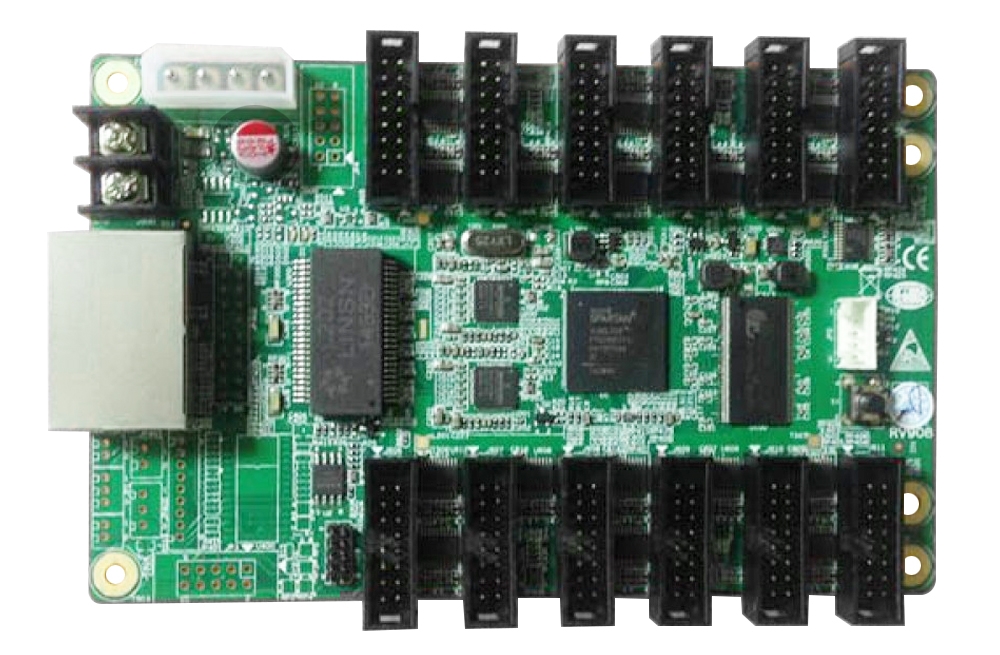
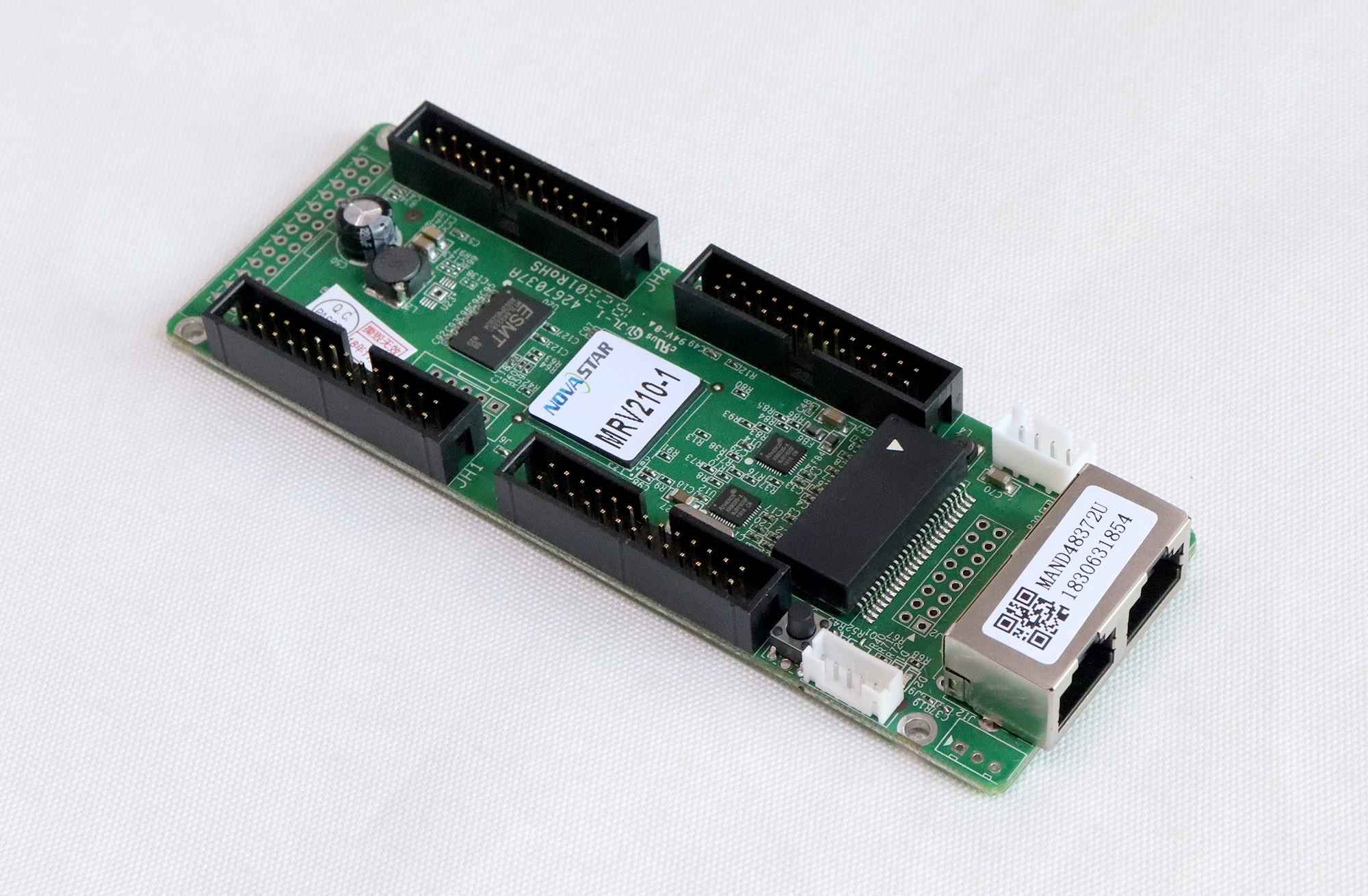
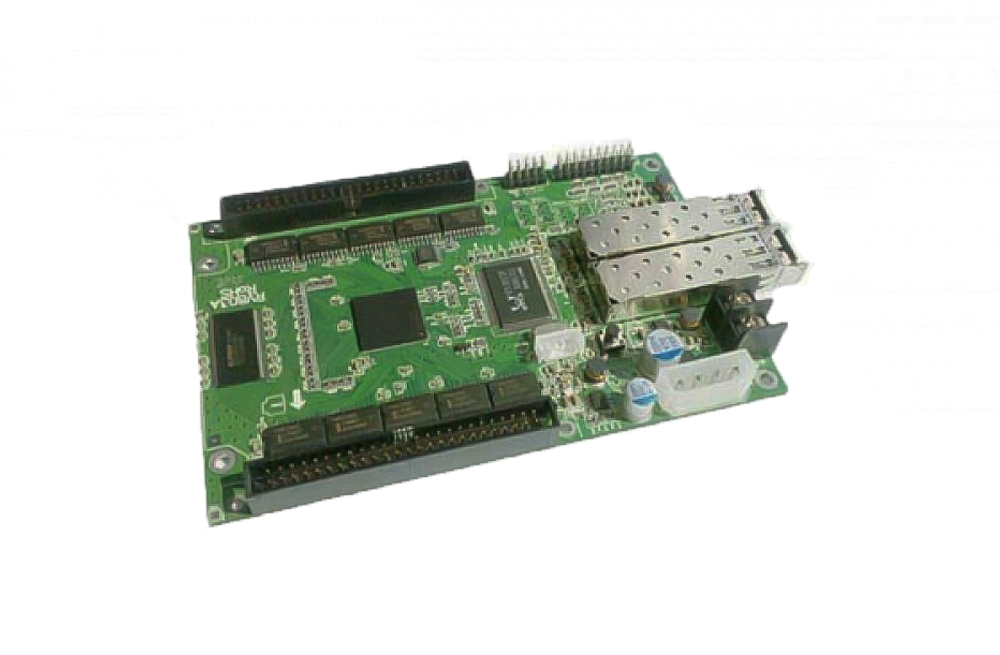
The Mooncell M-RA70 mini LED receiving card offers 32 RGB output groups with a listed 96K-pixel maximum card load. Its readback and cabinet-monitoring functions provide information for configuration and maintenance.
M-RA70 specifications
| Parameter | Specification |
|---|---|
| Model | Mooncell M-RA70 |
| RGB output groups | 32 |
| Maximum card load | 96K pixels |
| Per-data-group load | 8K pixels |
| Input voltage | +3.5–5.5 V |
| Configuration | Receiving-card parameter readback |
| Network functions | Cable backup and cable detection |
| Cabinet monitoring | Temperature, humidity and supply voltage; fan control supported |
| Calibration | Point-by-point brightness and color correction, listed without load-area reduction |
| Driver support listed | PWM, point-detection and conventional ICs |
| Compliance stated | RoHS and CE-EMC |
Cabinet wiring and maintenance functions
The original description lists power pins at each interface, stored startup pictures and recovery support. Check the exact pin definitions before using interface power connections; current limits are not specified in the available page.
Network-cable backup and detection depend on the installed wiring. Brightness reduction during a power fault requires a compatible intelligent power-supply arrangement.
Frequently Asked Questions
How many RGB data groups does the M-RA70 provide?
The M-RA70 is listed with 32 RGB output groups. Confirm the connector pinout and module data layout before installing it.
What is the maximum pixel load of the M-RA70?
The stated card maximum is 96K pixels, with 8K pixels per data group. These figures are retained as written; multiplying the group count by the group capacity does not establish a larger total load.
What input voltage does the M-RA70 require?
The listed input range is +3.5–5.5 V. Check the actual board label, polarity and power-pin arrangement before connection.
Can the card monitor cabinet conditions?
The listed functions include temperature, humidity and supply-voltage monitoring, as well as fan control. Confirm the required sensors, wiring and configuration for the installation.
What should I check before replacing an M-RA70?
Match the model, revision, pinout, module driver and saved parameters. The listing describes readback and recovery functions, but the setup still needs verification after replacement. Backup and intelligent-power functions do not guarantee uninterrupted display under every fault.