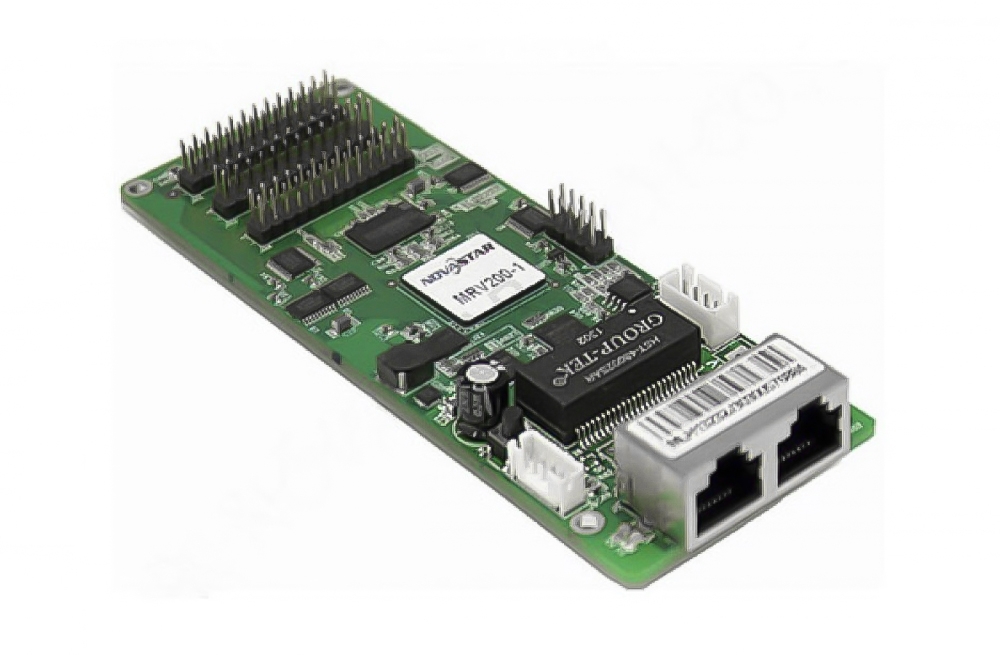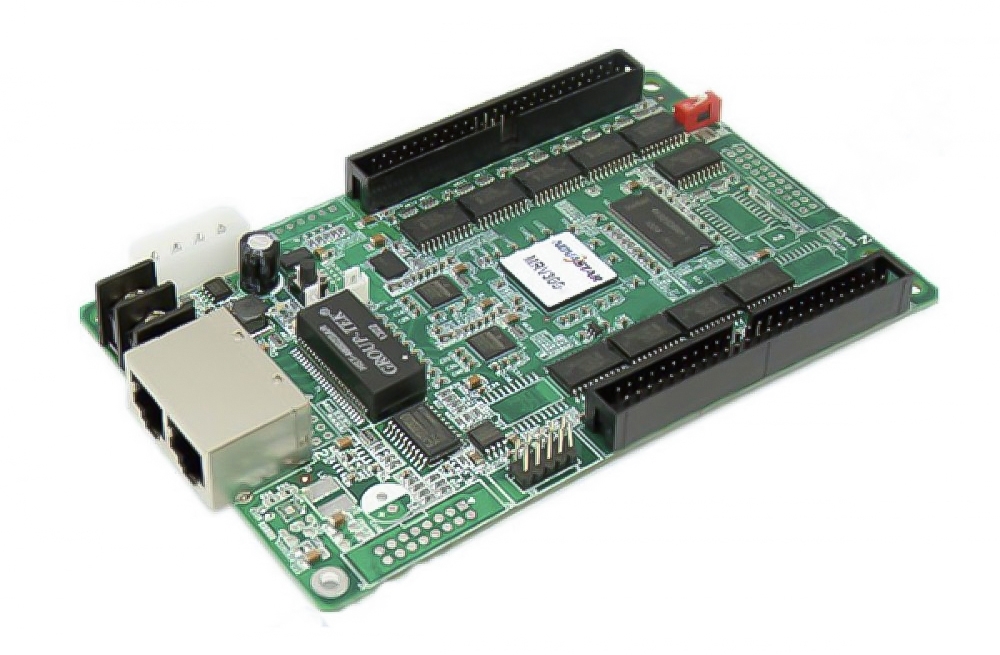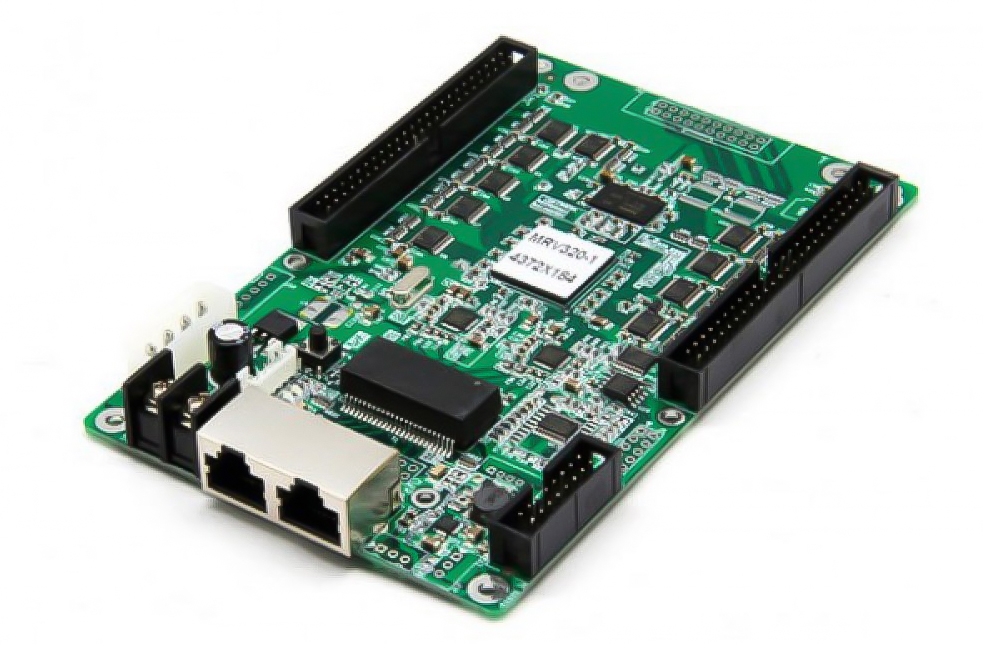
NovaStar AT20, AT30, AT32 and AT60 Receiving Cards
Short answer: The NovaStar AT Series is a family of compact LED receiving cards designed for LED display cabinets where board space is limited. AT20, AT30, AT32 and AT60 share display-enhancement features such as pixel-level brightness and chroma calibration, independent RGB Gamma adjustment, image rotation, cabinet seam correction, low latency and preset fallback images.
Use this page to compare the available AT Series options, check the important compatibility warning and download the corresponding specification before ordering.
Key Features
- Compact, integrated design: A high-density connector helps reduce board space while supporting stable signal transmission in LED display cabinets.
- Pixel-level calibration: Brightness and chroma calibration help improve uniformity across LED modules and cabinets.
- Independent RGB Gamma adjustment: Red, green and blue Gamma can be adjusted independently for more precise image tuning.
- 90-degree image rotation: Rotate the display image in 90-degree increments to suit different cabinet orientations and creative layouts.
- Cabinet seam correction: Adjust bright or dark lines caused by cabinet and module splicing, with changes visible during setup.
- Low latency: Receiving-card delay can be reduced to as low as one frame when the supported system configuration is used.
- Preset fallback image: Configure an image to appear at startup or when the Ethernet cable or video source is lost, helping avoid an unintended black screen.
- 3D support: The series supports 3D display functions when used with a compatible NovaStar control system and configuration.
AT20 vs AT30 vs AT32 vs AT60: Which Model Should You Choose?
| Model | Status | Selection guidance |
|---|---|---|
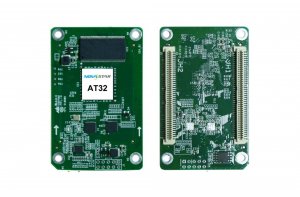
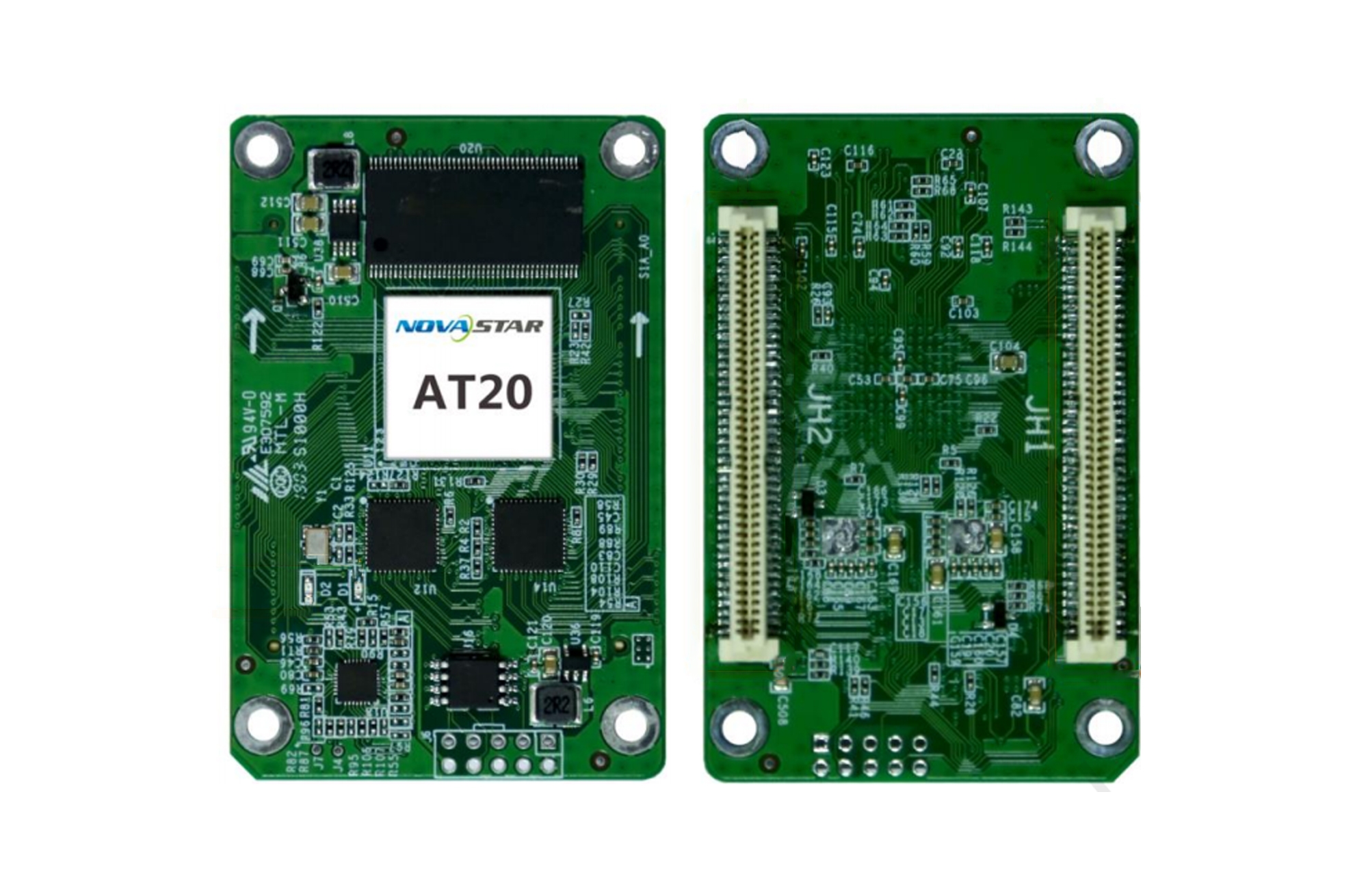
| AT20 | Listed option | Choose only when your cabinet design and control-system configuration specify AT20. Do not mix it with AT32. |
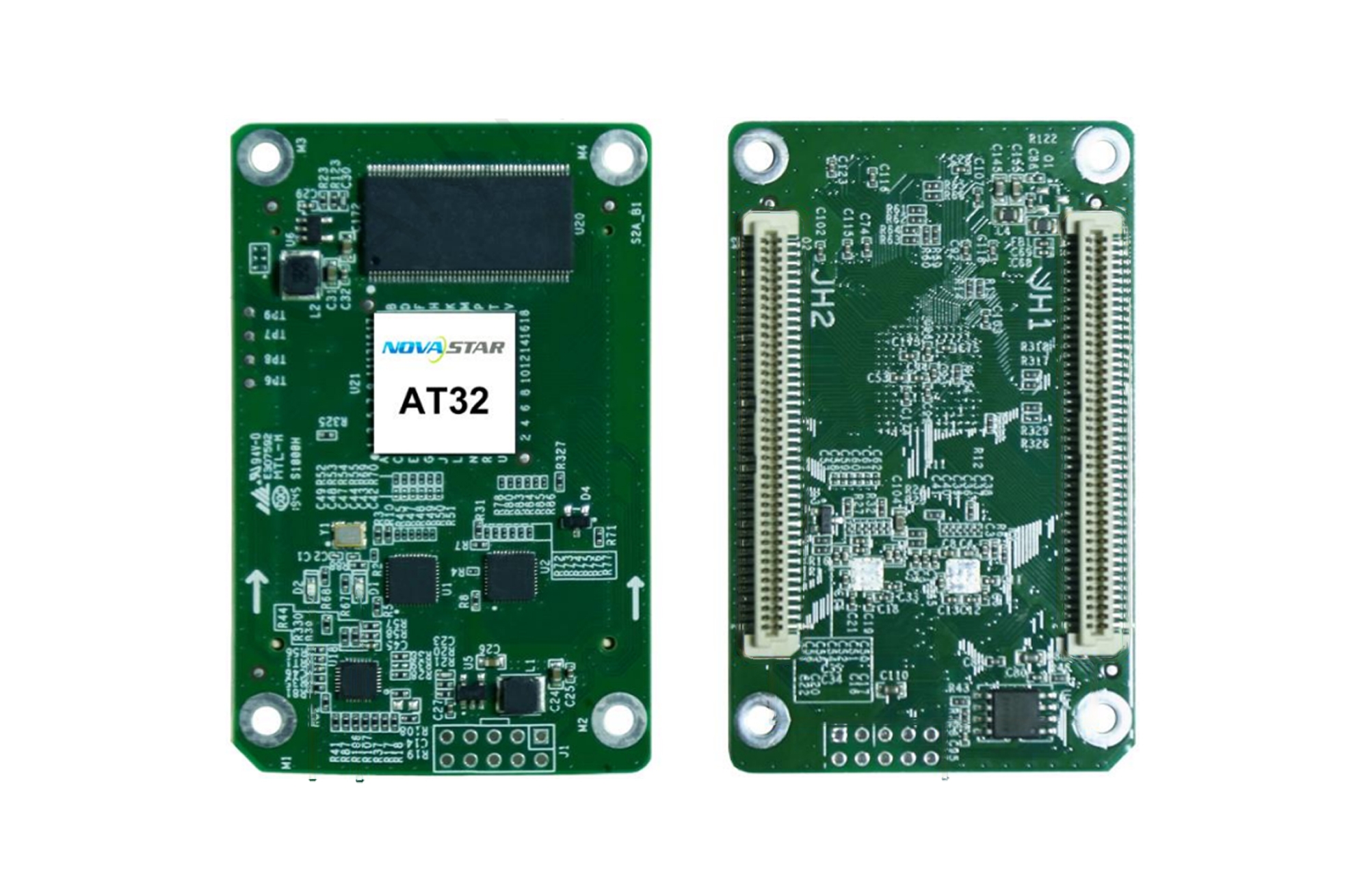
| AT30 | Discontinued | AT30 has been replaced by AT32. Confirm the cabinet connector layout and system configuration before changing an existing installation. |
| AT32 | AT30 replacement | Use for new designs or AT30 replacement where the AT32 specification matches the cabinet. AT32 cannot be used together with AT20. |
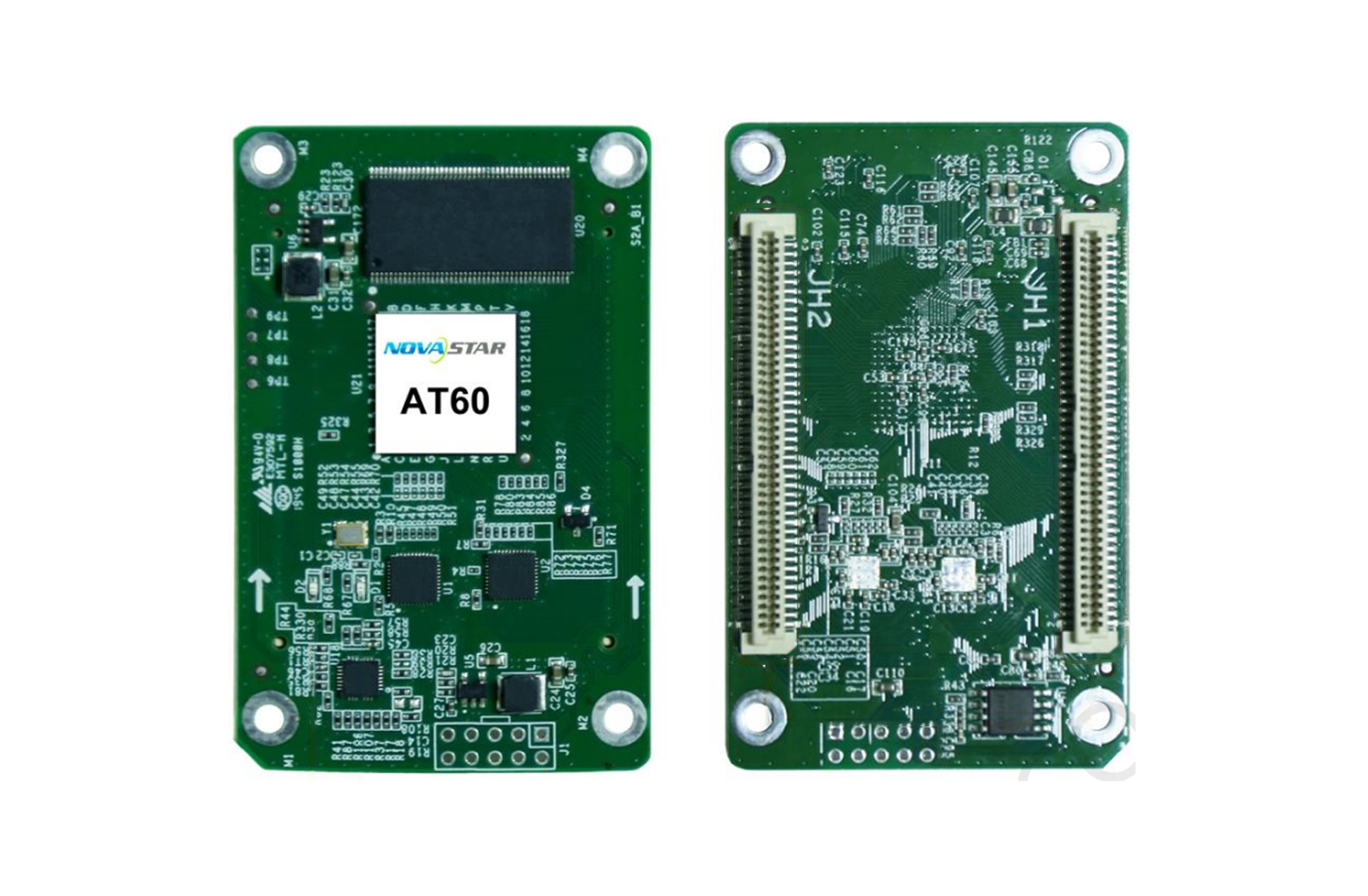
| AT60 | Listed option | Select AT60 when it is specified by the LED cabinet design. Verify the connector, dimensions and supported configuration in the datasheet. |
Important: Receiving-card compatibility depends on the exact card model, connector and pin layout, cabinet design, firmware and controller configuration. Do not select a replacement from the cabinet name alone. Review the relevant specification or contact us with photos of the existing card and cabinet before ordering.
Product Images
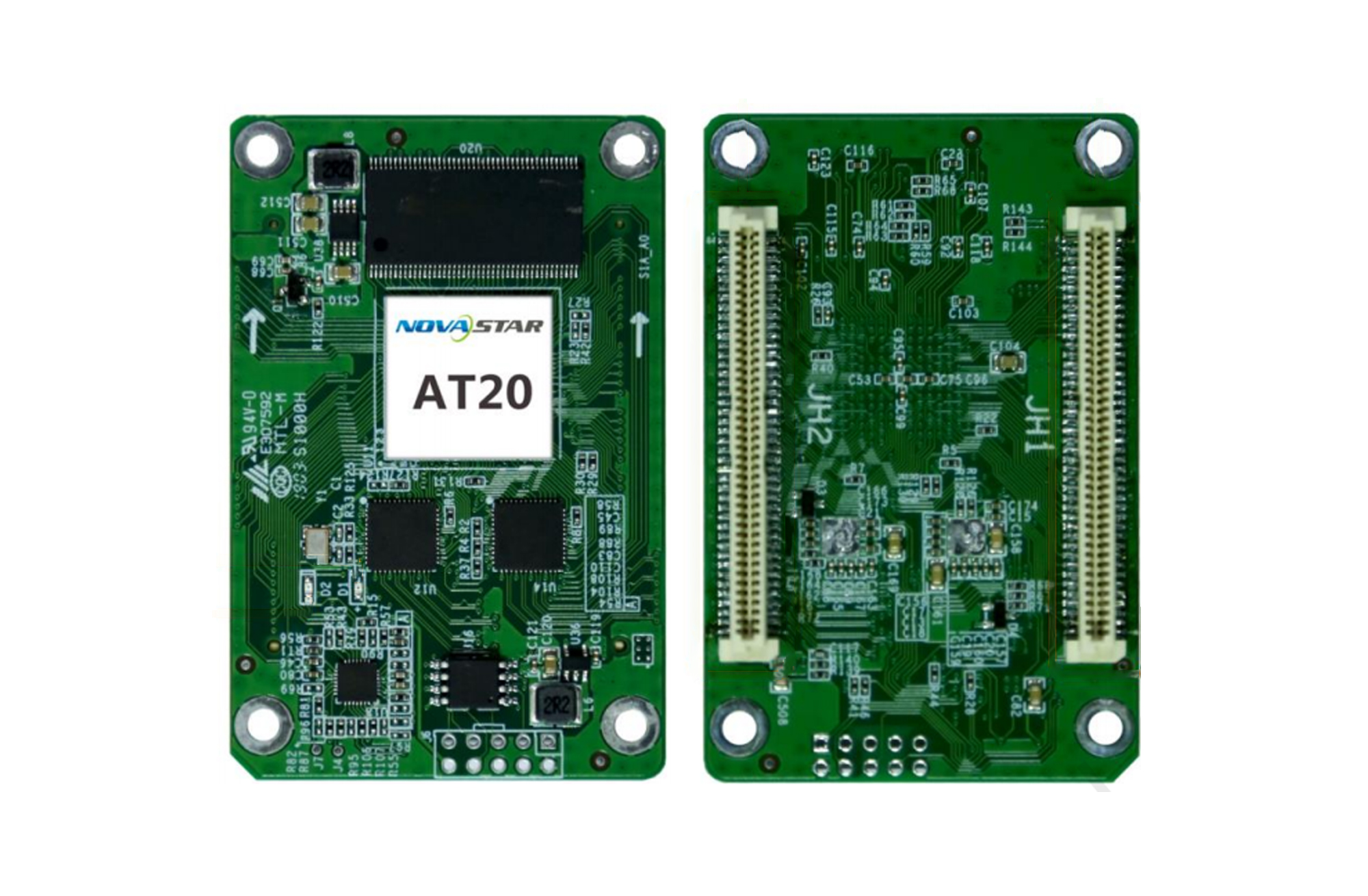
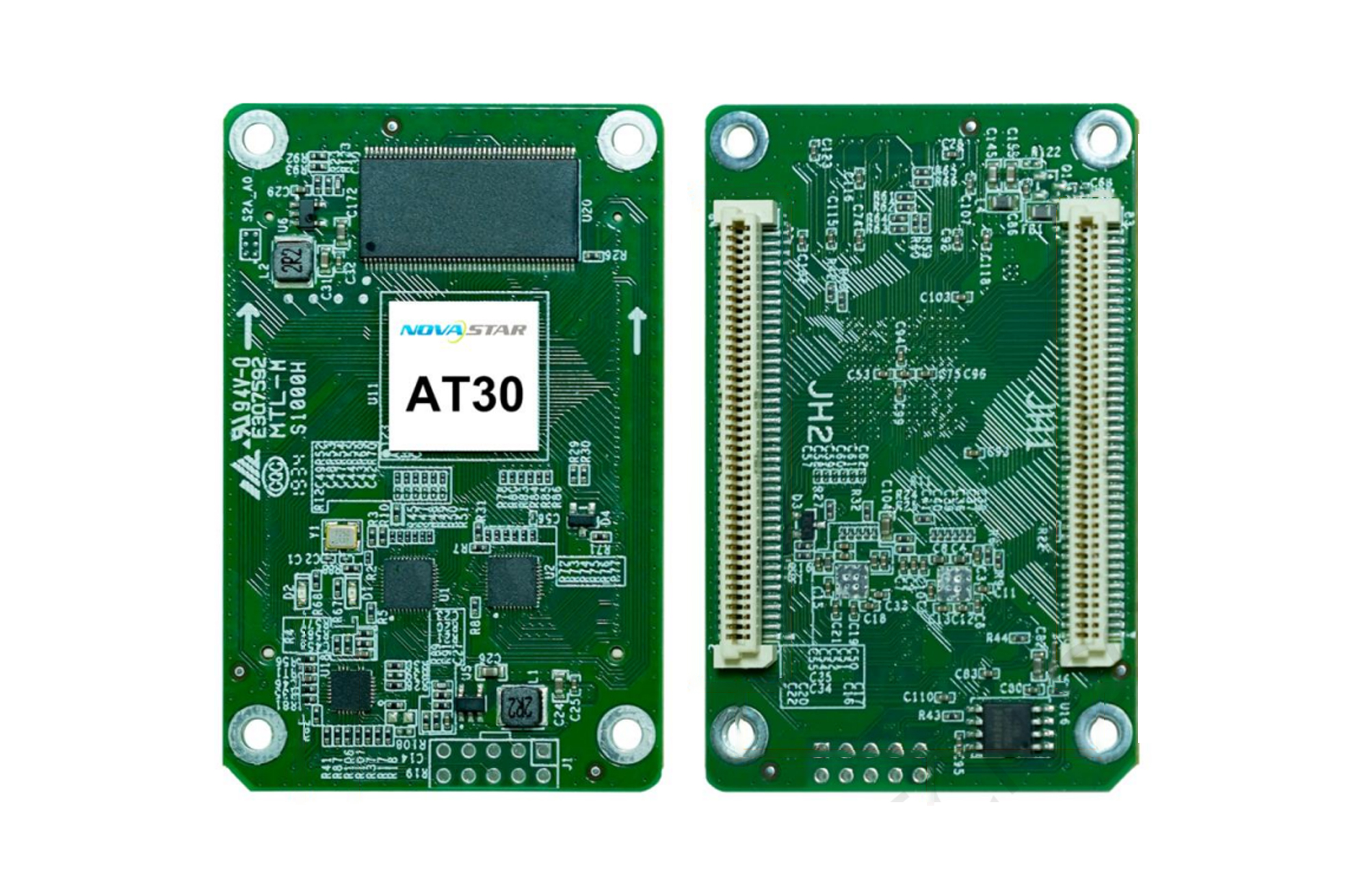
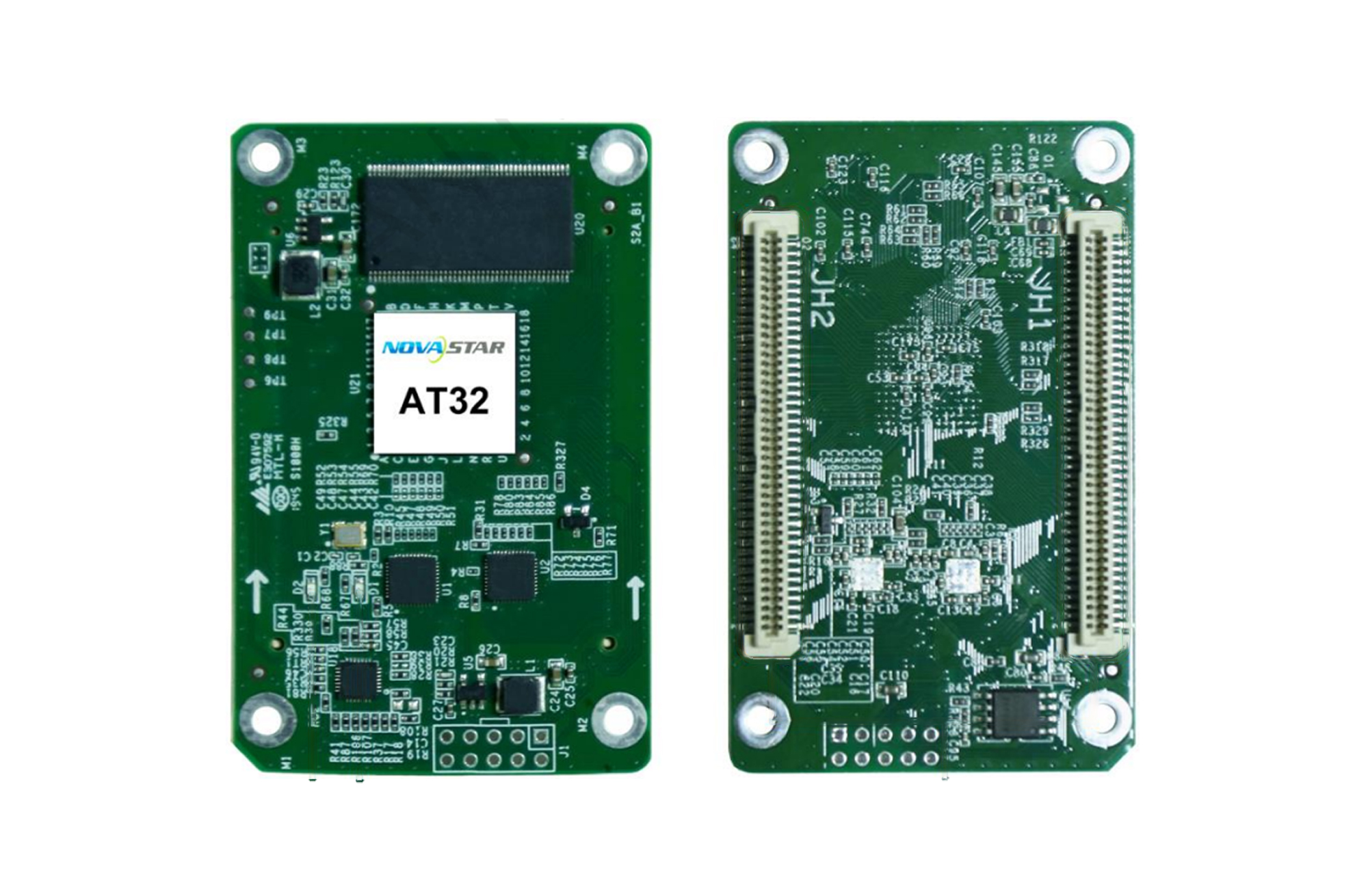
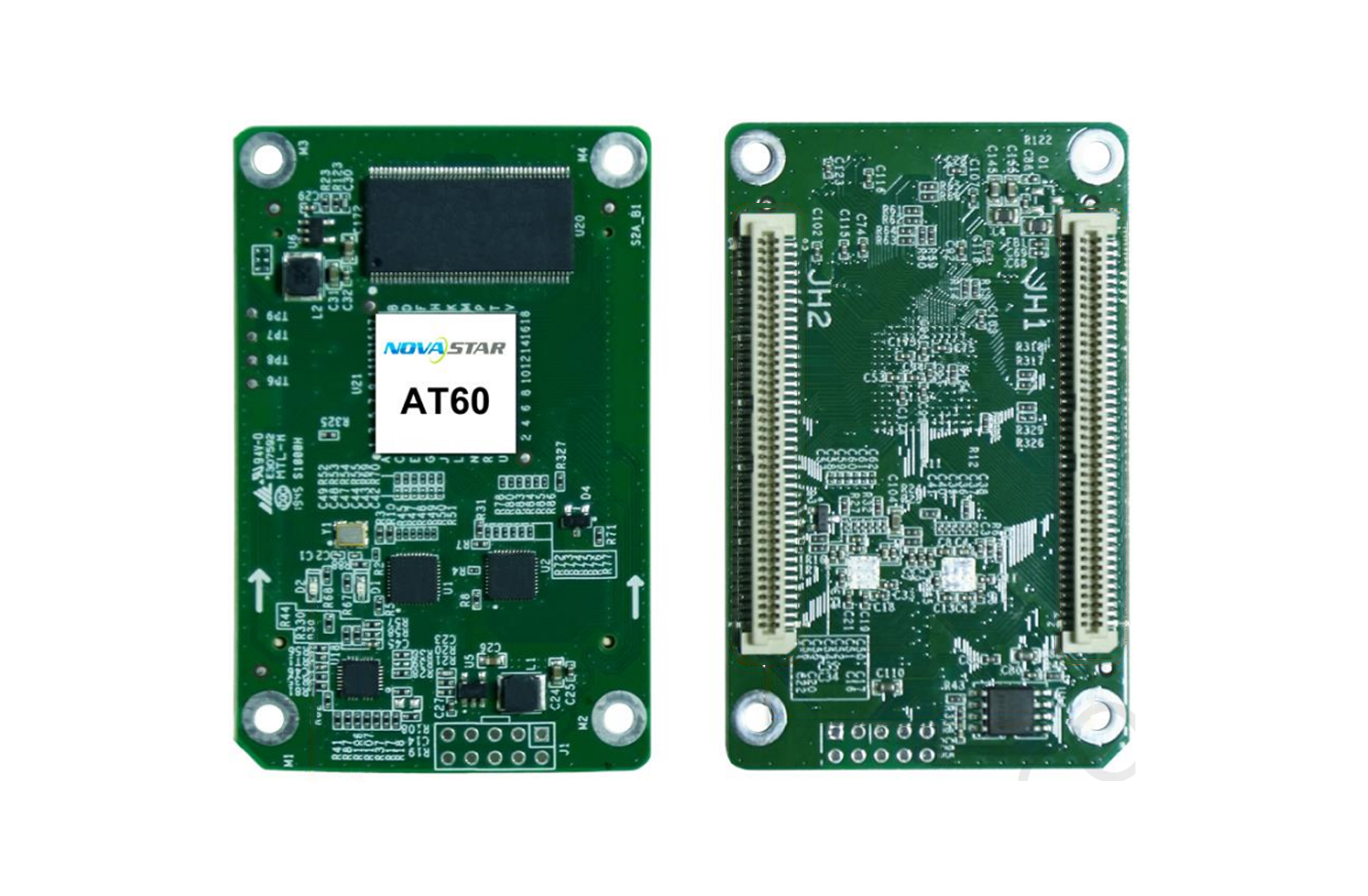
Download NovaStar AT Series Specifications
- NovaStar AT20 Receiving Card Specification
- NovaStar AT30 Receiving Card Specification
- NovaStar AT32 Receiving Card Specification
- NovaStar AT60 Receiving Card Specification
Frequently Asked Questions
What is a NovaStar AT Series receiving card?
It is a compact receiver board installed inside an LED display cabinet. It receives display data from the NovaStar control system and drives the connected LED modules according to the configured mapping and parameters.
Is NovaStar AT30 discontinued?
Yes. AT30 has been discontinued and replaced by AT32. Check the AT32 specification and your cabinet configuration before replacing an installed AT30 card.
Can NovaStar AT32 and AT20 be used together?
No. AT32 cannot be used in combination with AT20 in the same LED display system.
Is this receiving-card series compatible with a specific LED cabinet, such as ROE CB5?
Compatibility cannot be confirmed from the cabinet name alone. Verify the installed receiving-card model, connector and pin layout, physical dimensions, firmware and controller configuration. Send us clear photos and the existing card model if you need confirmation before ordering.
What happens if the video signal or network cable is lost?
A preset image can be configured to display at startup or when the Ethernet cable or video source is lost, helping prevent an unintended black screen.
Where can I find detailed technical parameters?
Use the model-specific specification links above. They are the best reference for dimensions, interfaces, electrical requirements and supported functions.