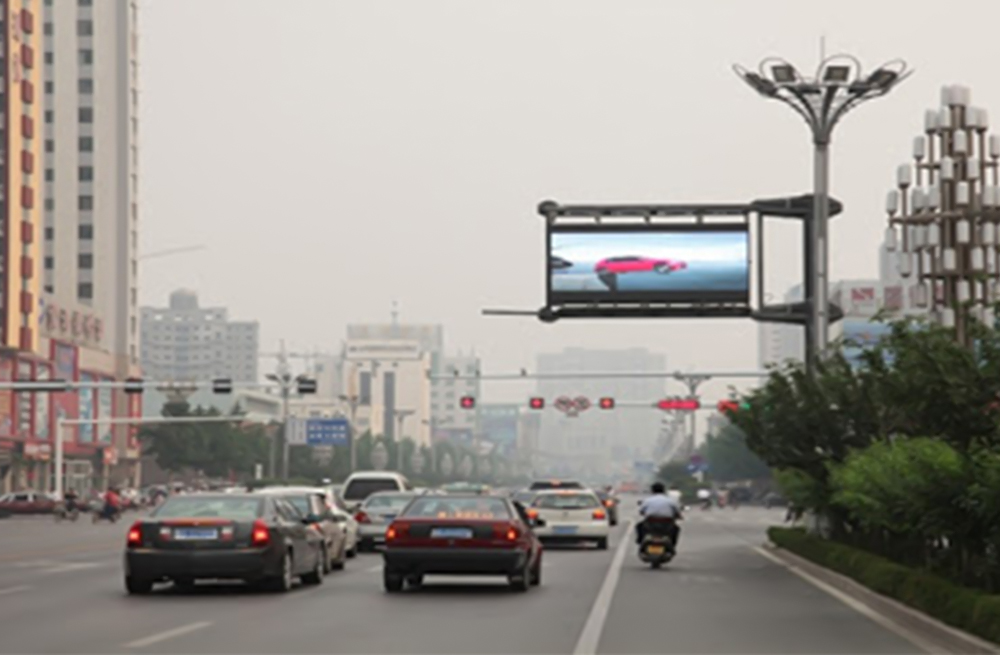
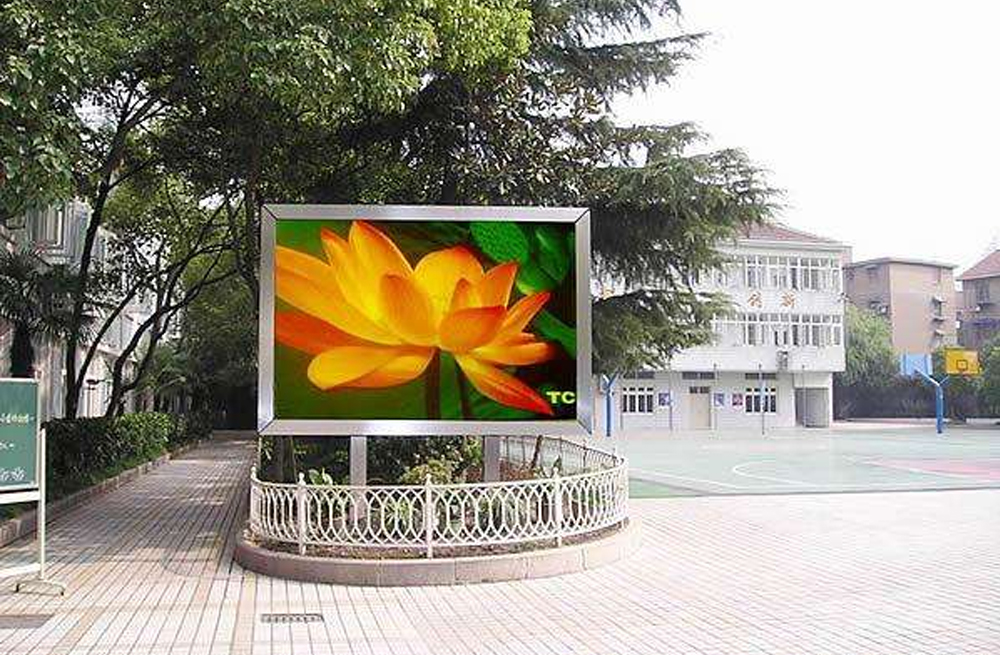
The B6L HDMI output does not replace receiving cards inside an LED poster. It links the picture path between compatible B6L-controlled screens. Each poster still needs its own properly configured LED output path from the controller to receiving cards and then to the modules.
For an AV integrator adding posters to an existing display, this distinction changes the parts list. An HDMI cable between two posters is not evidence that the second poster can operate without its controller, receiving cards, cabinet wiring or power system. Separate the connection between complete screens from the connections inside each screen before ordering hardware.
What the B6L HDMI output actually connects
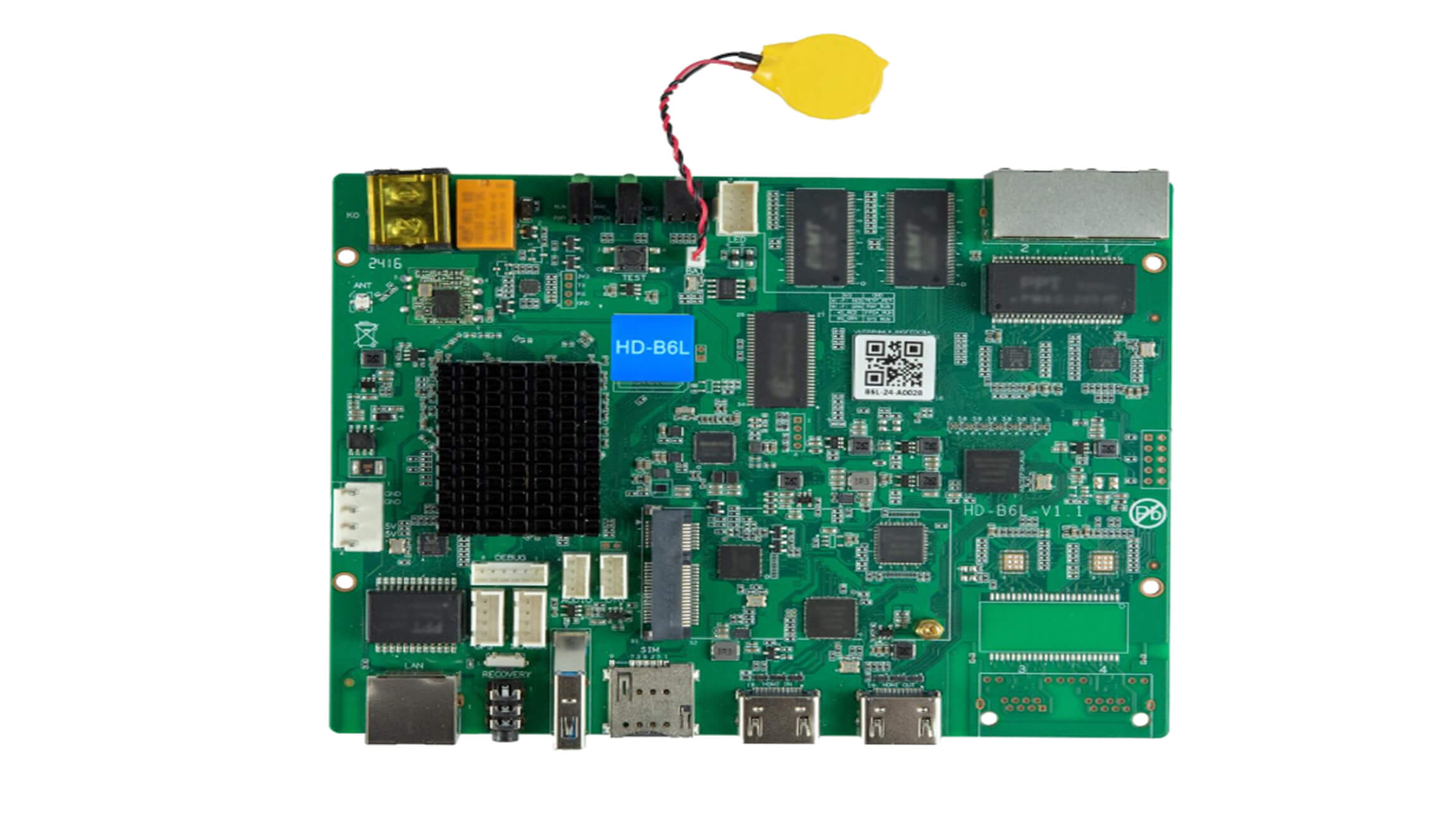
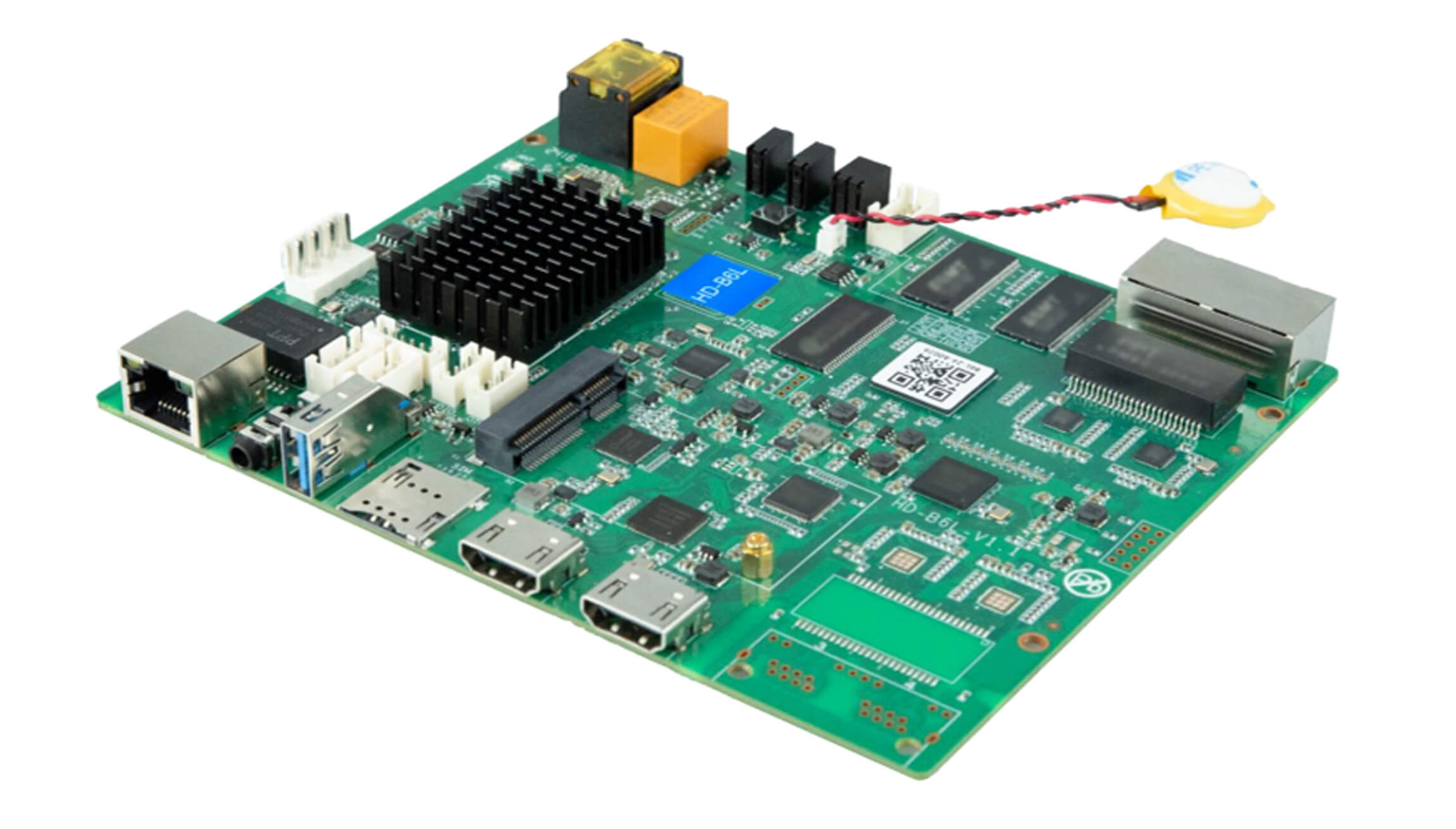
Huidu identifies the HDMI output as a cascade connection and separately identifies two Gigabit output ports for receiving cards. Those descriptions refer to different destinations. The HD-B6L product page shows the board and its interfaces, which can help you compare a proposed unit with the hardware already installed.
Think about two boundaries: the boundary between complete poster screens, and the boundary between a controller and its LED cabinets. The B6L HDMI output belongs to the first. The receiving-card output chain belongs to the second. Drawing those boundaries on a connection sketch makes it easier to spot a missing component before a purchase order is issued.
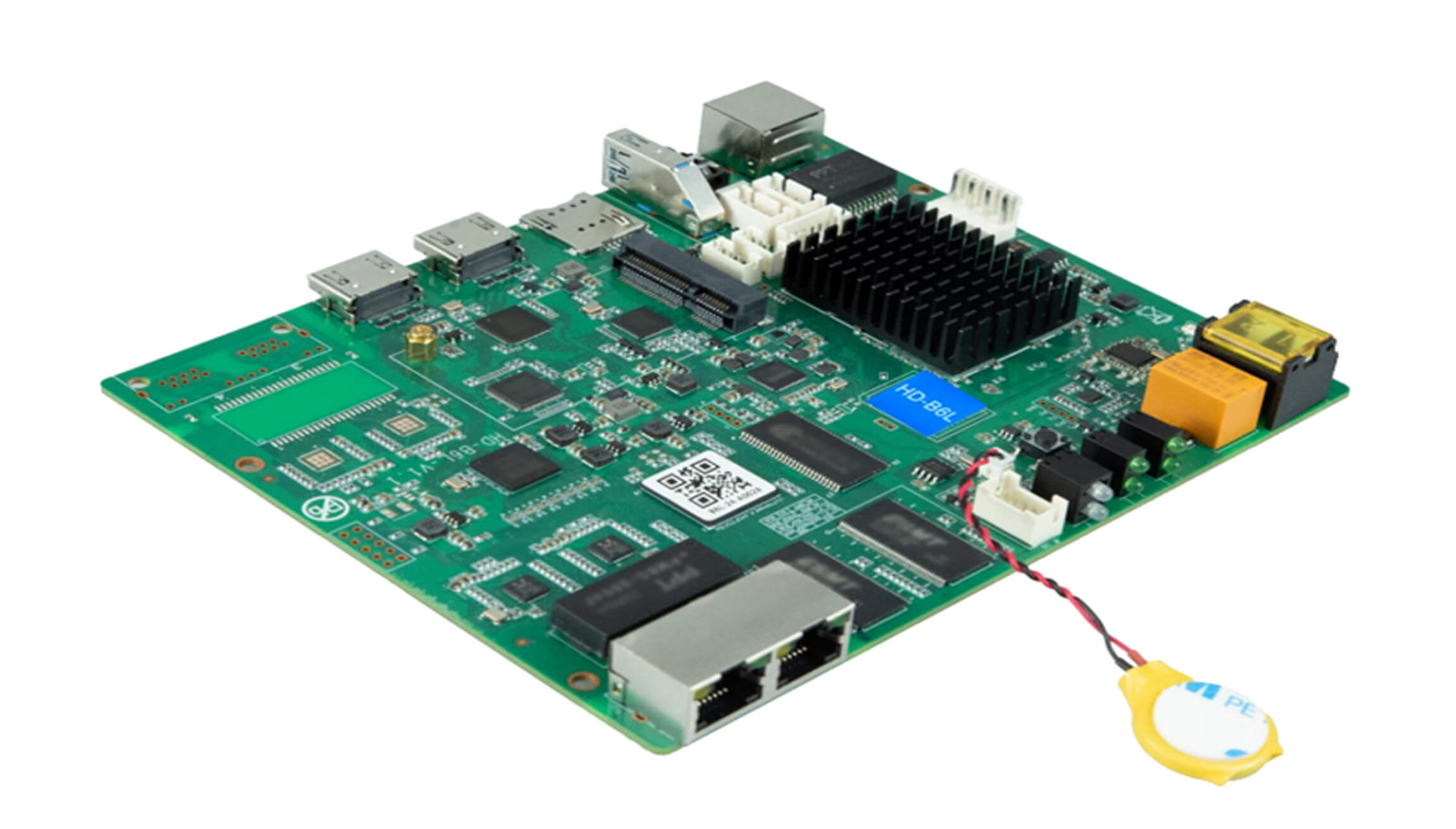
Do not identify a port only by connector shape. The board has network connections with different purposes, including communication and LED output. A photograph showing several sockets is useful for identification, but the labels and matching documentation establish which connection should be used. Ask for a clear photograph of the actual board if the installation record only says “HDMI controller.”
Keep the poster link and cabinet link separate
The B6L HDMI output is part of a multi-screen arrangement, while receiving cards serve the LED modules within a screen. A cabinet drawing should therefore show both the inter-screen connection and each poster’s internal signal path. Neither line should disappear just because a supplier’s illustration simplifies the drawing.
Use the following handover table to divide responsibility between the people supplying complete posters, the controller and the installation wiring. It is a request for project evidence, not a claim that every poster uses identical internals. Existing proprietary assemblies need their own approved connection information.
| Connection to identify | Evidence to request | Question it resolves |
|---|---|---|
| Between complete posters | A labeled screen-to-screen drawing with HDMI direction | Which complete screen feeds the next screen? |
| Controller to LED cabinets | Output-port assignment and receiving-card model list | How does each poster deliver data to its modules? |
| Inside each cabinet | Module layout and matching parameter backup | Which local configuration belongs to this cabinet? |
| Setup computer to controller | Communication-port label and software version | How will the integrator configure the actual device? |
A receiving card can be concealed inside a finished poster, so it may not appear as a separate item on a reseller’s quotation. That does not mean it has been eliminated. Ask whether the quotation covers a complete working poster, an assembled control system, or only a bare B6L board. These are different purchasing scopes and require different acceptance checks.
The site’s explanation of sending and receiving card roles provides background if the installation team uses “controller” as a name for several different devices. Keep the actual model names in the project record rather than relying on that general word.
One large picture or independent content?
Decide the content layout before evaluating the B6L HDMI output. A row of posters showing separate advertisements has a different acceptance target from a row that should display one continuous picture. Huidu’s specification distinguishes independent display from an HDMI-linked spliced display; merely placing screens next to one another does not select the intended layout.
For a continuous picture, supply a front-view drawing with each poster labeled in physical order. Add the active pixel width and height of every poster, plus an example showing where an object should cross the joins. This describes the result the integrator needs to achieve without assuming a software menu or automatic mode that may differ by installed version.
For independent content, describe which poster receives which playlist and who will update it. Do not request a cascade simply because the screens share a physical stand. Conversely, if a moving graphic must span the group, do not accept a demonstration of the same full image repeated on each poster as proof that the group is configured correctly.
When reviewing a B6L HDMI output proposal, ask the supplier to mark which device supplies content and which settings establish each screen’s part of the image. Record the software and firmware versions used in the demonstration. A statement such as “supports splicing” is less useful for handover than a drawing and a saved configuration for your particular arrangement.
Cascade count does not describe the whole system
The published specification lists up to ten HDMI cascade levels, but that number alone is not permission to build any ten-screen arrangement. Treat cascade length, per-controller loading and the spliced picture as separate constraints. Ask the supplier to check the complete drawing against the documentation for the supplied hardware and versions.
The B6L HDMI output also should not be interpreted as an arbitrary capacity multiplier. Write the required active canvas and individual poster loads into the inquiry rather than multiplying a headline value by the number of boards. A maximum width or height likewise does not describe a rectangle that can necessarily be filled at every other maximum simultaneously.
Versions matter when comparing specifications. The store’s archived HD-B6L specification V1.0, dated May 30, 2024 and Huidu’s later V1.2 document do not state the same maximum height. This article uses their common interface distinction; it does not use one revision’s dimension to certify another revision’s installation.
If the existing posters and proposed additions came from different batches, request board and firmware identification for both. Matching the front appearance of two complete posters does not confirm identical control hardware. Resolve those details before purchasing an expansion set, especially if the receiving-card or module information is missing from the original invoice.
A useful demonstration follows the whole picture path
For a proposed B6L HDMI output chain, request a demonstration that shows both the intended combined picture and every poster’s local LED output. Begin with a labeled static image containing corners, text and distinct panel identifiers. A clear static pattern makes wrong order, repeated content and missing areas easier to document than a fast advertising video.
Then check the intended operating content, including a graphic that crosses each join. Photograph the front view and the labeled cable connections. A successful demonstration should be repeatable from the saved configuration, so include an ordinary shutdown and restart in the agreed acceptance plan. Record the result rather than assuming that temporary setup and saved operation are identical.
If one poster is blank, identify whether it lacks a valid picture, its local output path is incomplete, or its cabinet configuration is wrong. Do not begin by replacing every board in the group. Preserve existing parameter backups and collect the observed symptoms first. A qualified technician should perform internal electrical work under the equipment supplier’s instructions.
Frequently asked questions
Can I plug a bare LED module directly into the HDMI socket?
No. The B6L HDMI output is not a HUB-style module connector. A bare-module project needs a documented compatible control and receiving arrangement, matching module parameters and suitable power. Do not purchase a cable adapter on the assumption that connector conversion supplies the missing control functions.
Does an installed Wi-Fi antenna prove that the optional 4G module is included?
No. Wi-Fi and optional cellular networking are different functions in the B6L documentation. Ask the seller to identify the supplied networking configuration explicitly. Internet management also needs the appropriate service and network connection; an antenna photograph does not confirm those conditions.
Should a second-hand poster purchase include its parameter files?
Request the matching configuration backup, hardware identification and a working demonstration for that particular poster. A generic file for a similarly named model is not evidence that the module and receiving-card settings match. Include these records in the purchase scope before the original operator loses access to the equipment.
Send the connection sketch with your inquiry
To check a B6L HDMI output expansion, send EagerLED a front-view layout, the pixel dimensions of each poster, board and receiving-card photographs, installed software versions and the intended content arrangement. Identify which posters are existing equipment and which components you need supplied. Ask about the control-system parts for your poster arrangement so the inquiry can address the actual missing connections and hardware.