Yes. You can play a TB40 program offline when the program and its media have already been transferred to the NovaStar player and the screen is using asynchronous playback. A WAN outage does not turn a locally stored video into a stream. It does stop the player from fetching a new remote campaign or fresh information that depends on an internet service.
For a sign operator, the useful question is what people will see at the next scheduled change. The existing loop, tomorrow’s promotion and a web page embedded in a layout can all behave differently. Here is a handover test for a single screen that must keep showing approved material when the venue loses its outside connection.
What must be stored to play a TB40 program offline?
Start with a known local asset: a still image or video that your team has permission to use and that the player has already displayed. Include a small, readable version mark in the test artwork. Watching a familiar logo is a poor test if yesterday’s playlist contains the same logo. A visible version mark tells the person at the screen exactly which copy is running without needing access to the management software.
Check where the content lives. A video copied to the player and a web address that opens a video may look identical during a connected rehearsal. Only the first has a local media file you can account for. The second requires the resources at that address to remain reachable unless the application explicitly documents and demonstrates an offline mechanism. Do not promise that a live web page, a remote menu feed or a cloud dashboard will stay current after the connection drops.
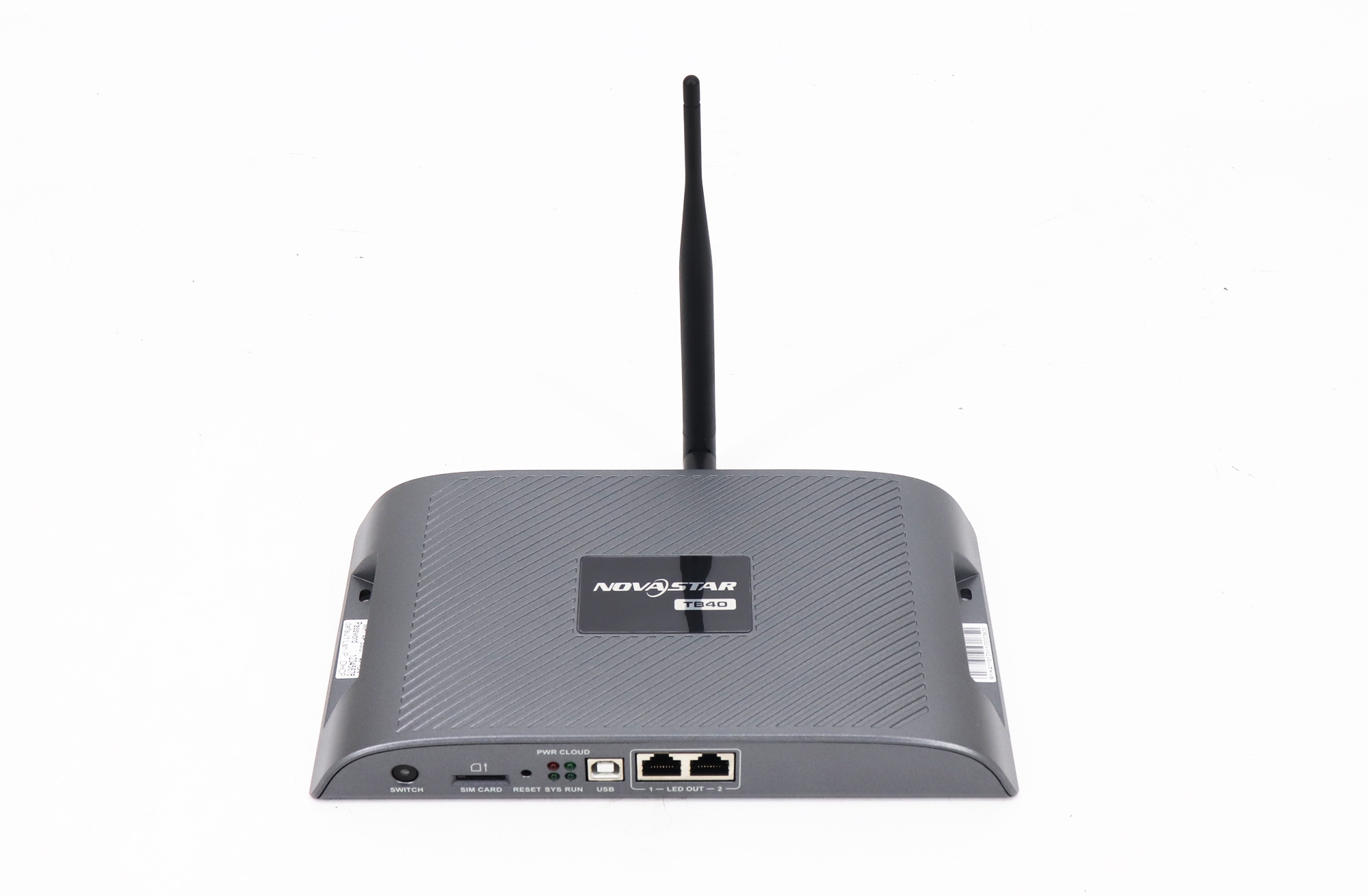
The NovaStar TB40 player listing distinguishes stored playback from synchronous HDMI input. Its current specification summary identifies asynchronous programs, local publishing and USB playback. Using a laptop to show a video over HDMI proves that the display can show that laptop. It does not prove the program was ever delivered to the player.
Which functions still work without the internet?
| Task at the sign | What has to remain available |
|---|---|
| Repeat an approved local video | The player, powered screen, configured display connection and a complete stored program |
| Replace a promotion from head office | A working delivery route from the remote publisher to the player; local playback does not deliver new files |
| Make a change while standing at the sign | An authorized local publishing method, compatible software and the replacement assets |
| Show a live HDMI source | The connected source must keep producing a signal; the source may itself depend on internet access |
A local network and an internet connection are separate things. A technician at the venue may still be able to reach the player locally when the building cannot reach the cloud. Conversely, the technician’s laptop can have internet access through a phone while having no local path to the player. Ask which connection failed and where the operator is standing before deciding whether the display needs new hardware.
If the only requirement is to play a TB40 program offline, do not make a cellular plan a prerequisite in the purchase order. Ask separately how headquarters will deliver urgent changes while the venue internet is down. The TB40 listing describes cellular connectivity as optional; it is not evidence that a particular unit has the module, a working SIM or usable coverage at the installation. Those are separate questions with different answers.
Run a handover rehearsal without interrupting a live sign
Use a maintenance period or a test setup agreed with the venue. Keep power and the LED display data path intact. Ask the network owner to isolate only the test player’s internet route using the venue’s normal procedure. Unplugging a cabinet data cable changes the test: a blank wall would then tell you nothing about stored content. Do not interrupt a shared building connection to test a single sign.
Prepare two short items with different visible labels and schedule a transition within the test period. Transfer both before isolating the internet path. Record which program is active, the player’s displayed time and the expected transition. Watch the physical screen through a complete loop and the planned change. If a remote dashboard still shows a thumbnail, treat it as a reference only; it is not a view of the screen at this moment.
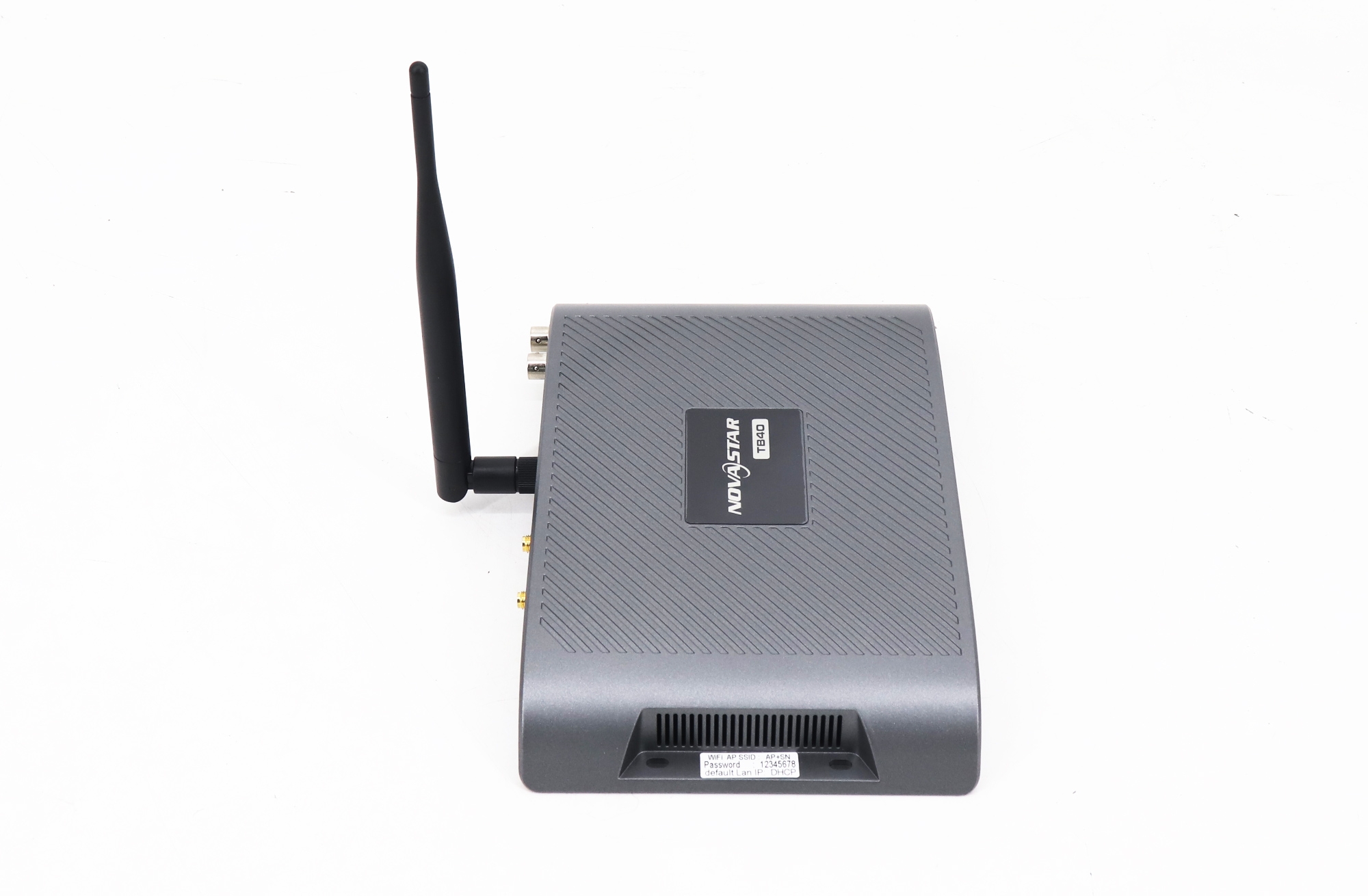
If the first item repeats but the second never appears, do not immediately replace the player. Check whether the second file was included in the transfer, whether the schedule belongs to the active program and whether the time on the device matches the intended local time. Schedule a near-term test transition after correcting one item. That makes the result easier to interpret than changing the files, clock and input mode together.
Record the result in terms an operator can use: which clip played, which change happened, which connection was unavailable and what time the observation was made. “Worked offline” is too broad. For example, verifying one stored video does not verify the clock after an extended outage, the behavior of a live news feed or the delivery of next week’s promotion. Keep those as separate acceptance items if the contract calls for them.
Give the next shift a usable fallback
It is possible to play a TB40 program offline and still show the wrong message. Think about a promotion that expires at midnight, a restaurant price that changes on Monday or an announcement tied to a particular event. Ask the content owner for an approved evergreen item and a clear rule for using it. Do not let the technician decide what commercial message may stay on screen after the campaign expires.
Write the recovery plan in two parts. First, who at the venue can change to the approved local material, using which authorized method? Second, who checks remote delivery when service returns? Keep a copy of the approved program and its version label with the person responsible for updates. If the installer will not be present when the venue opens, have a venue operator demonstrate the local procedure during handover.

Questions operators ask before sign-off
Does a cloud status of offline mean the screen is black?
No. It means the management service is not reporting a current connection. The player may still be showing its local program. Ask someone at the venue to read the visible version mark or inspect the screen through an approved on-site monitoring arrangement before changing the content.
Can I prove offline playback by closing the publishing app?
Closing the app is useful for confirming the laptop is not the live video source, but it leaves the network route available. To establish that you can play a TB40 program offline, also test with the internet route unavailable and observe a planned change on the actual LED wall.
Does testing one sign establish that several signs will stay synchronized?
No. A single-screen test verifies that player’s local program. Several screens starting the same file at the same moment introduce clock and synchronization requirements. Specify the acceptable difference, ask how time is maintained at each player and test the group under the expected network conditions.
Specify the result the venue needs
If the requirement is “play a TB40 program offline,” put the acceptance condition after it: for example, show two approved stored items in order and complete the planned change while the test player has no internet route. Add remote update recovery as a separate condition if the operator needs it. This gives the buyer and installer something both can verify at the wall.
If you are comparing player sizes, see the TB40 and TB60 comparison. To discuss a particular venue, send EagerLED the cabinet layout, media types and update workflow. Say whether staff can visit the sign and how quickly an expired message must come down. Those details determine whether local playback alone meets the operating requirement.