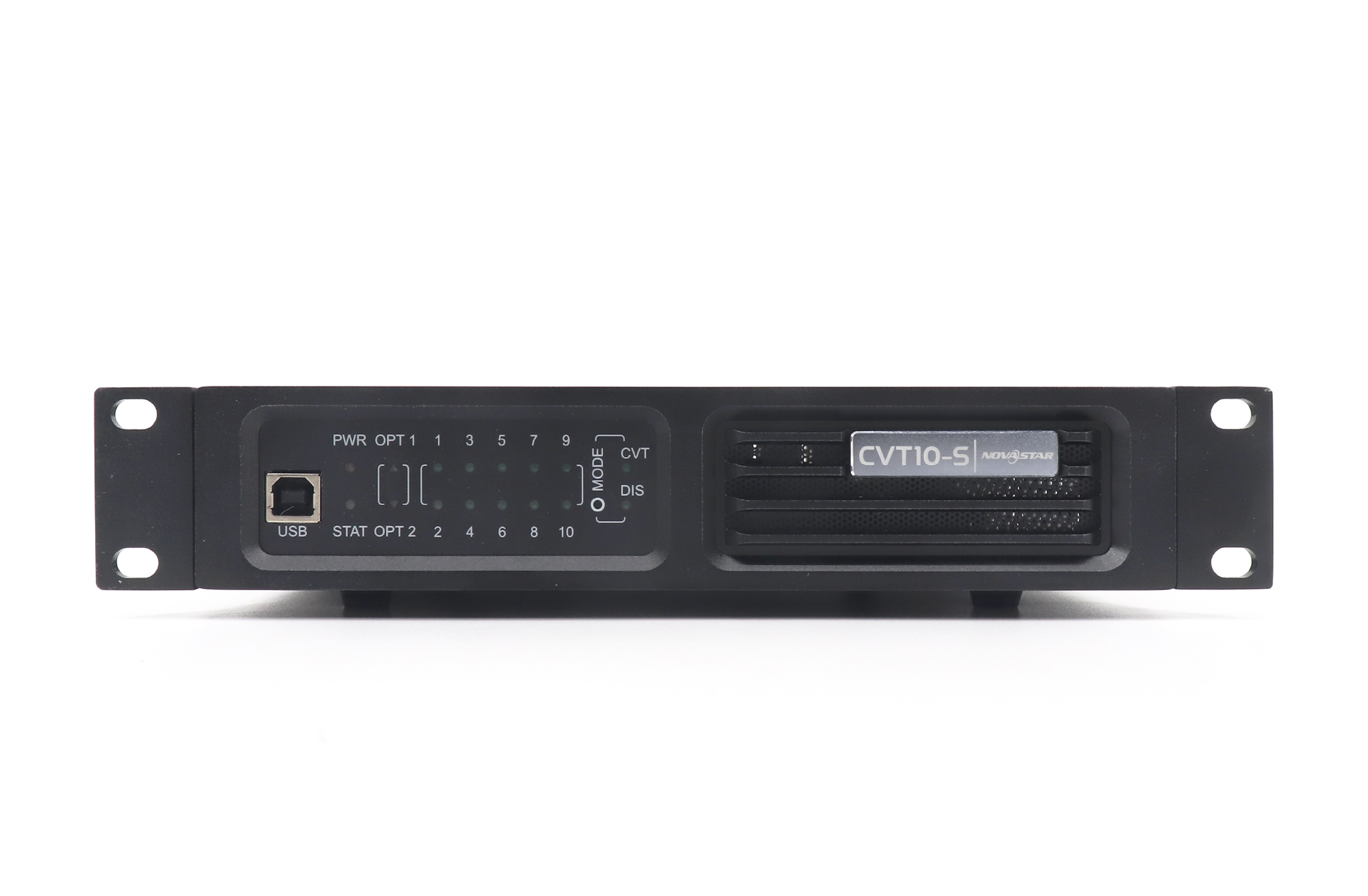
If you need to specify fiber for a NovaStar CVT10, read the marking on the installed cable before choosing the converter. OS1 or OS2 points to the single-mode CVT10-S. OM3 or OM4 points to the multimode CVT10-M. Both versions use LC connections. A photo of an LC plug alone cannot settle the order.
This distinction matters when a venue already has a fiber run between the control position and the LED wall. The person buying the converter may see the rack and a short patch cord but never see the permanent cable above the ceiling. Here is how to turn what the venue can document into a usable purchasing decision, and what to leave open until the installer confirms it.
Identifying fiber for a NovaStar CVT10 from the jacket
Ask for a legible photo of the printing on the cable jacket or the installer’s record for the permanent run. A photo of the whole coil from across the room is less useful than a close view showing the fiber class. Capture enough surrounding text to see whether the marking belongs to the building cable or a removable patch cord. Record which patch panel and which outlet the photo refers to.
The two numbers in a marking such as 9/125 or 50/125 refer to fiber dimensions, not the length of the run. NovaStar lists 9/125 micrometer fiber for the S version and 50/125 micrometer fiber for the M version. Both end in 125. If that is the only part readable in the photograph, ask for a clearer image. Do not complete the missing number from the color of the jacket.
| Marking on the verified route | Matching CVT10 family | Optics and stated reach |
|---|---|---|
| OS1 or OS2, 9/125 µm | CVT10-S, single-mode | 1310 nm; up to 10 km |
| OM3 or OM4, 50/125 µm | CVT10-M, multimode | 850 nm; up to 300 m |
| LC only, unreadable marking, or conflicting records | Undetermined | Identify the trunk and both endpoints before ordering |
These values come from the NovaStar CVT10 specification, version 1.2.2. They apply to the CVT10 models listed there. If the quotation says CVT10 Pro, ask for the specification for that model; do not transfer the figures from this table to a different converter.
Trace the link beyond the first patch cord
Think of the route as three pieces: the short lead at the control rack, the permanent trunk between patch panels, and the lead from the far panel to the display equipment. When someone identifies fiber for a NovaStar CVT10 by looking at the first piece only, the record says nothing about the other two. Ask the venue technician to label the two panel ports on a simple drawing and confirm which trunk joins them.
For example, suppose the loose lead on the desk says OS2, but the venue schedule identifies the stage trunk as OM3. Neither label has to be wrong. The loose lead may belong to another rack or may never have been installed. Mark the order as unresolved until the crew identifies the path the LED wall will actually use. Buying the single-mode unit because the loose lead is easy to photograph would settle the wrong question.
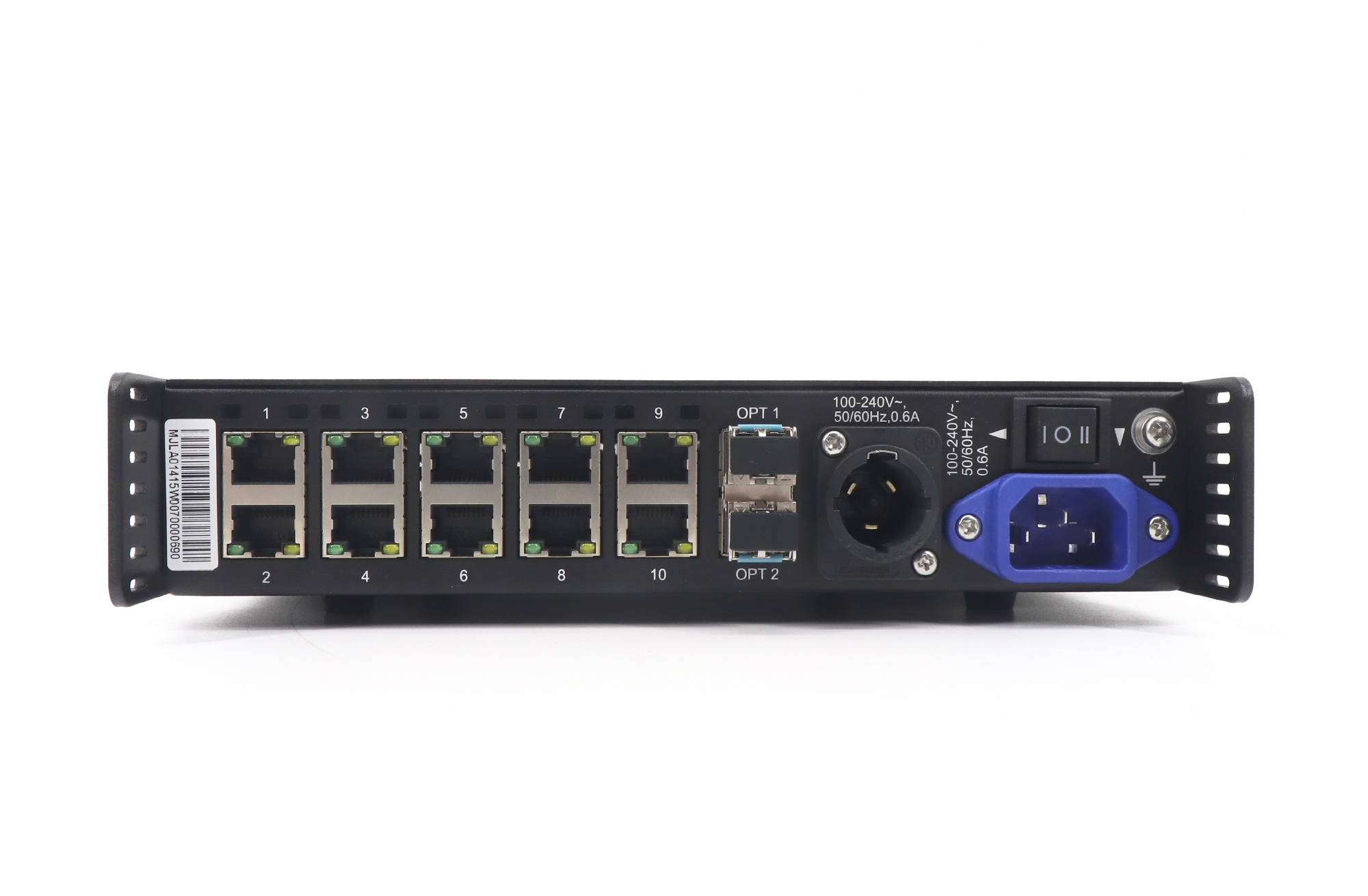
Record the far-end device separately. Write down the exact controller or converter model, the marking on its optical module if available, and whether the project is keeping that device. Matching the fiber class does not establish that a particular sending device supports a proposed optical connection. If the far end only has Ethernet outputs, the equipment list needs to account for how the signal reaches the optical trunk. Send the drawing with the quotation request.
Use routed length, not the distance across the room
A stage may be visible from the control desk, yet the cable may travel to a riser, cross the building and return to the floor. Ask for the installed route length, including the patch leads in use, and identify the source of the figure. A cable schedule, a labeled reel of known length, and a technician’s visual estimate are different levels of evidence. Put the source next to the number so the next person understands what still needs checking.
Consider two hypothetical venues. One has a documented 120-meter OS2 path; its short length does not turn it into a multimode path. The other has an OM3 route estimated at 340 meters. Buying an S unit solely for the longer reach would leave the fiber mismatch unresolved. The installer needs to review that route or propose a different path. A distance figure can rule out an option, but it cannot change the type of glass in the wall.
The reach printed on a specification is not a test report for a particular installation. If the route is close to a published limit or passes through several panels, request the route test record from the installer. Keep that record separate from the device data sheet. One describes a physical path in a named venue; the other describes a product under the manufacturer’s stated conditions.
Write a line item that distinguishes S from M
A useful requisition says more than “fiber for a NovaStar CVT10.” Name the selected converter suffix, the installed trunk class, the two endpoints and the routed length. State who supplies the patch leads, who verifies the existing optics and whether a spare is included. If the quote covers only one end, say which end. These few words allow a purchasing colleague to compare two quotes without assuming their scopes match.
For an OS2 route, check the CVT10-S product listing. For an OM3 or OM4 route, start with the CVT10-M listing. Record the suffix on the purchase order even if the supplier uses a shorter family name in its catalog. Ask for confirmation against the specific sending device when a converter is being added to an existing system.
Questions from the purchasing desk
Can I reuse a patch lead from another room?
Possibly, but its LC plug only tells you about the connector. Check the lead’s class and the route record for the new room, and have the installer confirm that the lead suits that path. Keep an unmarked spare separate from the verified leads until it has been identified.
What if the venue offers a single spare strand?
The cited specification lists twin-core fiber for both versions. Ask the venue to identify the available pair and both terminations. A single spare strand does not satisfy that description, even if it is the right fiber class. Do not base the quote on an undocumented optical workaround.
Is a photo of the rack enough to choose fiber for a NovaStar CVT10?
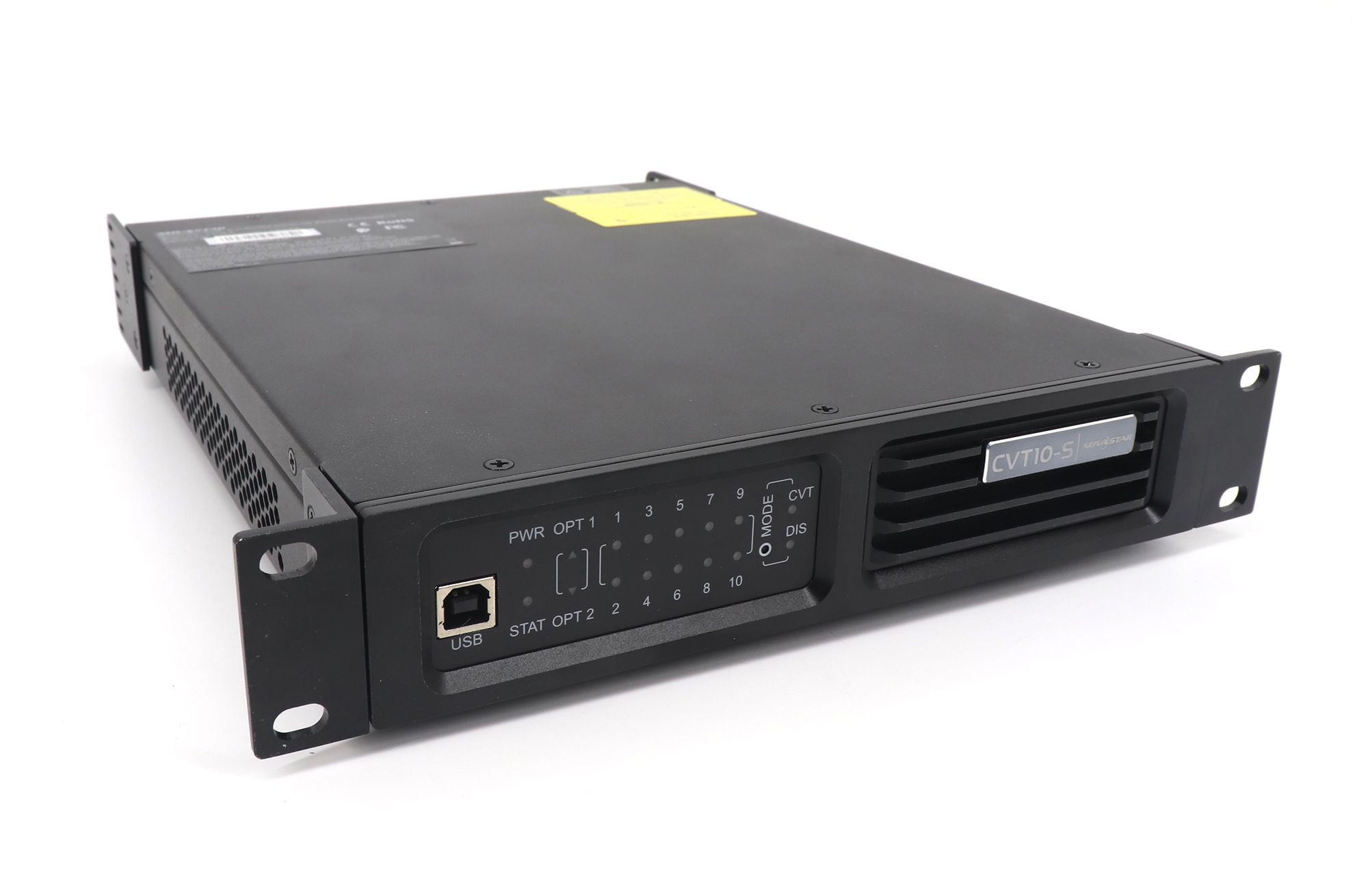
It can identify the device, but it rarely identifies the cable hidden in a wall. A useful record has a device photo, a readable jacket or trunk record and a labeled far-end port. If one of those is missing, state exactly which fact is provisional.
Send the route record with your request
Before releasing the order, read the line item back as if you were the technician receiving the shipment: can you tell which unit goes in which rack and which fiber pair it connects to? If there is an unanswered question, give it an owner. For example, the venue electrician might identify the trunk while the AV integrator confirms the controller’s optical interface.
To confirm fiber for a NovaStar CVT10 on your project, send EagerLED the two endpoint models, cable marking and route length. Include the photos or route record you used and flag anything that came from an estimate. That lets the reply address the missing detail before a converter or patch lead is ordered.