
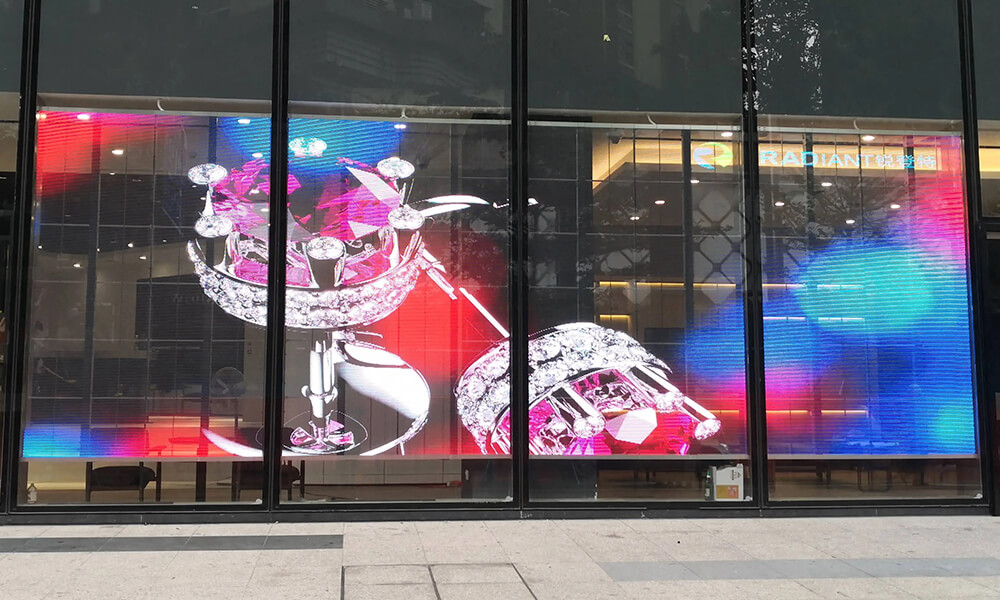
Quick answer: Transparent LED displays are direct-view LED screens built with open spaces between LED strips, modules, or structural elements so people can see digital content and the scene behind the screen at the same time. They are best suited to glass storefronts, retail windows, atriums, exhibitions, museums, and architectural installations where preserving sightlines matters.
Important planning note: A transparent LED screen is not invisible or completely transparent. Image quality, brightness, transparency, and viewing distance are connected tradeoffs. The figures in this guide are typical market planning ranges, not universal specifications. Always confirm the final values on the selected model’s datasheet and installation drawing.
What Is a Transparent LED Display?
A transparent LED display is a modular digital display that leaves part of its physical surface open. RGB LEDs create the image, while the gaps between the light bars, circuit elements, or cabinet structure allow ambient light and background objects to remain visible.
This construction is different from a conventional opaque LED wall. A standard LED wall is designed to block the background and maximize image contrast. A transparent LED screen accepts lower contrast and visible structure in exchange for reduced visual obstruction, lower apparent mass, and better integration with glass or open architecture.
In practical terms, the display works best when viewers need both digital media and a view through the installation. Content with bold shapes, high contrast, and dark or transparent-looking backgrounds usually produces the strongest visual effect.
How Do Transparent LED Displays Work?
- RGB LEDs generate the image. Red, green, and blue LEDs combine at different intensities to create full-color video and graphics. The basic light-producing principle is the same as other direct-view LED displays. The U.S. Department of Energy’s LED basics guide explains how LEDs produce light.
- An open module structure creates transparency. Manufacturers space the LED strips or pixels so light can pass through the unused area. More open area generally increases transparency but reduces pixel density.
- A control system processes the content. A video controller, media player, sending device, receiving cards, and display software convert the source signal into data for each LED module.
- Power supplies drive the screen. Distributed power supplies feed the modules. The electrical design must account for maximum load, cable length, ventilation, and local safety rules.
- Mounting aligns the display with the building. Transparent cabinets or light bars are fixed behind glass, suspended, stacked, or installed in a supporting frame. Accurate alignment is essential because gaps and uneven seams are easy to see.
Transparent LED Display Benefits and Tradeoffs
| Benefit | Why it matters | Tradeoff to check |
|---|---|---|
| See-through design | Preserves daylight, product visibility, and architectural sightlines | Transparency falls as pixel density, structural coverage, or cable density increases |
| High brightness | Helps content remain visible in retail windows and bright interiors | More brightness can increase power use, heat, and nighttime glare |
| Low visual mass | Looks lighter than an opaque video wall and can suit existing glass spaces | The glass, frame, fixings, and load path still require engineering review |
| Modular scalability | Supports large custom widths and heights | Non-standard shapes can complicate content mapping, spare parts, and service |
| Front or rear service options | Allows maintenance to match the available access route | Service method varies by product and must be confirmed before construction |
Typical Transparent LED Display Specifications
Use the following values only for early planning and supplier comparison. A real project specification must state the exact model, test conditions, and tolerances.
| Specification | Typical planning range | Selection impact |
|---|---|---|
| Pixel pitch | About 2.6 mm to 16 mm | Smaller pitch improves detail at close range but usually reduces transparency and raises cost |
| Transparency | Approximately 50% to 90% | Higher transparency preserves the view but can reduce pixel density and image coverage |
| Brightness | Roughly 800 to 5,000+ nits, depending on indoor or window-facing use | Match brightness to ambient light; excessive brightness is uncomfortable after dark |
| Refresh rate | Often 1,920 Hz to 3,840 Hz or higher | Use a high refresh rate for cameras, live events, and broadcast environments |
| Viewing angle | Commonly around 140 degrees or more | Confirm where pedestrians or viewers approach from |
| Protection rating | Varies from indoor-only construction to weather-rated products | Do not use an indoor model outdoors or in a condensation-prone window cavity |
A common first estimate for minimum viewing distance is about one meter for each millimeter of pixel pitch. For example, a 3.9 mm screen may be comfortable from roughly four meters. This is a rule of thumb, not an acceptance test; content type, screen size, eyesight, and installation height also matter.
Transparent LED vs Conventional LED, OLED, and LED Film
| Technology | Best use | Main strength | Main limitation |
|---|---|---|---|
| Transparent LED display | Large windows, atriums, stages, retail and architecture | Scalable size and strong brightness with partial transparency | Visible pixel structure and lower contrast than an opaque wall |
| Conventional LED wall | Control rooms, stages, advertising and high-impact video walls | High contrast, broad product choice, and no background interference | Blocks the view and daylight behind it |
| Transparent OLED | Close-view showcases and premium interactive exhibits | Fine image detail and thin glass-like panels | Limited panel sizes, lower brightness, and higher cost per display area |
| LED film or mesh | Lightweight glass retrofits and unusual surfaces | Low weight and flexible installation formats | Brightness, durability, repair method, and pixel uniformity vary widely |
Where Are Transparent LED Displays Used?
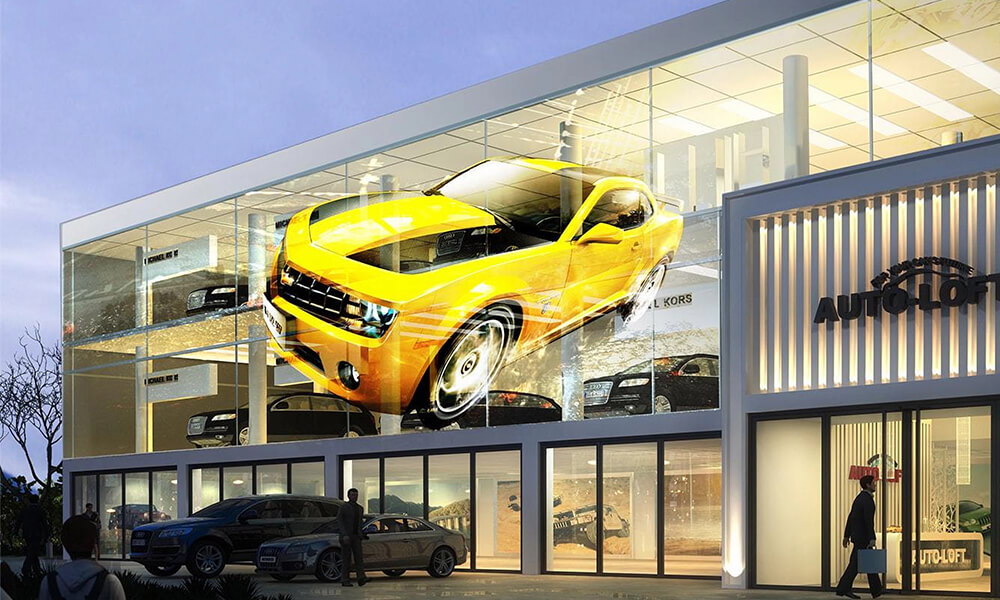
Retail Windows and Shopping Malls
Transparent LED displays can show promotions, product launches, and seasonal campaigns while shoppers still see merchandise behind the glass. Retail content should use large text, clear calls to action, and strong color contrast because daylight and reflections reduce perceived contrast.
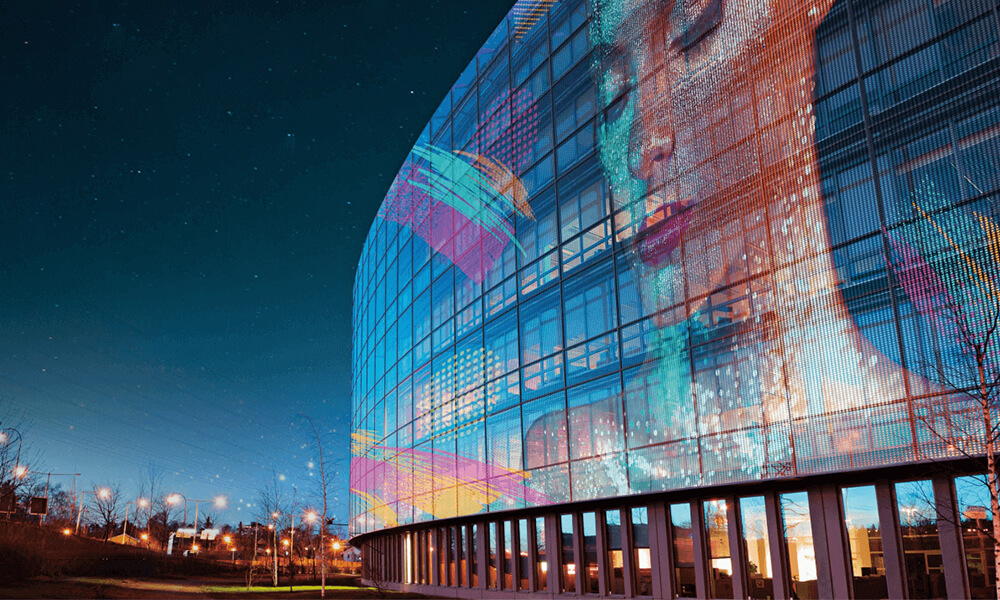
Corporate Atriums and Glass Facades
Companies use transparent screens for branding, visitor information, data visualization, and digital art. The screen can create a media surface without permanently turning the glass into an opaque wall.
Exhibitions, Museums, and Showrooms
A transparent display can place animation or explanatory graphics in front of a physical product or exhibit. Designers should test the combined image, background, and lighting so the digital layer does not hide the object being explained.
Stages and Live Events
Suspended or ground-supported transparent panels can add depth to a stage design while leaving performers and scenery visible. Camera tests are important because refresh rate, scan design, shutter settings, and pixel pitch can create flicker or moire.
Transport Hubs and Public Spaces
Airports, stations, and large public interiors can use transparent LED displays for directions, advertising, and service messages. Accessibility, emergency signage, viewing height, fire safety, and maintenance access must remain part of the design.
How to Choose a Transparent LED Display
1. Define the Viewing Distance and Content
Choose pixel pitch from the nearest important viewing distance, not from the screen dimensions alone. Product detail, small text, and close viewing need a finer pitch. Large logos, motion graphics, and longer viewing distances can use a wider pitch.
2. Measure Ambient Light
Record daytime and nighttime light conditions on the screen surface. A window facing direct sun needs more brightness than an indoor atrium, but brightness should also be dimmable after sunset. Ask the supplier for calibrated brightness control and a realistic power estimate at normal content levels.
3. Set a Transparency Target
Decide how much of the store, view, or architecture must remain visible. Then compare transparency using the same measurement method. Marketing percentages are not always measured in the same way, so request drawings that show strip width, module spacing, cables, and frame coverage.
4. Confirm Indoor or Outdoor Conditions
Check water exposure, dust, temperature, humidity, condensation, ultraviolet light, and wind load. A screen mounted behind glass is not automatically protected from heat or condensation. Outdoor installations require a suitable protection rating and engineered structure.
5. Plan Service Access
Confirm whether modules, power supplies, receiving cards, and cables are serviced from the front or rear. Leave enough clearance to replace parts without removing large glass panels or closing the surrounding business area.
6. Verify the Control Workflow
List every input source, resolution, aspect ratio, playback schedule, network requirement, and remote-management need. A synchronized live source may need a LED video controller, while scheduled advertising may use an LED media player.
7. Review the Sample Before Ordering
Test a representative cabinet with final content at the actual viewing distance and ambient light. Check seams, grayscale, color uniformity, reflections, camera performance, sound from cooling equipment, and the visibility of cables from both sides.
Installation and Safety Checklist
- Have the wall, ceiling, floor, glass system, and supporting frame reviewed by qualified professionals.
- Do not drill, clamp, or load glass without approval from the glazing and structural teams.
- Confirm maximum power, distribution, grounding, surge protection, cable routes, and emergency isolation.
- Provide ventilation and verify temperatures inside the glass cavity under direct sunlight.
- Coordinate fire regulations, sprinkler clearance, egress routes, and required safety signage.
- Use safety cables or secondary retention where required for suspended components.
- Keep access to modules, receiving cards, and LED power supplies.
- Document the final wiring, cabinet map, controller configuration, calibration data, and spare-parts list.
What Determines Transparent LED Display Cost?
Price is driven by pixel pitch, LED quality, screen area, brightness, cabinet design, transparency target, control system, custom structure, installation access, certification, shipping, commissioning, and warranty support. A low hardware price can become expensive if the project needs a custom frame, difficult glass access, frequent servicing, or replacement modules that are not stocked.
Compare quotations on a complete-system basis. Each proposal should identify the exact display model, total active area, spare modules, controller, power distribution, mounting structure, installation scope, training, warranty, and delivery terms. For project-specific guidance, use the contact page to share the glass dimensions, viewing distance, application, installation location, and target schedule.
Frequently Asked Questions
What is the main advantage of a transparent LED display?
Its main advantage is the ability to show bright digital content while preserving part of the view, daylight, or product visibility behind the screen.
Are transparent LED displays completely transparent?
No. LEDs, circuit elements, cables, frames, and supports remain visible. The published transparency percentage describes open area or light transmission under a particular measurement method.
Can transparent LED displays be used outdoors?
Yes, but only when the selected model, connectors, structure, and electrical design are rated for the actual weather, temperature, humidity, and wind conditions. An indoor screen behind glass should not be assumed to meet outdoor requirements.
Can a transparent LED screen show normal video?
Yes. It can show video, images, text, live sources, and scheduled advertising. Content designed with bold elements and dark backgrounds usually makes the see-through effect more convincing.
Do transparent LED displays work in direct sunlight?
High-brightness models can remain visible in bright conditions, but direct sunlight, reflections, window tint, and viewing angle all affect contrast. Test the proposed screen and content at the real site before final approval.
What pixel pitch should I choose?
Start with the nearest important viewing distance and the smallest content detail. A finer pitch suits close viewing and smaller text, while a wider pitch can suit large graphics viewed from farther away and may provide more transparency.
How long does a transparent LED display last?
Manufacturers often publish LED lifetime estimates, but real service life depends on brightness settings, heat, humidity, power quality, maintenance, and component quality. Ask for warranty terms, brightness-degradation criteria, spare-part availability, and service procedures rather than relying on one lifetime number.
What information should I send for a quotation?
Provide the screen width and height, glass dimensions, indoor or outdoor location, nearest viewing distance, ambient light, installation height, content sources, service-access direction, photos or drawings, and required delivery date.
Conclusion
Transparent LED displays are most effective when transparency is a genuine project requirement, not simply a visual novelty. For transparent LED displays, a successful design balances pixel pitch, brightness, transparency, content, structure, electrical capacity, and maintenance access. Define those conditions first, compare models using the same measurement method, and validate the final choice with an on-site or representative sample test.

