
Short answer: NovaStar is usually the safer choice when your LED cabinets, spare receiving cards, technicians, or project specification already rely on NovaLCT, VMP, COEX, Taurus, or VNNOX. Colorlight is usually the better fit when your installed base uses LEDVISION, iSet, Colorlight sending and receiving cards, or ColorlightCloud. Neither brand is universally better. In a NovaStar vs Colorlight decision, the best system is the one that keeps the sender, receiving cards, software, configuration files, spare parts, and support workflow compatible from end to end.
Key takeaways
- Choose the control ecosystem before comparing individual controller model numbers.
- Do not assume NovaStar and Colorlight configuration files, receiving cards, or software are interchangeable.
- Both brands cover synchronous LED control and networked or asynchronous playback.
- Compare the exact bill of materials, not a generic claim that one brand is always cheaper or better.
NovaStar vs Colorlight: which brand should you choose?
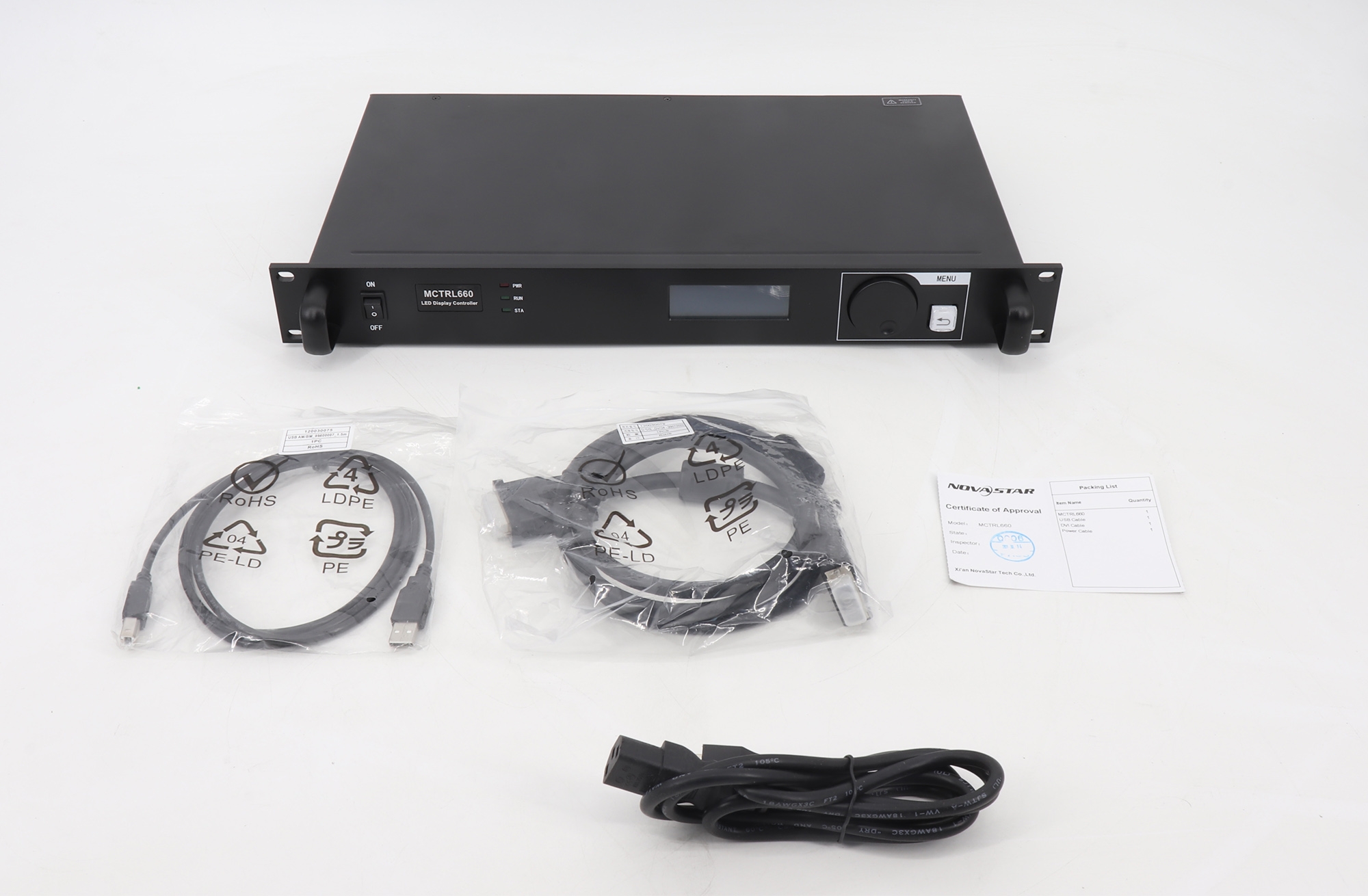
Choose NovaStar when the project documents specify NovaStar, the cabinets already contain NovaStar receiving cards, your technicians work in NovaLCT or VMP, or you need to stay inside the NovaStar COEX, Taurus, and VNNOX ecosystem. Browse the NovaStar product range to see the available controllers, sending devices, receiving cards, and media players.
Choose Colorlight when your screen is already configured with Colorlight receiving cards, the service team uses LEDVISION or iSet, or the deployment is designed around ColorlightCloud and its A-series players. The Colorlight product range shows the current hardware available from our catalog.
If you are starting a new LED display with no installed control hardware, compare two complete, like-for-like proposals. Each proposal should name the controller or sender, receiving-card model, software version, cabinet mapping method, backup path, redundancy option, spare quantity, warranty, and local technical support. Choosing only by controller pixel capacity creates hidden compatibility and service costs later.
NovaStar vs Colorlight LED control system comparison
| Decision area | NovaStar | Colorlight | What to verify |
|---|---|---|---|
| Synchronous control | COEX and legacy control-system families, plus controllers and receiving cards | Sending devices, receiving series, accessories, and professional screen-setting software | Exact sender, receiver, port count, loading map, and redundancy design |
| Configuration software | NovaLCT for many legacy systems; VMP for COEX workflows | LEDVISION in many conventional workflows; iSet in current professional screen-setting workflows | Supported hardware, operating system, firmware, and saved configuration format |
| Asynchronous and cloud playback | Taurus multimedia players and Nova Cloud services, including VNNOX workflows | A-series cloud players, cloud platform, and cloud-networked control software | Offline playback, scheduling, remote publishing, network failover, and account ownership |
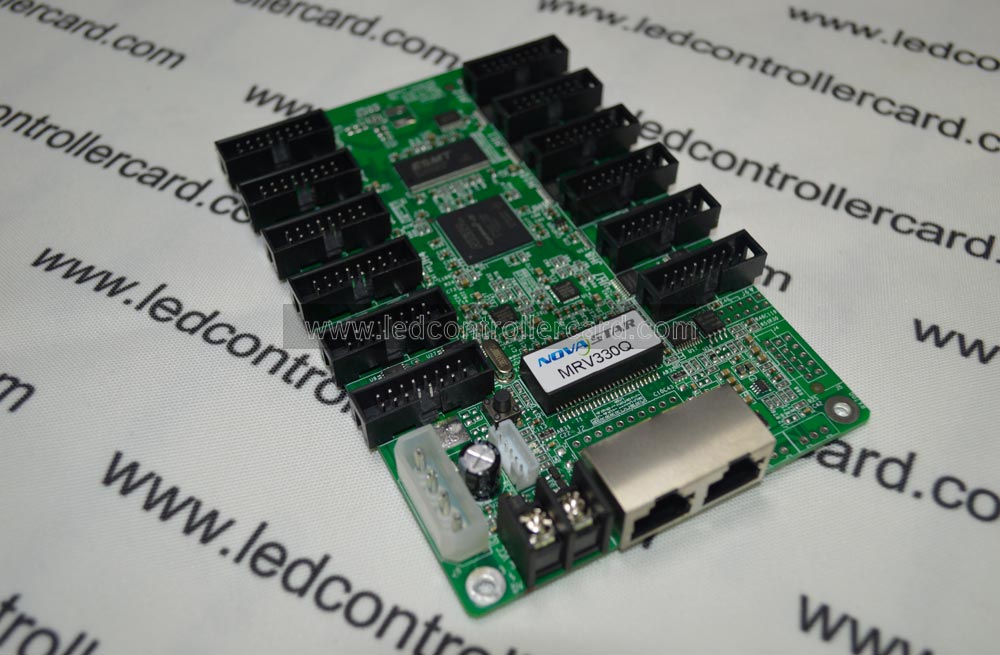
| Receiving cards | BR, 5G, Armor, and MRV families are shown on the official control-system page | Dedicated receiving-card series sit inside the Colorlight control ecosystem | Hub layout, scan type, driver IC, cabinet file, port mapping, and spare stock |
| Best default fit | Projects already specified, stocked, or trained around NovaStar | Projects already specified, stocked, or trained around Colorlight | Installed base and service capability should outweigh brand preference |
| Price | Varies by model, channel, warranty, spares, and support | Varies by model, channel, warranty, spares, and support | Compare equal loading capacity and the same service scope; do not use a brand-level price assumption |

Compare the hardware and software ecosystem, not only the controller
An LED display control system is a chain. The video source enters a processor, controller, or sending device; data then travels through Ethernet or fiber links to receiving cards inside the cabinets; the receiving cards drive modules according to a cabinet configuration. Software creates screen mapping, calibration, redundancy, and backup files. A mismatch at any step can stop the display even when each individual device appears powerful enough.
NovaStar hardware and software
NovaStar’s official LED Control System portfolio separates COEX 5G and 1G solutions, VMP software, 4K-resolution controllers, 1080p-resolution controllers, 1.3-million-pixel devices, and several receiving-card families. That range is useful when an integrator wants a documented path from standard sending hardware to higher-end processing and COEX workflows.
For many installed systems, NovaLCT remains the practical configuration tool. Newer COEX projects use VMP. The correct software is therefore determined by the controller and receiver generation, not by the NovaStar name alone. Use our NovaStar software download center to identify NovaLCT, VMP, ViPlex, firmware, manuals, and compatibility references before changing a working screen.
Colorlight hardware and software
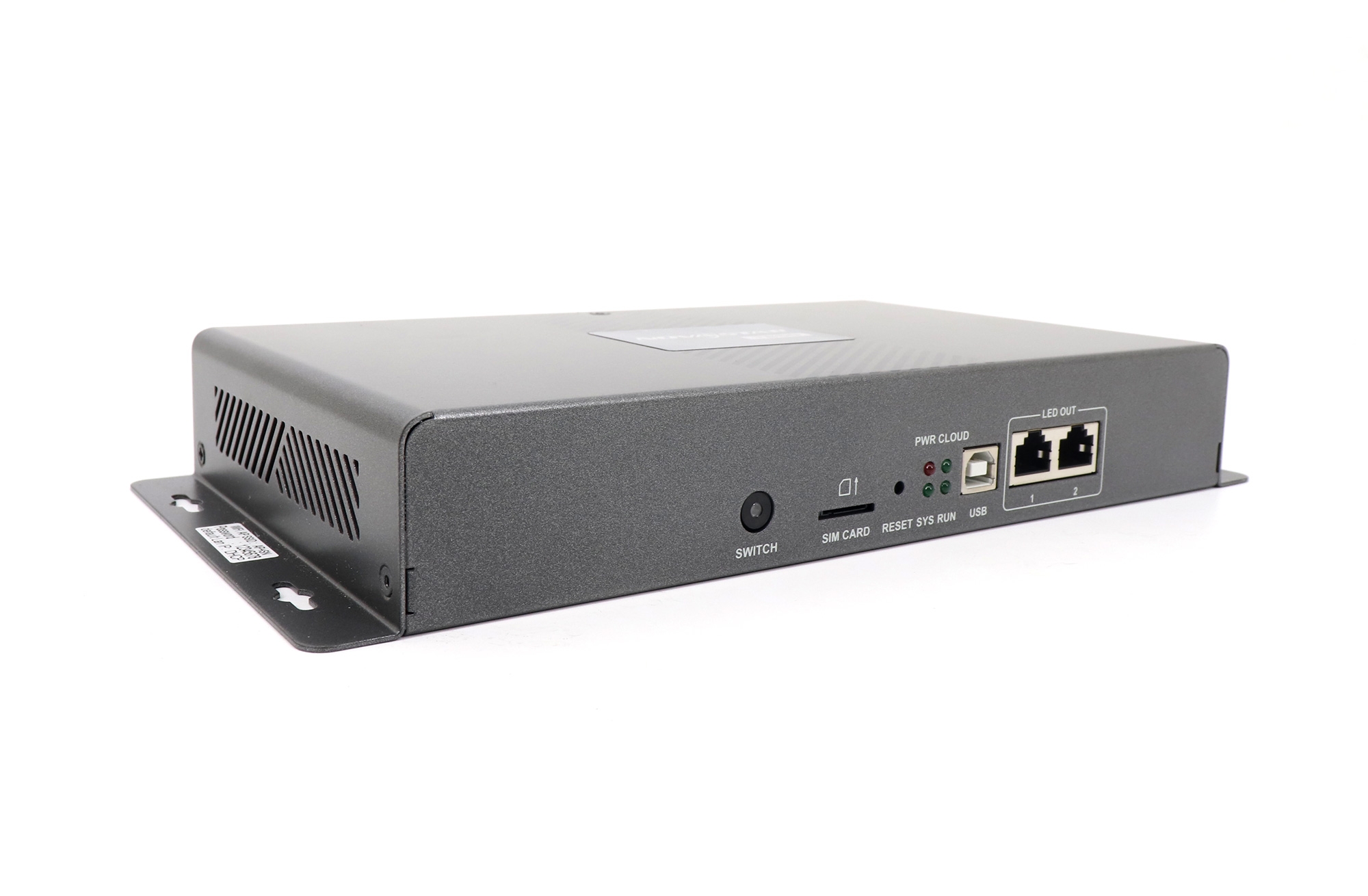
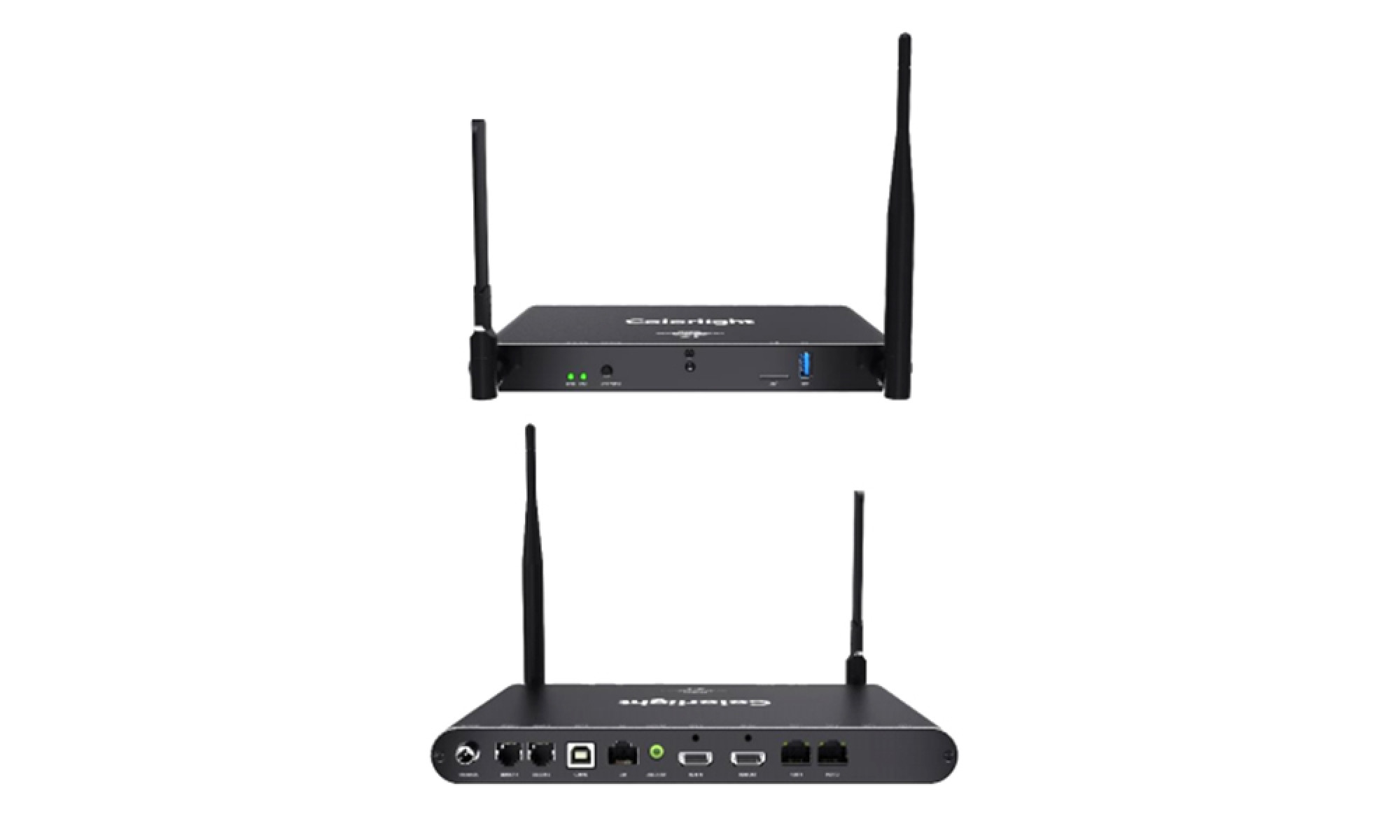
Colorlight’s official control-system catalog separates sending devices, receiving products, accessories, and professional screen-setting software. Its current sending families shown in that catalog include S20/S20F and S6F/S4/S2. The official S6F/S4/S2 information also identifies HDMI and DVI input with loop output, illustrating why input type and signal routing should be checked model by model.
LEDVISION appears in many conventional Colorlight installations, while iSet is Colorlight’s professional display setting and control software for current workflows. Our Colorlight software download center groups LEDVISION, iSet, firmware, manuals, and specifications so technicians can match the software package to the actual controller and receiving cards.
Synchronous vs asynchronous control and cloud playback
A synchronous LED controller displays a live input in real time. It is the usual approach for rental stages, broadcast, control rooms, houses of worship, conference screens, and other applications where the LED wall follows an HDMI, SDI, DVI, DisplayPort, or networked production source.
An asynchronous LED controller or multimedia player stores content locally and plays it according to a schedule. It suits roadside signs, retail networks, menu boards, public information displays, and screens that must continue playing without a connected production computer. Some players combine asynchronous playback with live-input capability, so the exact operating mode must be verified on the selected model.
Both brands cover this area. NovaStar’s official Nova Cloud portfolio lists Taurus TB10 Plus, TB20 Plus, TB30, TB50, and TB60 multimedia players plus Nova Cloud services. Colorlight’s official cloud-networking catalog lists A800/A500, A200/A100, A35, and A4K/A2K player families, together with a cloud platform and cloud-networked control software. Colorlight is therefore not only a conventional receiving-card brand, and NovaStar is not only a live-event controller brand.
NovaStar vs Colorlight receiving cards and configuration compatibility
Do not design a project on the assumption that NovaStar and Colorlight receiving cards can be mixed. As a default engineering rule, keep the sending device, receiving cards, configuration software, firmware, and cabinet files within one verified ecosystem. If a manufacturer or experienced integrator proposes a mixed chain, require written compatibility for the exact models and firmware versions before purchase.
NovaStar RCFG or RCFGX files and Colorlight RCVP or RCVBP files are not interchangeable formats. A file that works for one cabinet also should not be treated as a universal file for every cabinet with the same pixel pitch. Module dimensions, scan mode, driver IC, data groups, hub pinout, color order, and receiver mapping can differ.
Before replacing any sender, controller, or receiving card:
- Export and label the working configuration and screen-connection map.
- Photograph receiver models, hub boards, cable direction, and port numbering.
- Record the current software and firmware versions.
- Confirm the spare card uses the same model or an approved replacement path.
- Test one cabinet or a controlled section before sending parameters to the full screen.
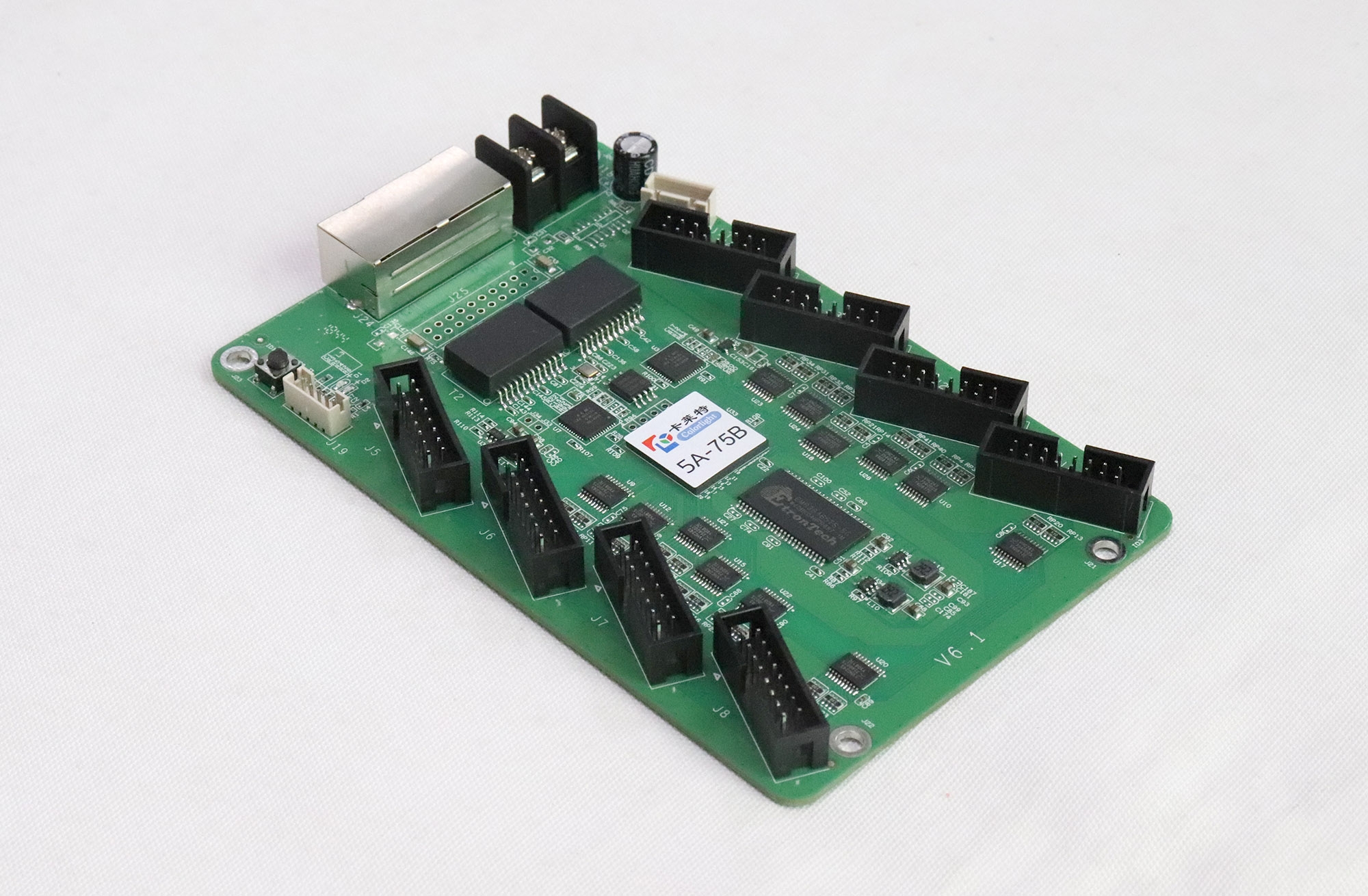
Seven checks before choosing a NovaStar or Colorlight controller
- Identify the installed receiving cards. For an existing display, this is usually the first constraint. Replacing only the front-end controller does not automatically change what is inside every cabinet.
- Calculate actual loading, not only total pixels. Record screen width and height, cabinet resolution, Ethernet-port loading, maximum width or height per port, frame rate, color depth, and required input formats.
- Confirm the software path. Write down whether the project will use NovaLCT, VMP, ViPlex, LEDVISION, iSet, VNNOX, ColorlightCloud, or another named platform. Verify supported hardware and operating systems before delivery.
- Define live, scheduled, or hybrid playback. A rental wall following a switcher has a different workflow from 50 retail signs receiving weekly cloud updates. The correct controller architecture follows the content workflow.
- Specify redundancy and recovery. Check input backup, sender backup, loop or hot-backup behavior, dual power where required, configuration backups, and the time needed to restore a failed cabinet or controller.
- Audit technician and spare-part readiness. A familiar ecosystem with labeled files and stocked receiving cards often recovers faster than a theoretically stronger product nobody on site knows.
- Compare total delivered scope. Put controller, receivers, hubs, fiber converters, licenses or cloud services, spares, warranty, freight, commissioning, and support into the same quotation. That is the fair NovaStar controller vs Colorlight controller comparison.
Which LED control system fits each project type?
| Project | Recommended starting point | Reason |
|---|---|---|
| Existing NovaStar screen | Stay with a verified NovaStar replacement path | Preserves receiver, configuration, spares, and technician continuity |
| Existing Colorlight screen | Stay with a verified Colorlight replacement path | Preserves receiver, configuration, spares, and technician continuity |
| Rental or live production | Choose the ecosystem your operators and partner rental houses can support | Fast setup, known backup procedures, and cross-rental spares matter during a show |
| Retail or distributed signage | Compare Taurus/VNNOX with Colorlight A-series/ColorlightCloud as complete workflows | Scheduling, remote publishing, monitoring, account control, and offline recovery decide the result |
| New fixed installation | Request equal-scope proposals from both ecosystems | A clean project allows a fair hardware, service, and lifecycle comparison |
| Switching brands | Treat it as a controlled system migration | Receivers, files, firmware, training, commissioning, and spares may all change |
Our storefront review on September 1, 2026 found 211 NovaStar product listings and 112 Colorlight product listings in the respective brand archives. This is first-party catalog data, not a claim about global market share. It shows that both ecosystems have substantial hardware coverage on this site, while the NovaStar assortment is currently broader in our catalog.
Common NovaStar vs Colorlight selection mistakes
- Comparing brand reputation instead of exact models. A current all-in-one controller and an older sending box are not equivalent just because they carry different logos.
- Assuming all receiving cards are interchangeable. Receiver compatibility, hub mapping, cabinet files, and firmware must be verified.
- Choosing by total pixel count alone. Port loading, maximum width or height, inputs, scaling, frame rate, bit depth, latency, fiber distance, and redundancy can be equally important.
- Treating NovaLCT vs LEDVISION as the complete comparison. VMP, iSet, ViPlex, VNNOX, ColorlightCloud, firmware tools, and the exact hardware generation also affect the workflow.
- Using an unverified configuration file. Back up the working screen first and test a limited area before sending new parameters to every cabinet.
- Ignoring account ownership. For cloud-managed signs, the customer should know who controls the platform account, content permissions, device transfer, and recovery credentials.
- Buying without spares and support. Include receiving cards, power supplies, hub boards, data cables, and a tested recovery package in the handover.
Frequently asked questions
Which is better, NovaStar or Colorlight?
Neither brand is better for every LED display. NovaStar is the stronger fit when the installed hardware, specification, technicians, or spares already use the NovaStar ecosystem. Colorlight is the stronger fit when the project is already designed around Colorlight hardware, LEDVISION or iSet, and ColorlightCloud. For a new screen, compare two complete system proposals.
Can NovaStar and Colorlight receiving cards be used together?
Do not assume they can be mixed. Use a matched sender, receiving-card, firmware, software, and configuration-file chain unless the manufacturer or integrator confirms the exact cross-brand models in writing and demonstrates them before deployment.
Is NovaLCT compatible with Colorlight controllers?
NovaLCT is NovaStar configuration software and should not be treated as the setup tool for Colorlight controllers. Colorlight installations commonly use LEDVISION or iSet, depending on the hardware generation and workflow. Always download the software specified for the exact controller and receiving cards.
Do both NovaStar and Colorlight support asynchronous LED control?
Yes. NovaStar offers Taurus multimedia players and Nova Cloud services, while Colorlight offers A-series cloud players, a cloud platform, and cloud-networked playback software. Compare scheduling, remote publishing, monitoring, connectivity, offline behavior, and account management for the selected models.
What information is needed to choose an LED controller?
Provide screen width and height in pixels, cabinet resolution and quantity, current receiving-card model, input formats, live or scheduled playback requirement, frame rate, bit depth, maximum cable distance, redundancy needs, software preference, spare strategy, and service location. Photos of the receiving cards and cabinet wiring are also valuable for an existing screen.
Sources and review method
This comparison was reviewed on September 1, 2026. We compared official manufacturer portfolio pages and software paths with the active LedControllerCard product catalog. Product families change, so confirm the current datasheet, firmware, and hardware/software compatibility matrix before ordering or migrating a screen.
- NovaStar official LED Control System portfolio
- NovaStar official Nova Cloud portfolio
- NovaStar official downloads and compatibility resources
- Colorlight official control-system portfolio
- Colorlight official iSet information
- Colorlight official cloud-networking portfolio
Method limitation: this is an ecosystem and procurement comparison, not a laboratory image-quality test of two specific controllers. It does not publish a universal price ranking because model scope, warranty, spares, software services, freight, and commissioning differ by quotation. No unverified statistics or attributed quotes were used.
Final recommendation
For an existing screen, preserve the installed ecosystem unless there is a documented reason to migrate. For a new screen, compare complete NovaStar and Colorlight bills of materials against the same seven checks above. If you need help matching a controller to an existing cabinet, send us the screen resolution, receiving-card photos, cabinet configuration, inputs, and control workflow.

